








How to activate
- Install Steam and sign in to your account (a free account is enough).
- In the top menu choose Games → Activate a Product on Steam…
- Enter your key exactly as shown in your order (with dashes) and confirm. The game appears in your library.
About
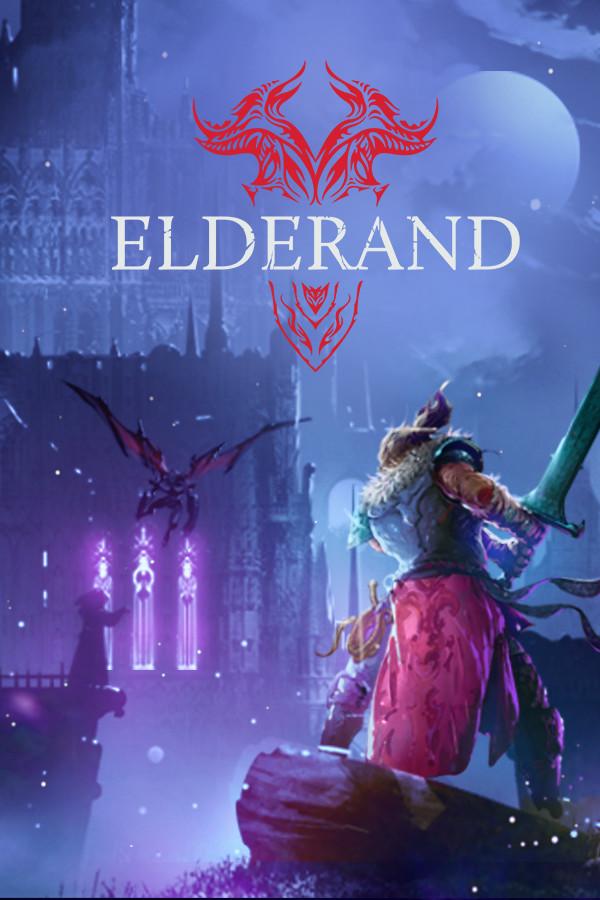
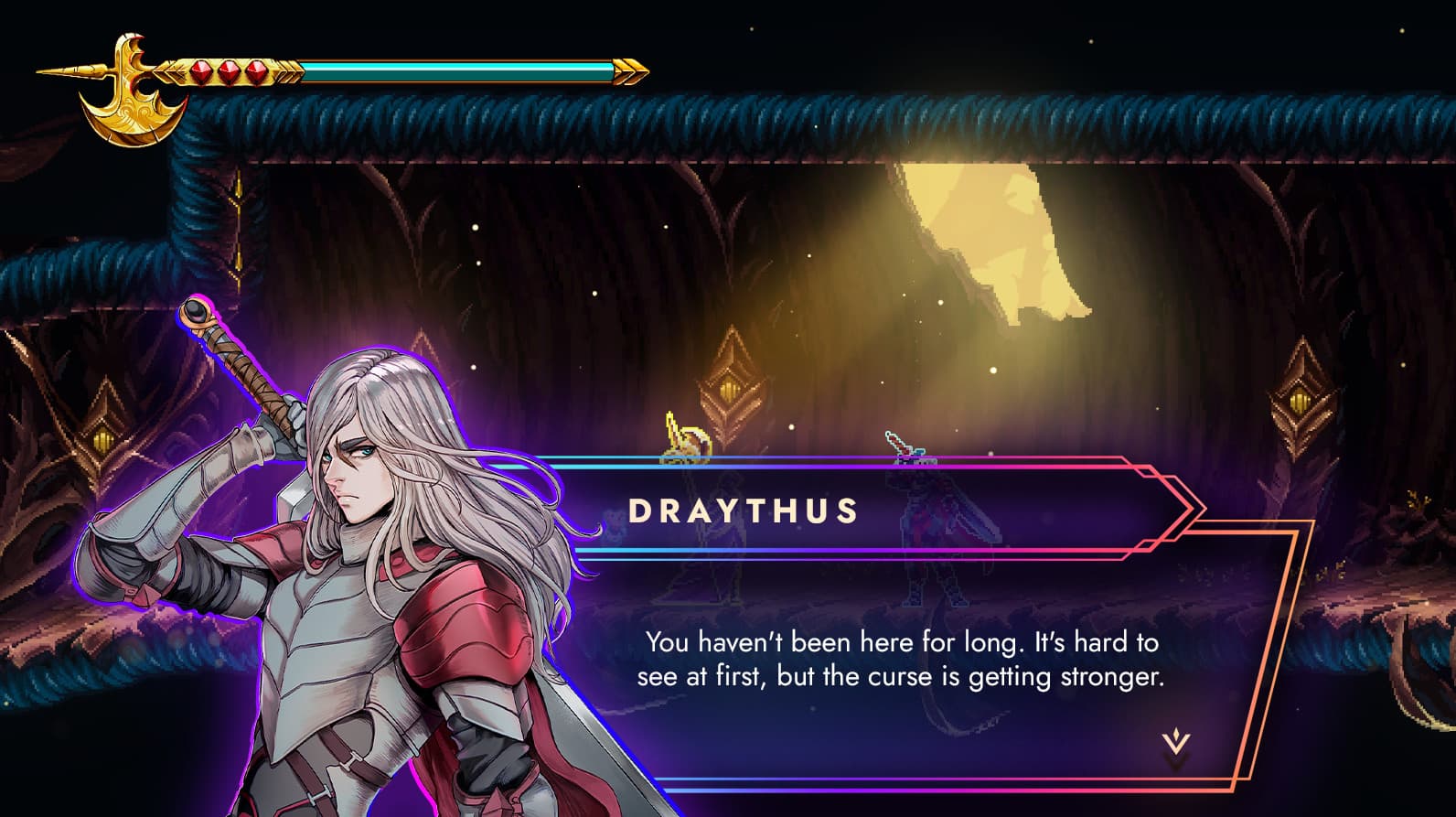
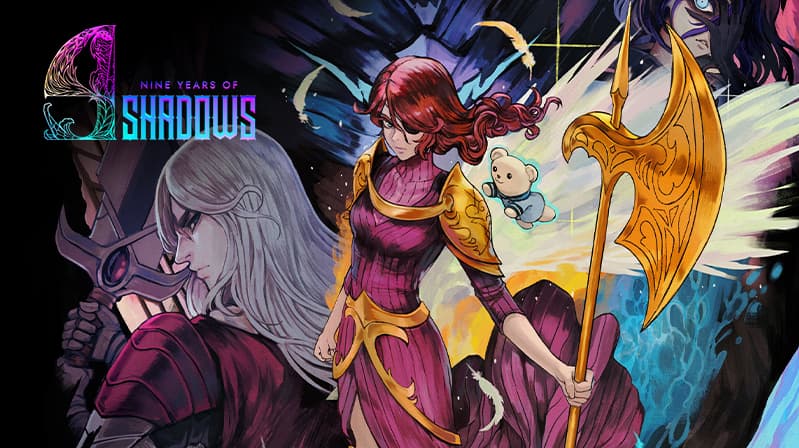
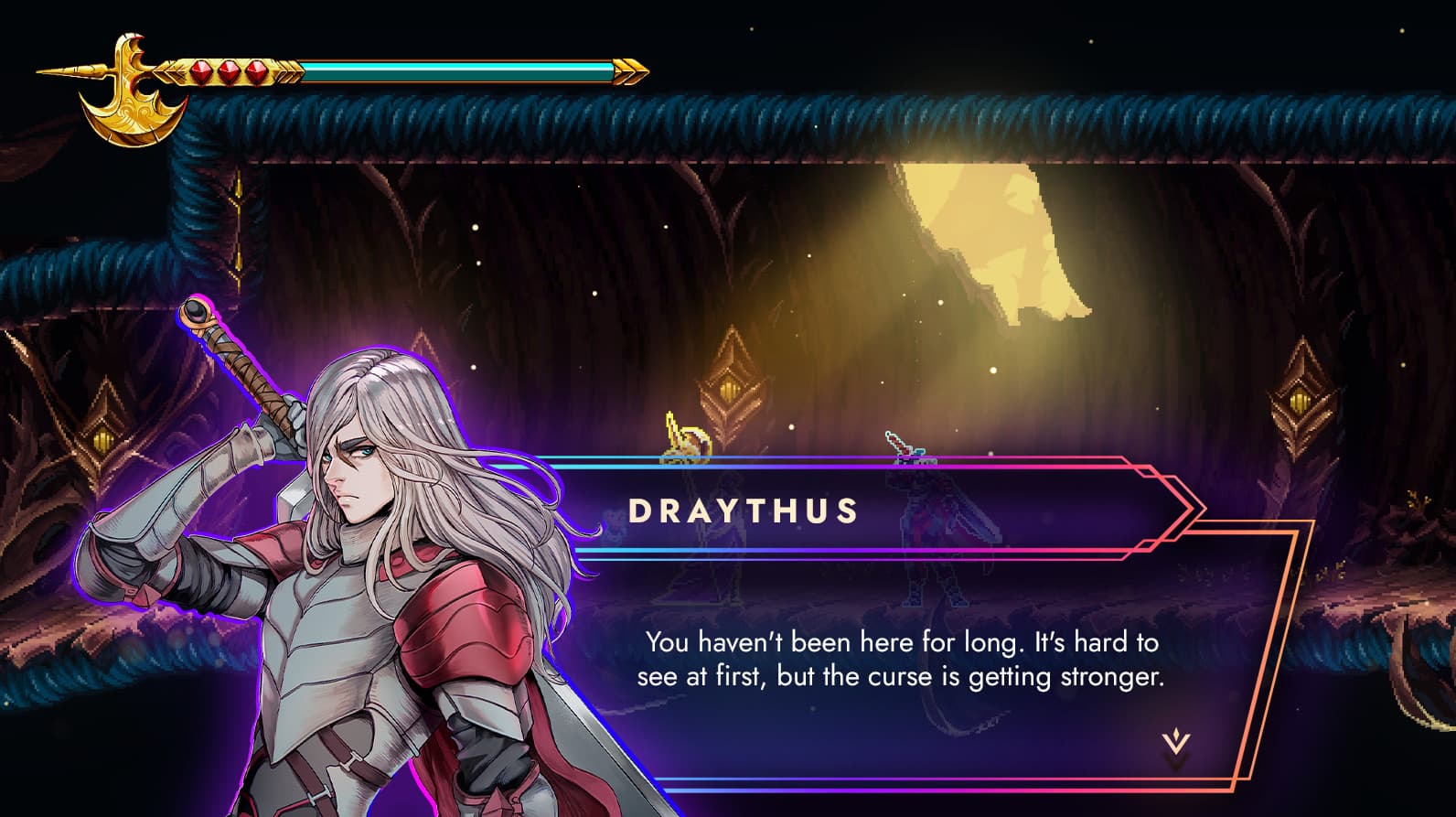
A Curse of Shadows
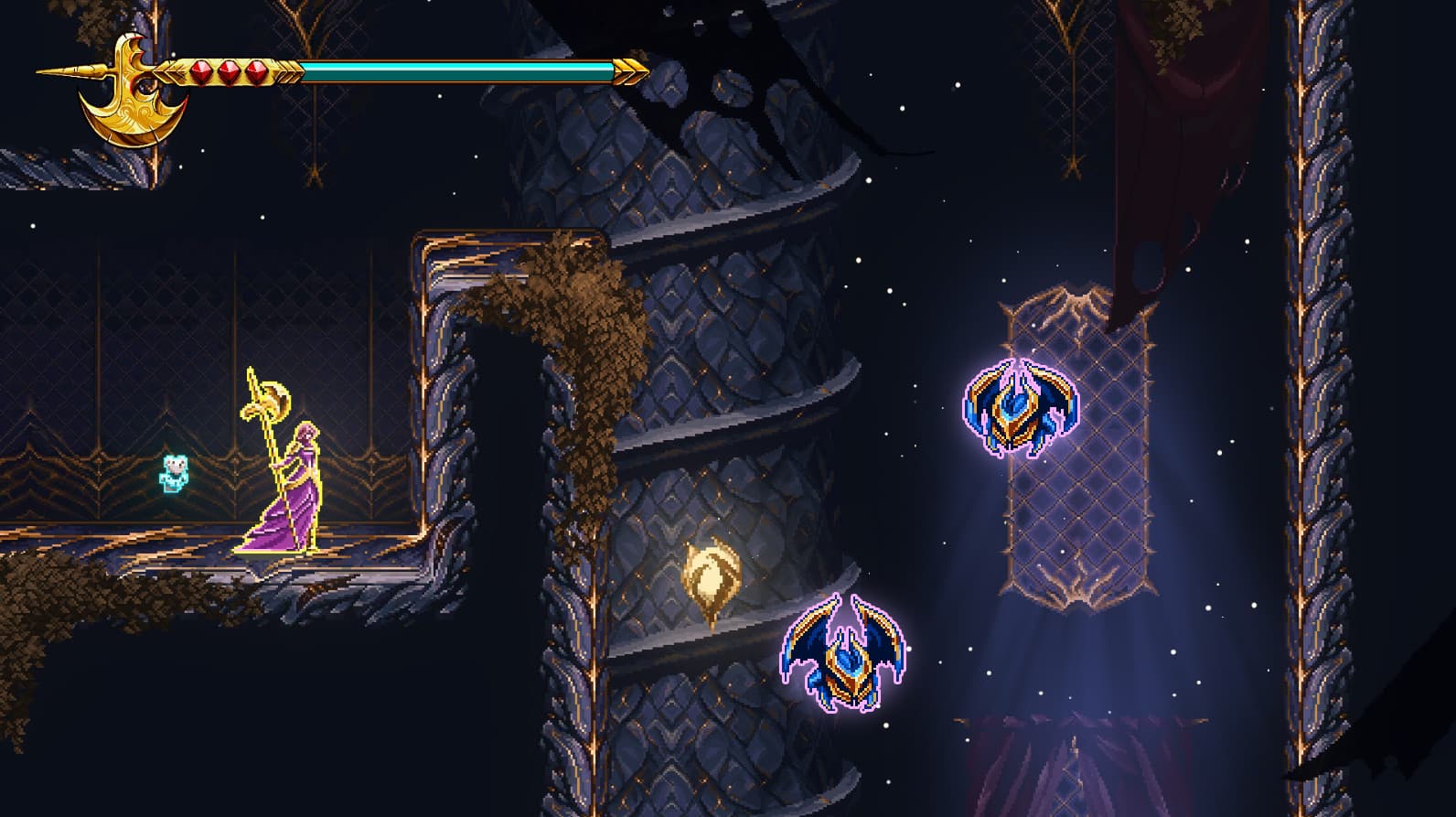
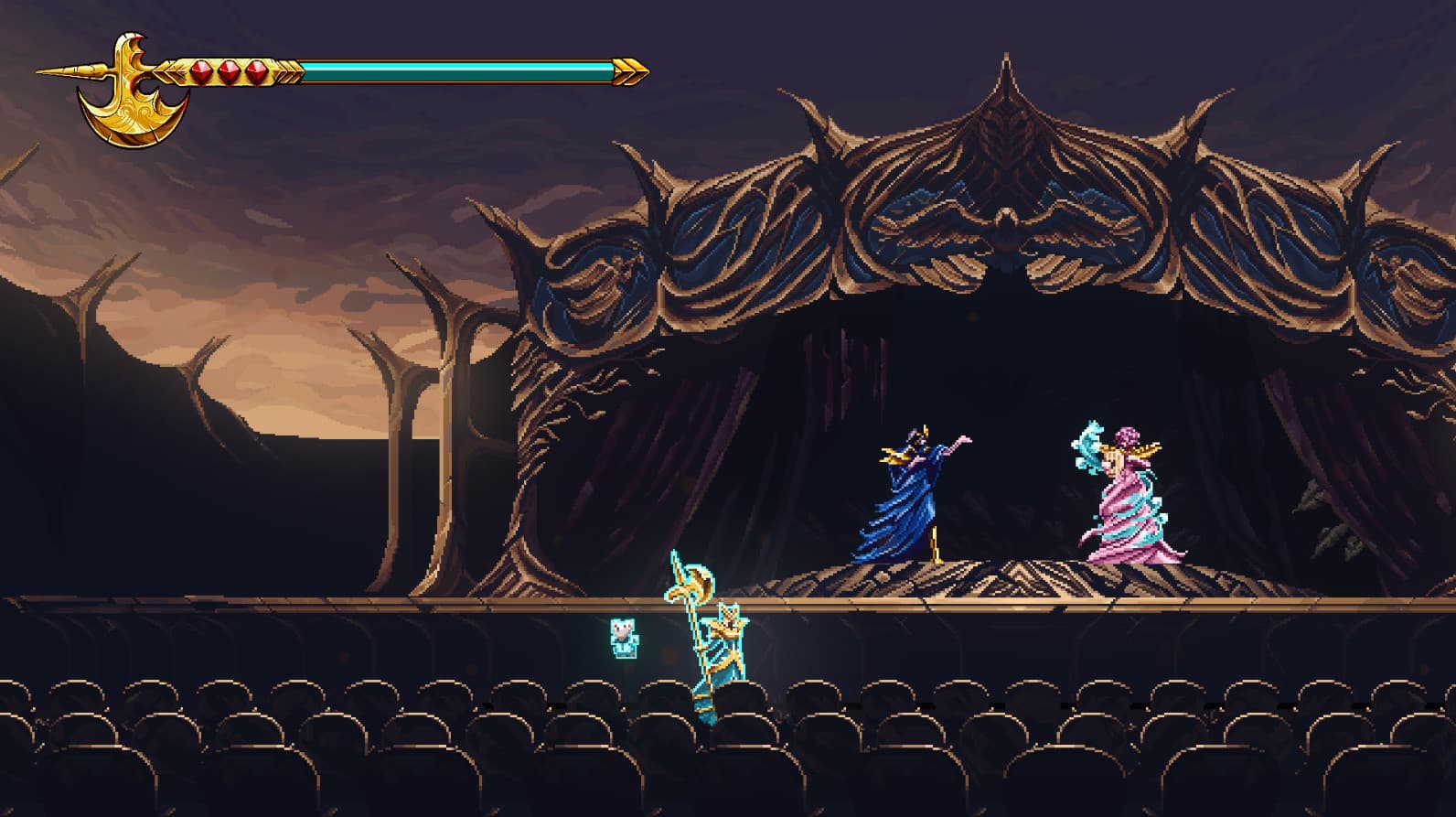
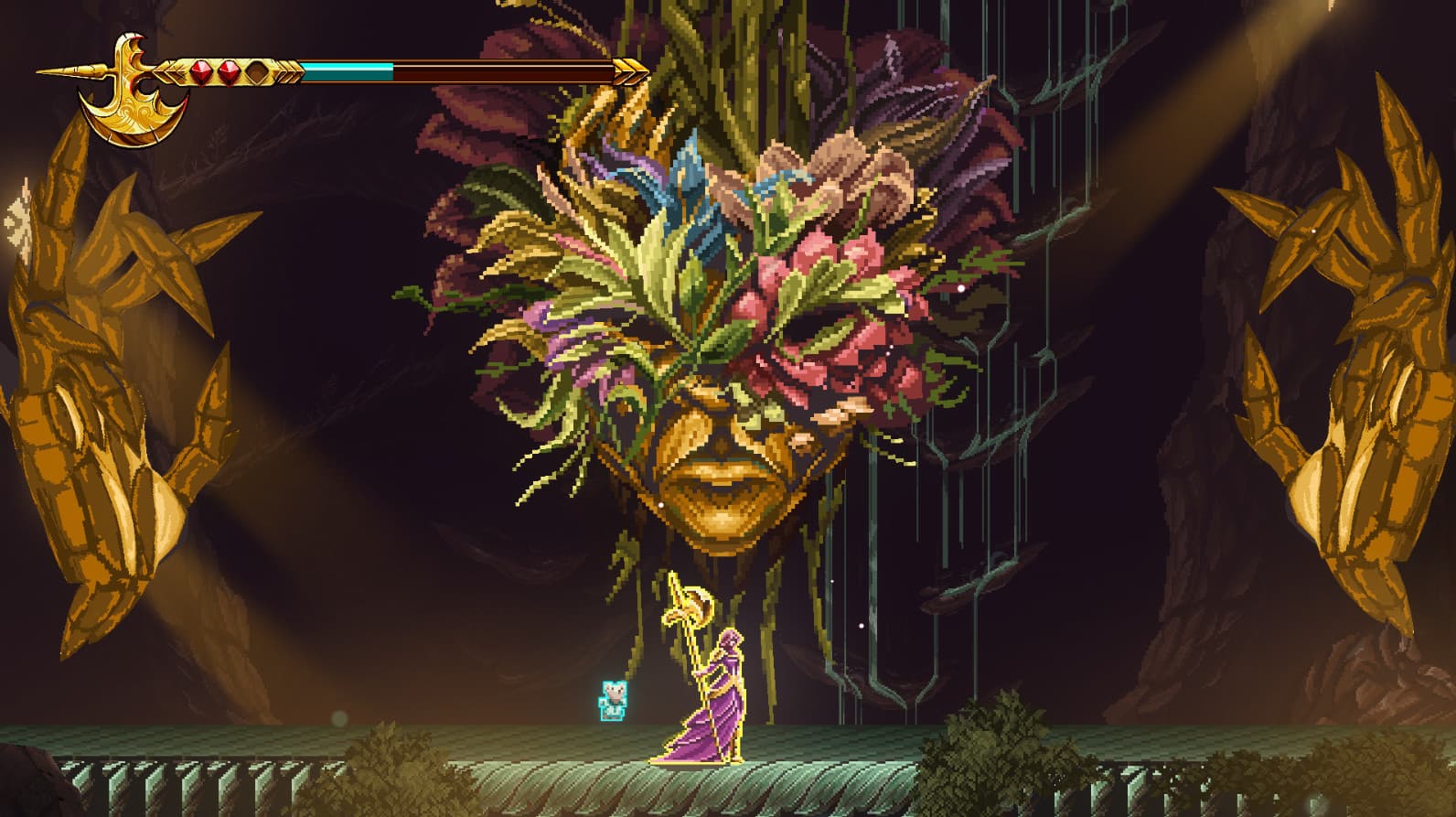
A fateful night of sorrow and ancient magic changed the life of a young child forever, and with it, everything else as mankind knew it. For 9 long years, the world has been submerged in the deepest of shadows, robbing every object and living creature of their color, their joy, and most importantly, hope. ...
System Requirements
Minimum
- Requires a 64-bit processor and operating system
- OS
- Windows 10
- Processor
- Intel Core i3-9100F
- Memory
- 8 GB RAM
- Graphics
- GT 730
Recommended
- Requires a 64-bit processor and operating system
- OS
- Windows 10
- Processor
- Intel Core i3-9100F
- Memory
- 8 GB RAM
- Graphics
- GT 730