



How to activate
- Install Steam and sign in to your account (a free account is enough).
- In the top menu choose Games → Activate a Product on Steam…
- Enter your key exactly as shown in your order (with dashes) and confirm. The game appears in your library.
About
This content requires the base game Fighting Fantasy Classics on Steam in order to play.
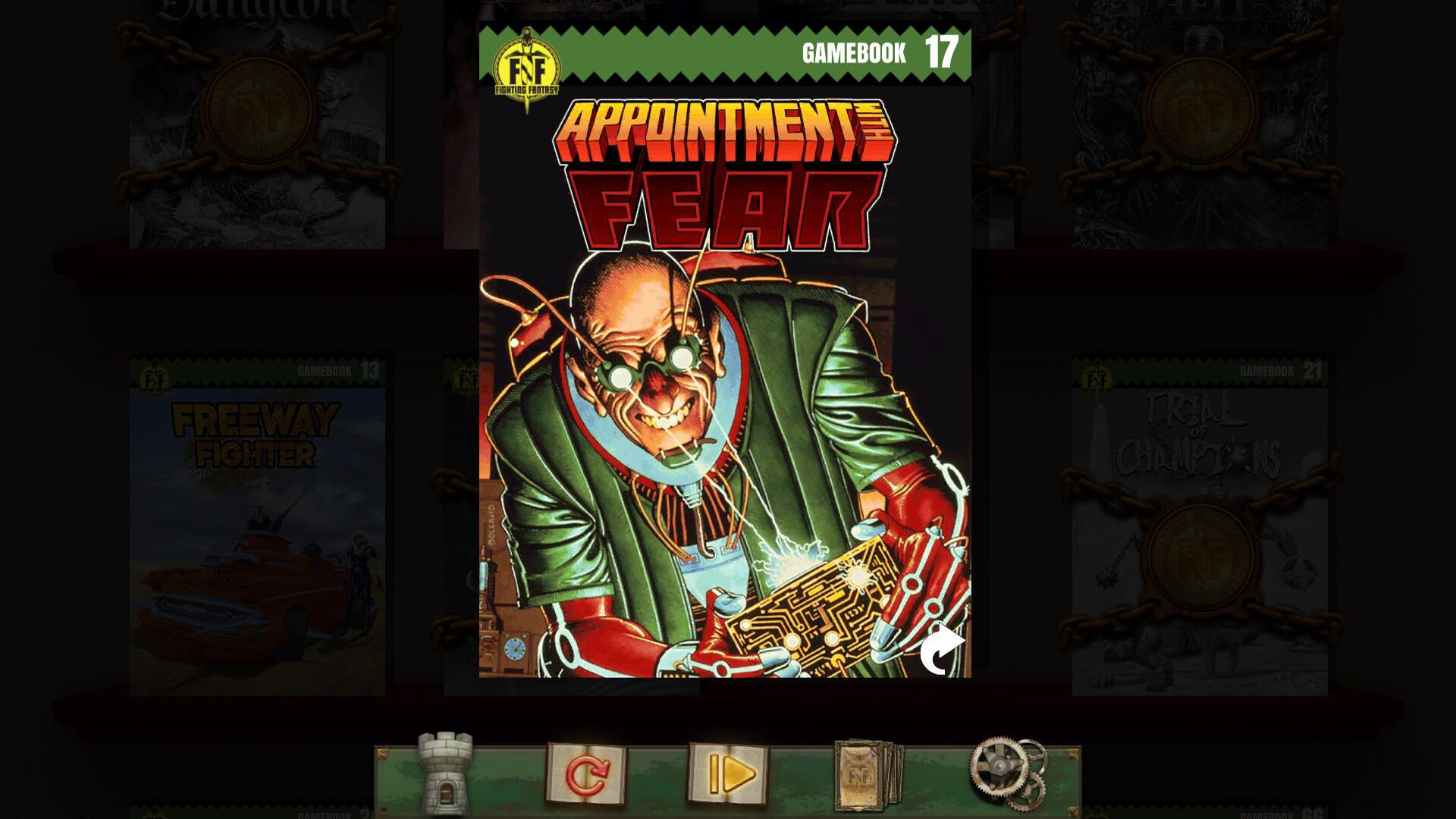
Tough, incorruptible champion of law and order, YOU are a SUPERHERO!
Using your superpowers, you protect the innocent citizens of teeming Titan City from the terrorism, violence, kidnapping and corruption of a host of super-villains. Your mission is to discover the location of the top-secret F.E.A.R. meeting, capture the Titanium Cyborg and his cohorts, and bring them to justice. ...
System Requirements
Minimum
- Windows
- Requires a 64-bit processor and operating system
- OS
- Windows 7
- Processor
- 1.5 GHz
- Memory
- 2 MB RAM
- Graphics
- Hardware Accelerated Graphics with 1GB memory
- macOS
- Requires a 64-bit processor and operating system
- OS
- Mac OS 10.13
- Processor
- 1.5 GHz
Recommended
Legal information
© Tin Man Games Pty Ltd, 2022 Fighting Fantasy is a trademark owned by Steve Jackson and Ian Livingstone, all rights reserved.
You may also like
- Deathtrap Dungeon (Fighting Fantasy Classics)
- Caverns of the Snow Witch (Standalone)
- Armies of Death (Fighting Fantasy Classics)
- Eye of the Dragon (Fighting Fantasy Classics)

- Assassins of Allansia (Fighting Fantasy Classics)

- Table of Tales: The Crooked Crown
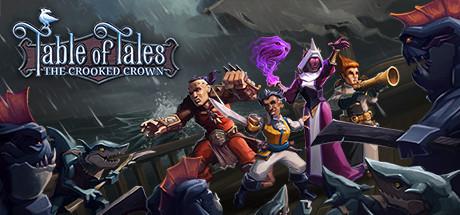
- The Port of Peril (Fighting Fantasy Classics)

- House of Hell (Standalone)
