








How to activate
- Install Steam and sign in to your account (a free account is enough).
- In the top menu choose Games → Activate a Product on Steam…
- Enter your key exactly as shown in your order (with dashes) and confirm. The game appears in your library.
About
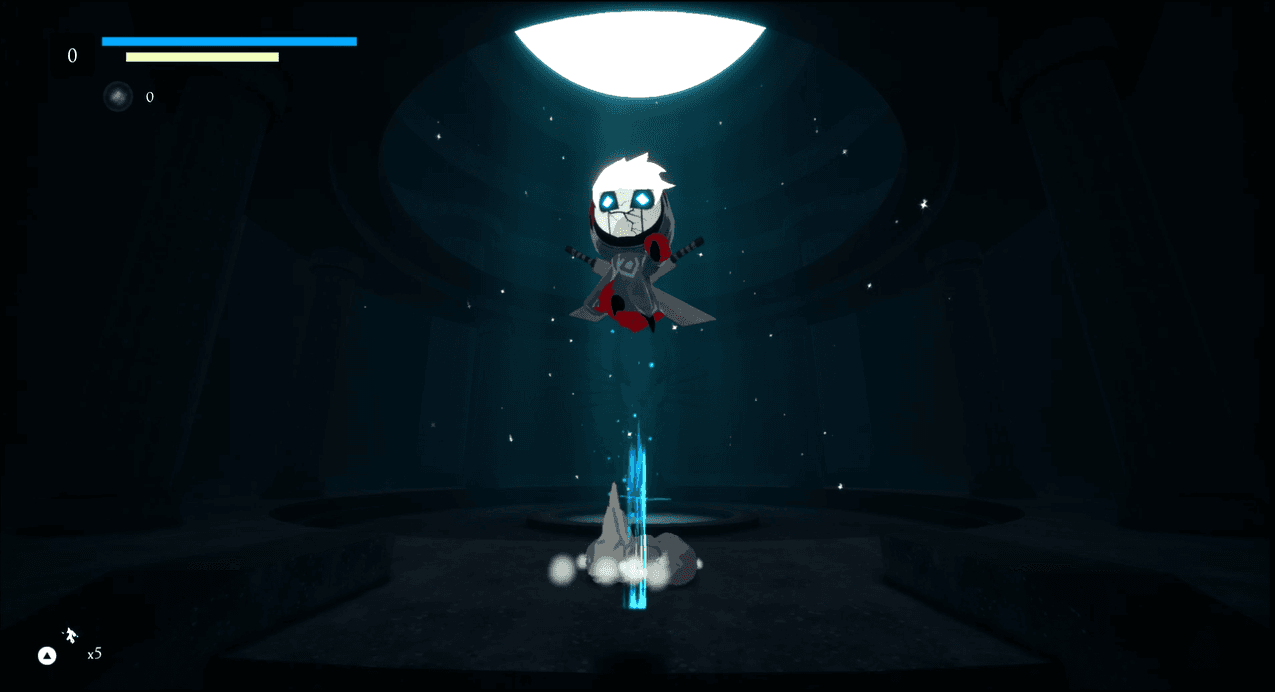
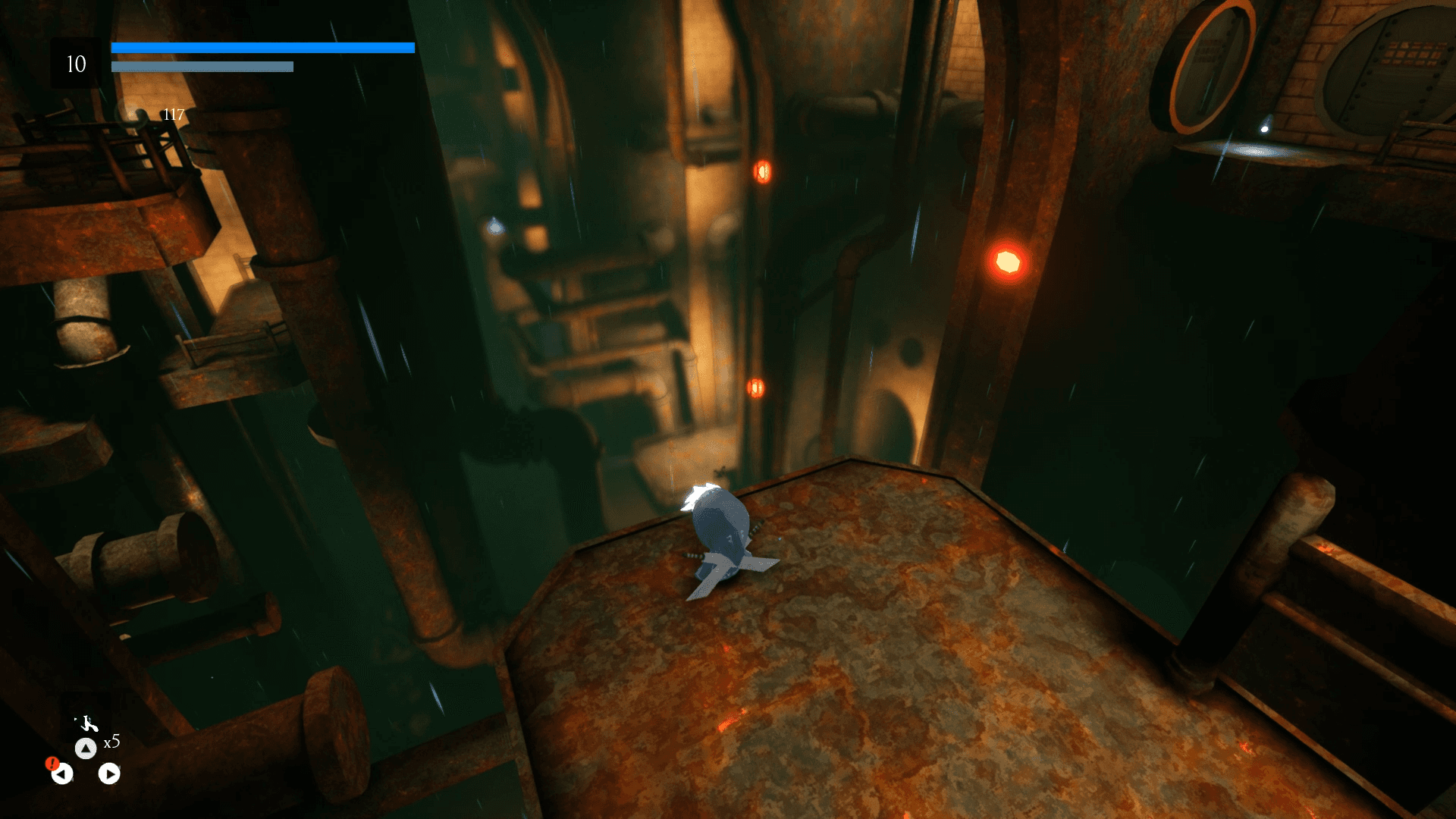
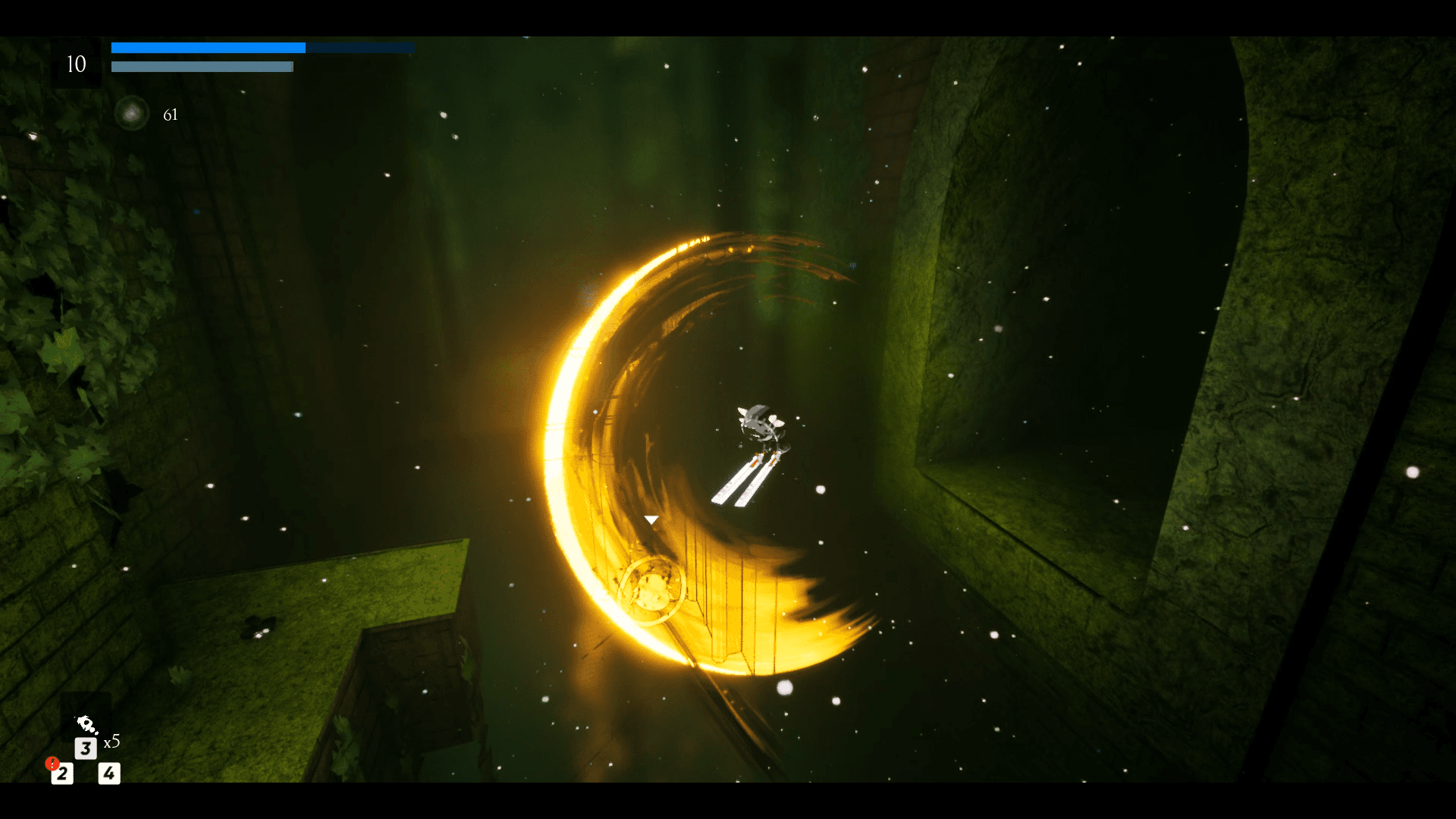
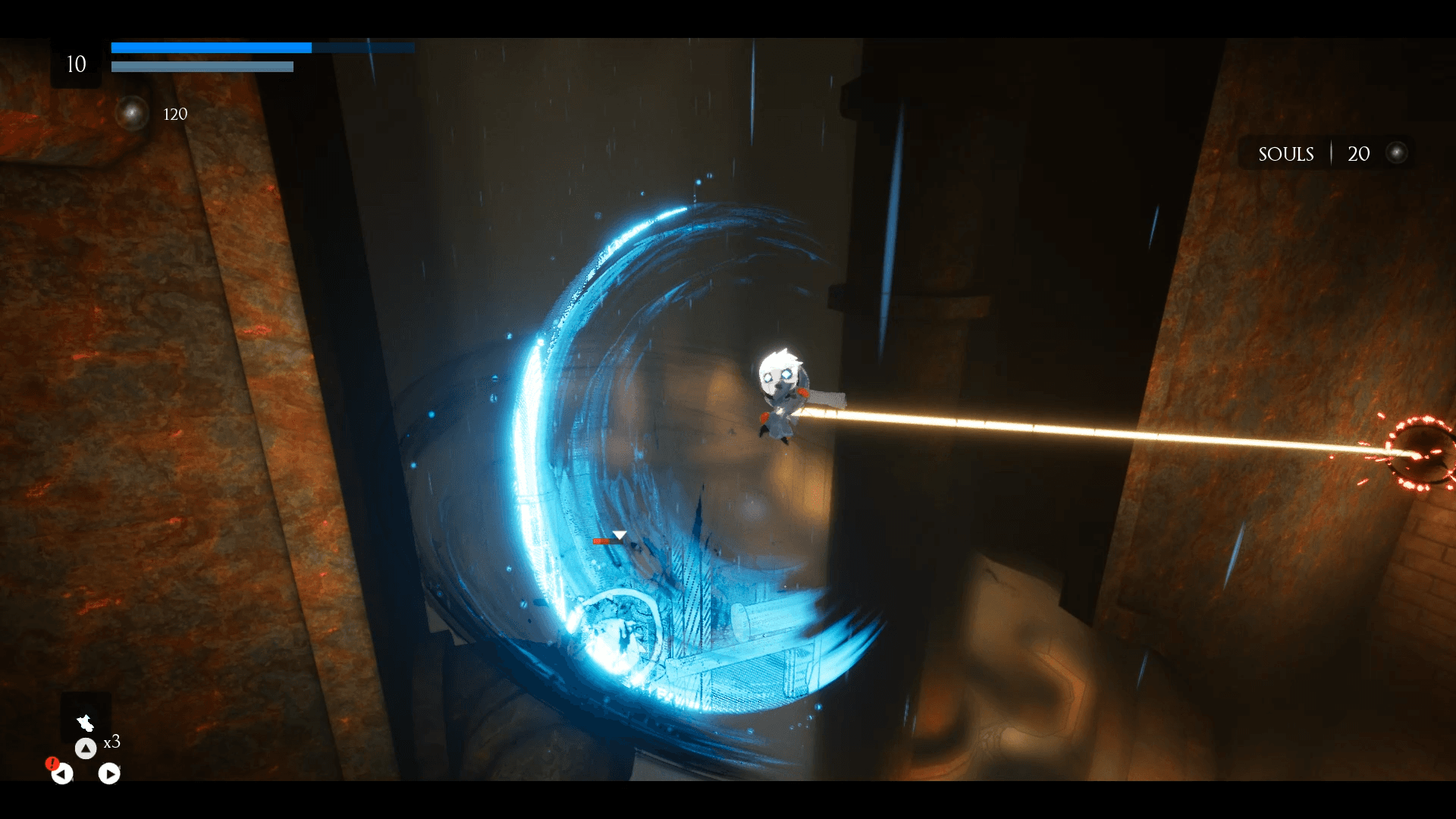
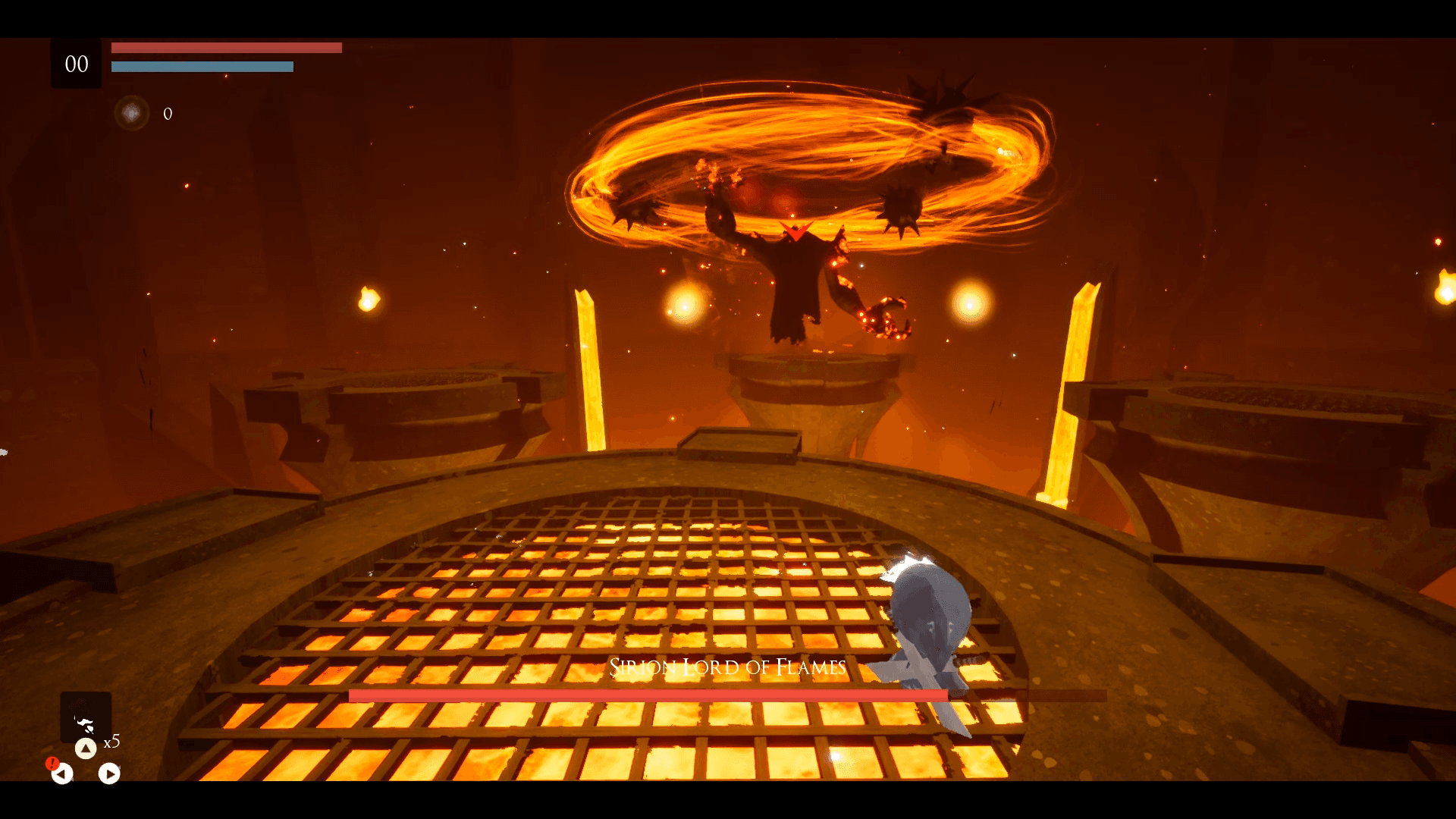
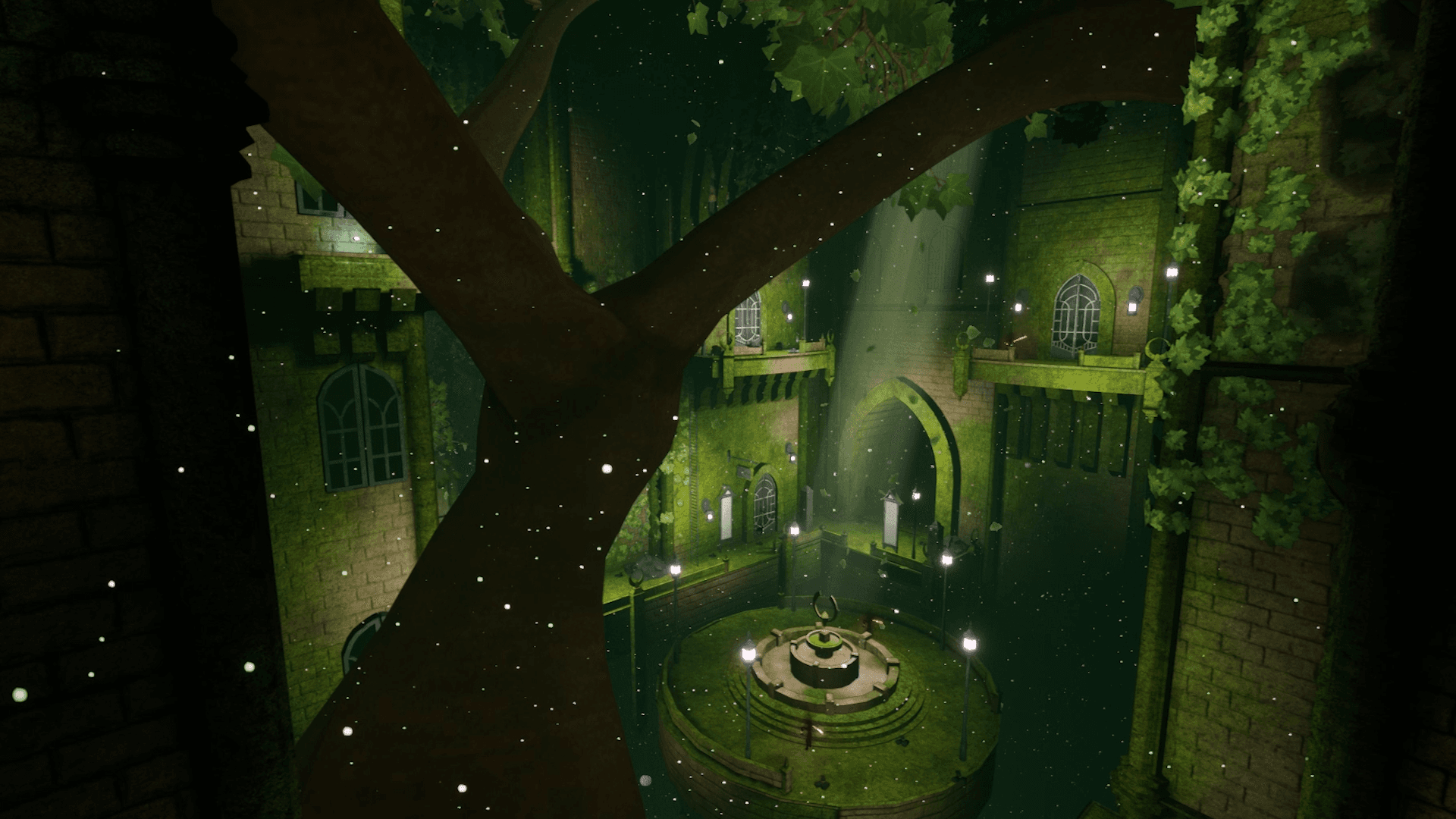
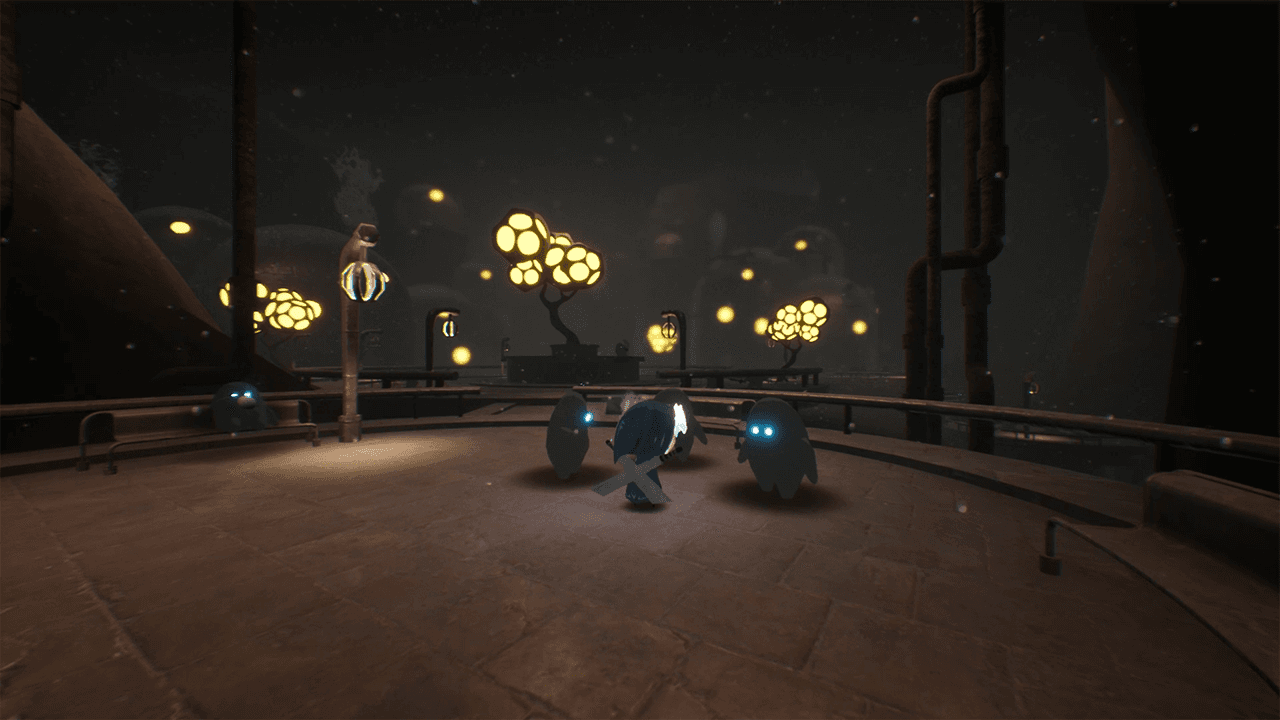
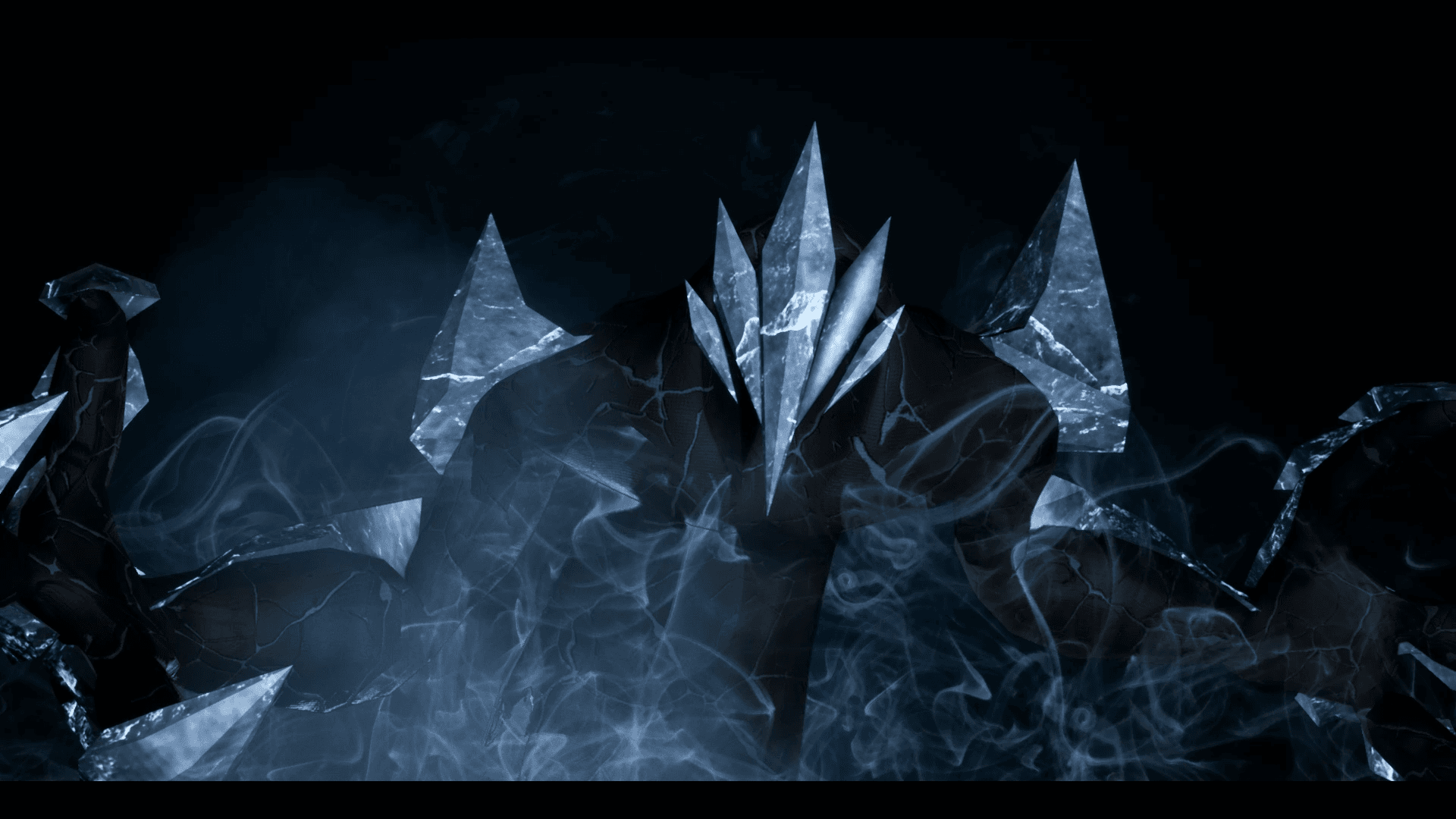
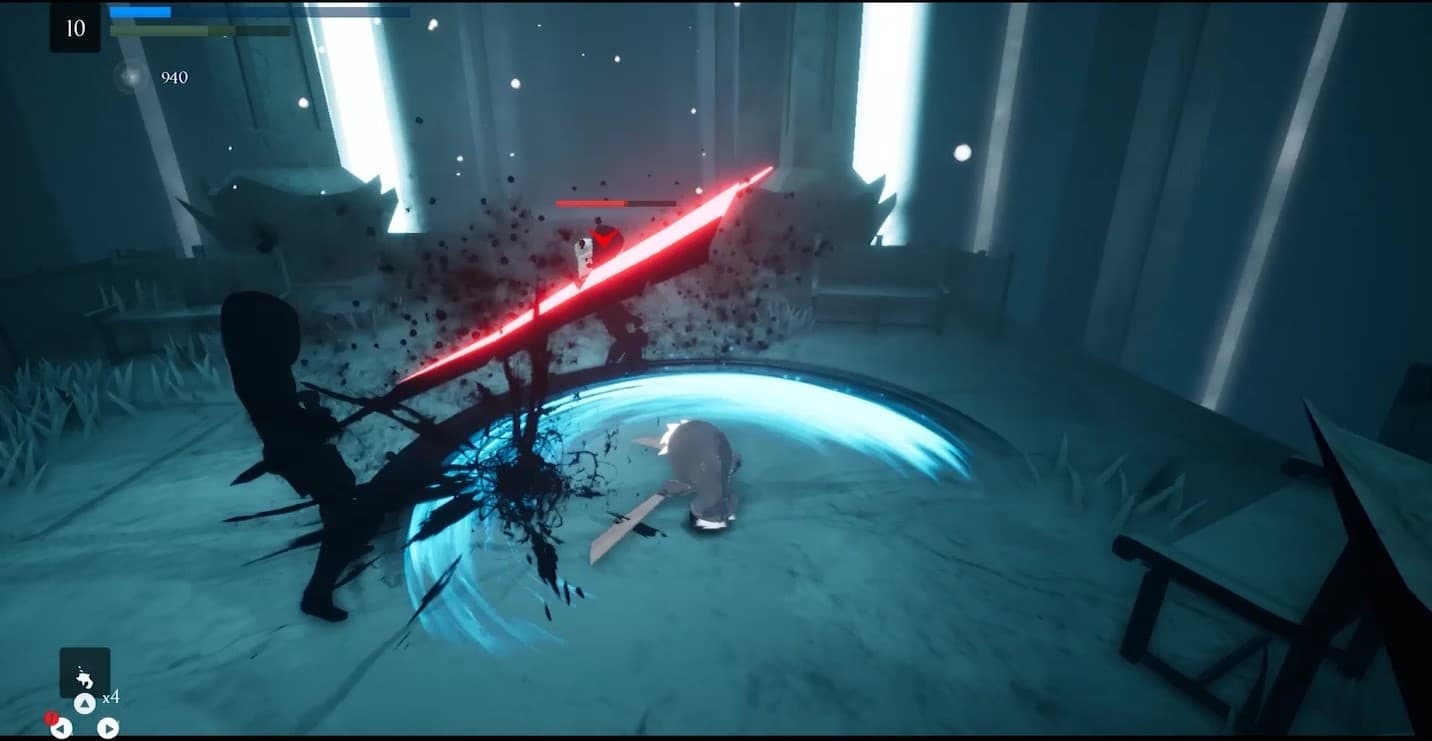
Embark on an extraordinary adventure through the perished world of Penumbra to explore unique temples filled with increasingly difficult 3D platforming challenges, diverse enemies, quests, collectibles, and more. Slash daunting adversaries, leap through deadly traps and master the art of movement.
System Requirements
Minimum
- OS
- Windows 7
- Processor
- Requires a 64-bit 3.0GHz processor and operating system
- Memory
- 4 GB RAM
- Graphics
- DirectX End-User Runtimes (June 2010)
- Storage
- 6 GB available space
Recommended
- OS
- Windows 10 64-bit
- Processor
- Quad-core Intel or AMD, 2.5 GHz or faster
- Memory
- 8 GB RAM
- Graphics
- DirectX 11 or DirectX 12 compatible graphics card
- DirectX
- Version 11
- Storage
- 6 GB available space