







How to activate
- Install Steam and sign in to your account (a free account is enough).
- In the top menu choose Games → Activate a Product on Steam…
- Enter your key exactly as shown in your order (with dashes) and confirm. The game appears in your library.
About
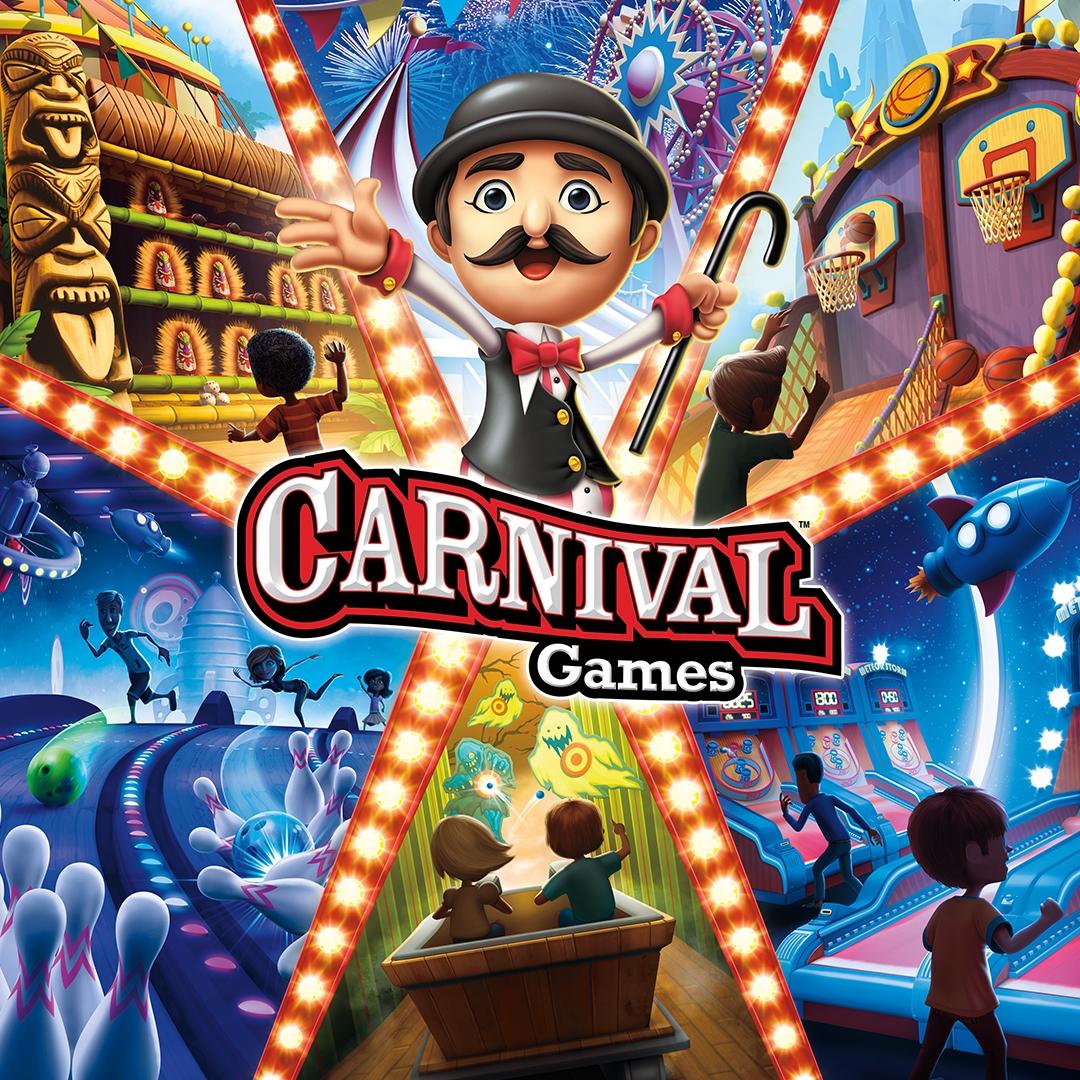
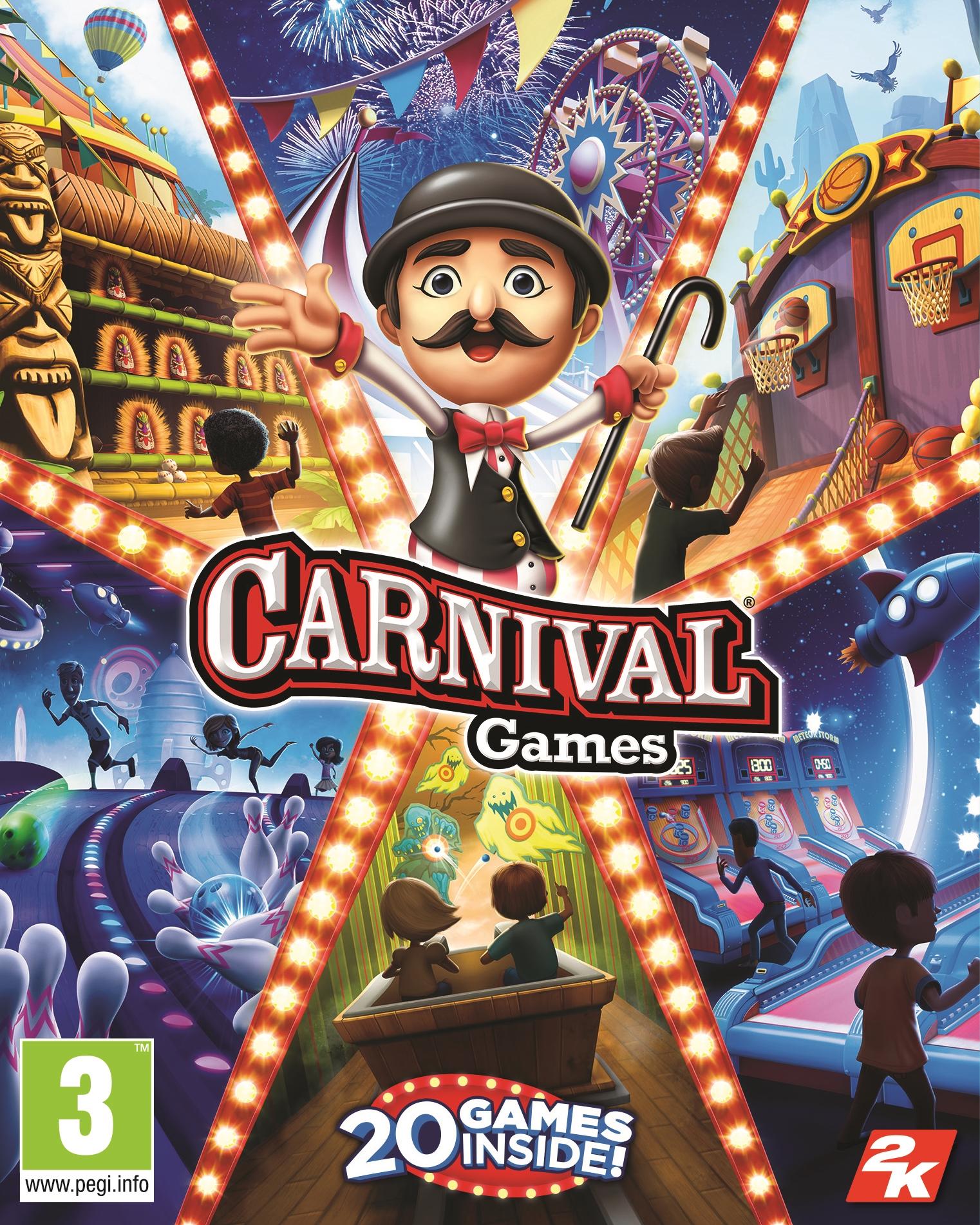
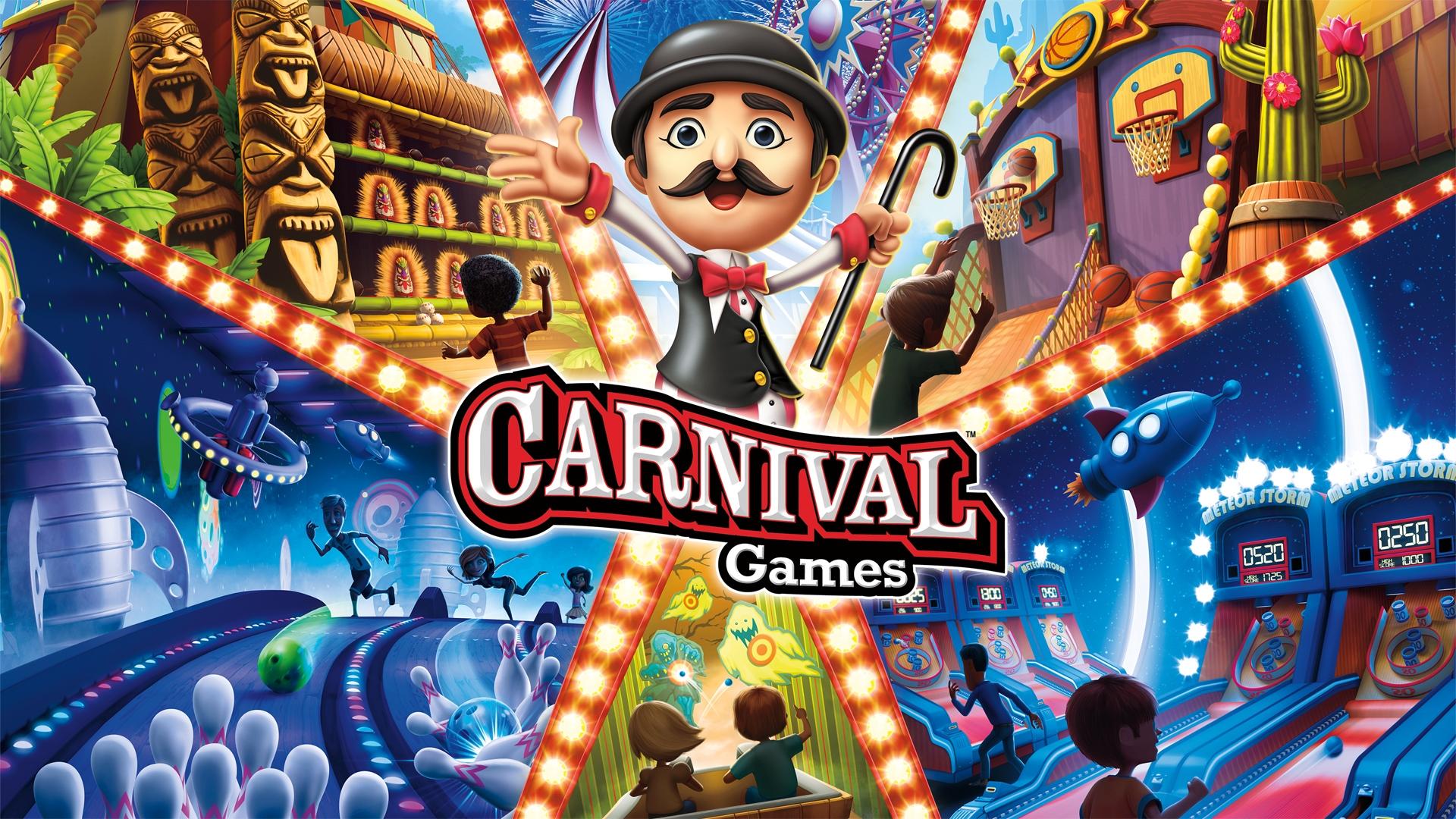
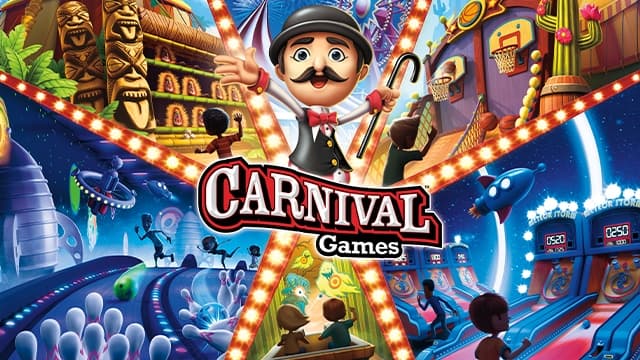
Carnival Games brings the party back for the entire family! With both fan-favorite and brand-new mini-games all in one package, Carnival Games offers fun for everyone and can be played alone or with up to three others. Hit home runs, pile the highest stack of cakes, and take your horse to the finish line. 20 total mini-games will have you and your friends stepping right up to win again and again!
System Requirements
- OS
- Windows 10 (32-bit) SP1
- Processor
- Intel® Core™ i5-6400 or AMD equivalent
- Memory
- 4GB of system memory
- Graphics
- NVIDIA GeForce GTX 650 or AMD Radeon HD 5770 with 1GB VRAM
- HD
- 5GB of available free space
- DirectX
- Version 11
- OS
- Windows 10 (64-bit) SP1
- Processor
- Intel® Core™ i5-7500 or AMD equivalent
- Memory
- 8GB of system memory
- Graphics
- NVIDIA GeForce GTX 660 or AMD Radeon HD 7850 with 2GB VRAM
- HD
- 5GB of available free space
- DirectX
- Version 11
Legal information
©2020 Take-Two Interactive Software, Inc. 2K, Carnival Games, and their respective logos are trademarks or registered trademarks of Take-Two Interactive Software, Inc. All rights reserved. All other marks are property of their respective owners. Use of this product requires agreement to the following third party end user license agreement: http://www.take2games.com/eula/