


How to activate
- Install Steam and sign in to your account (a free account is enough).
- In the top menu choose Games → Activate a Product on Steam…
- Enter your key exactly as shown in your order (with dashes) and confirm. The game appears in your library.
About
Base Game Required to play Alley Adventure
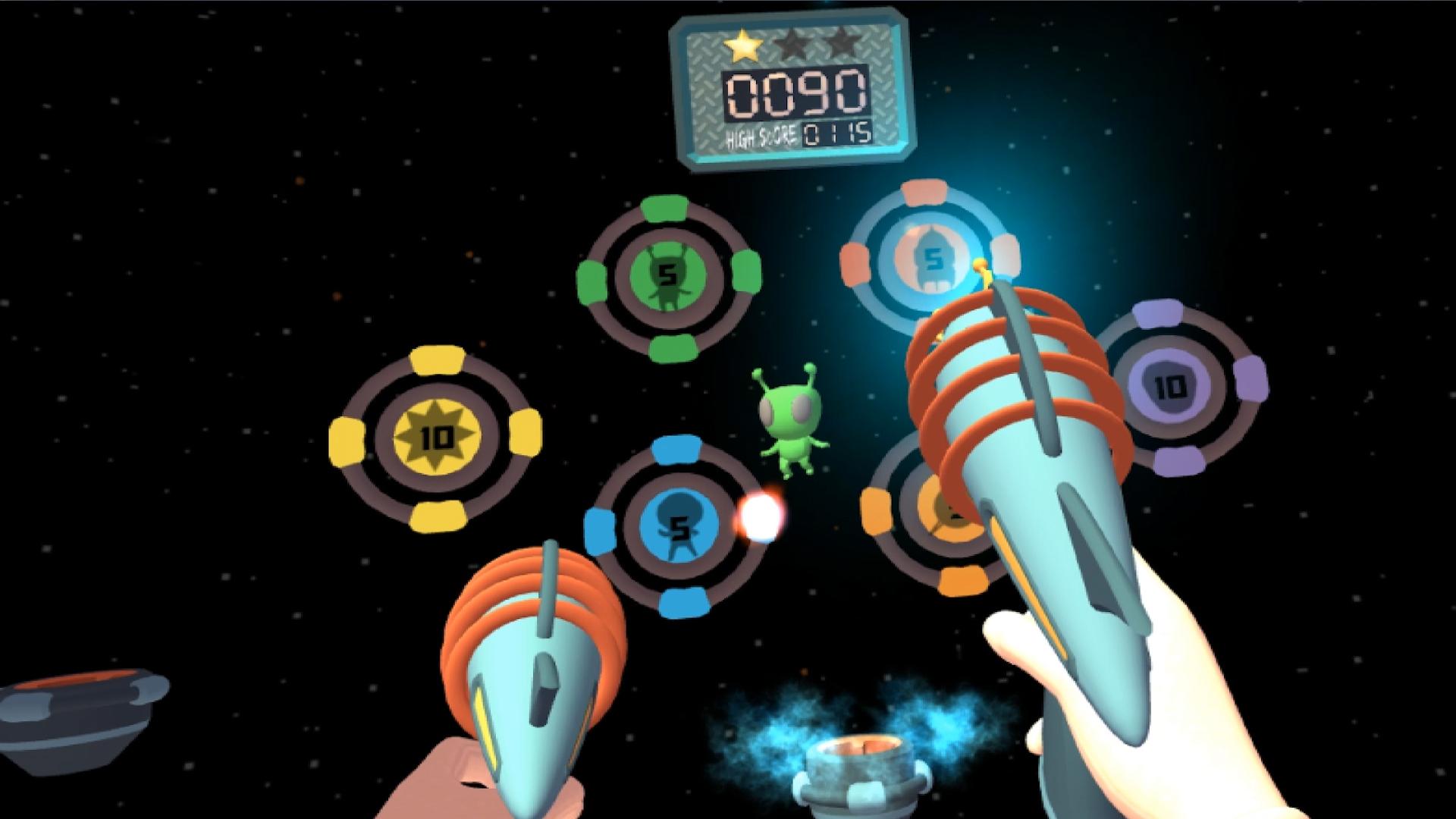
Carnival Games VR: Alley Adventure delivers two all-new adventure-themed alleys, six new games to test your skills at, and enhancements to existing games for increased replayability.
System Requirements
Minimum
- OS
- Windows 7 64-bit with Service Pack 1, Windows 8.1 64-bit, or Windows 10 64-bit
- Processor
- Intel i5-4590 or AMD FX 8350 or greater
- Memory
- 4 GB RAM
- Graphics
- NVIDIA GTX 970 / AMD 290 equivalent or greater
- Storage
- 2 GB available space
Recommended
Legal information
©2017 Take-Two Interactive Software, Inc. 2K, Cat Daddy Games, Carnival Games, Carnival Games VR, and their respective logos are trademarks of Take-Two Interactive Software, Inc. All rights reserved. All other marks are property of their respective owners.
- Use of this product requires agreement to the following third party end user license agreement: http://www.take2games.com/eula/