
How to activate
- Install Steam and sign in to your account (a free account is enough).
- In the top menu choose Games → Activate a Product on Steam…
- Enter your key exactly as shown in your order (with dashes) and confirm. The game appears in your library.
About
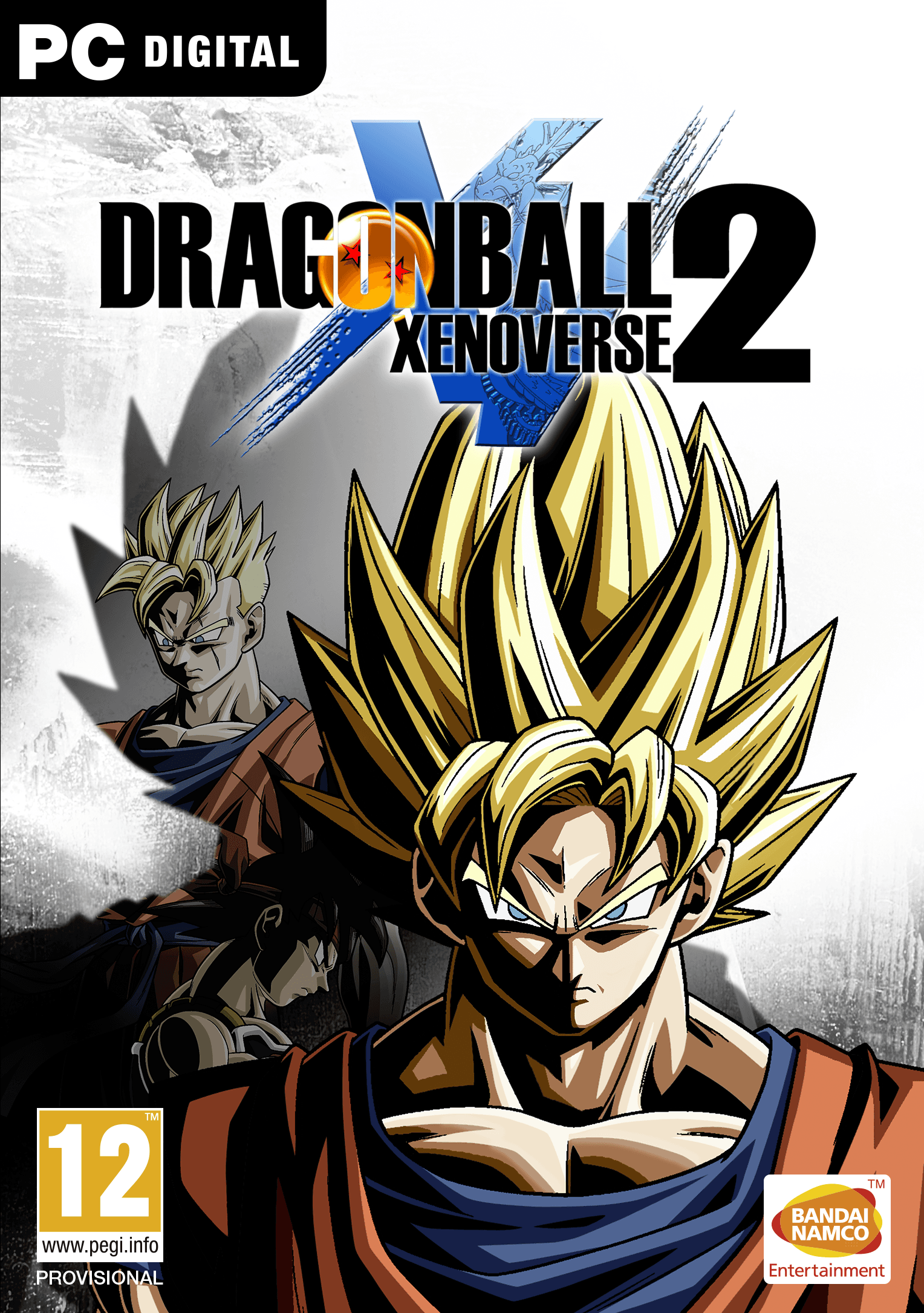
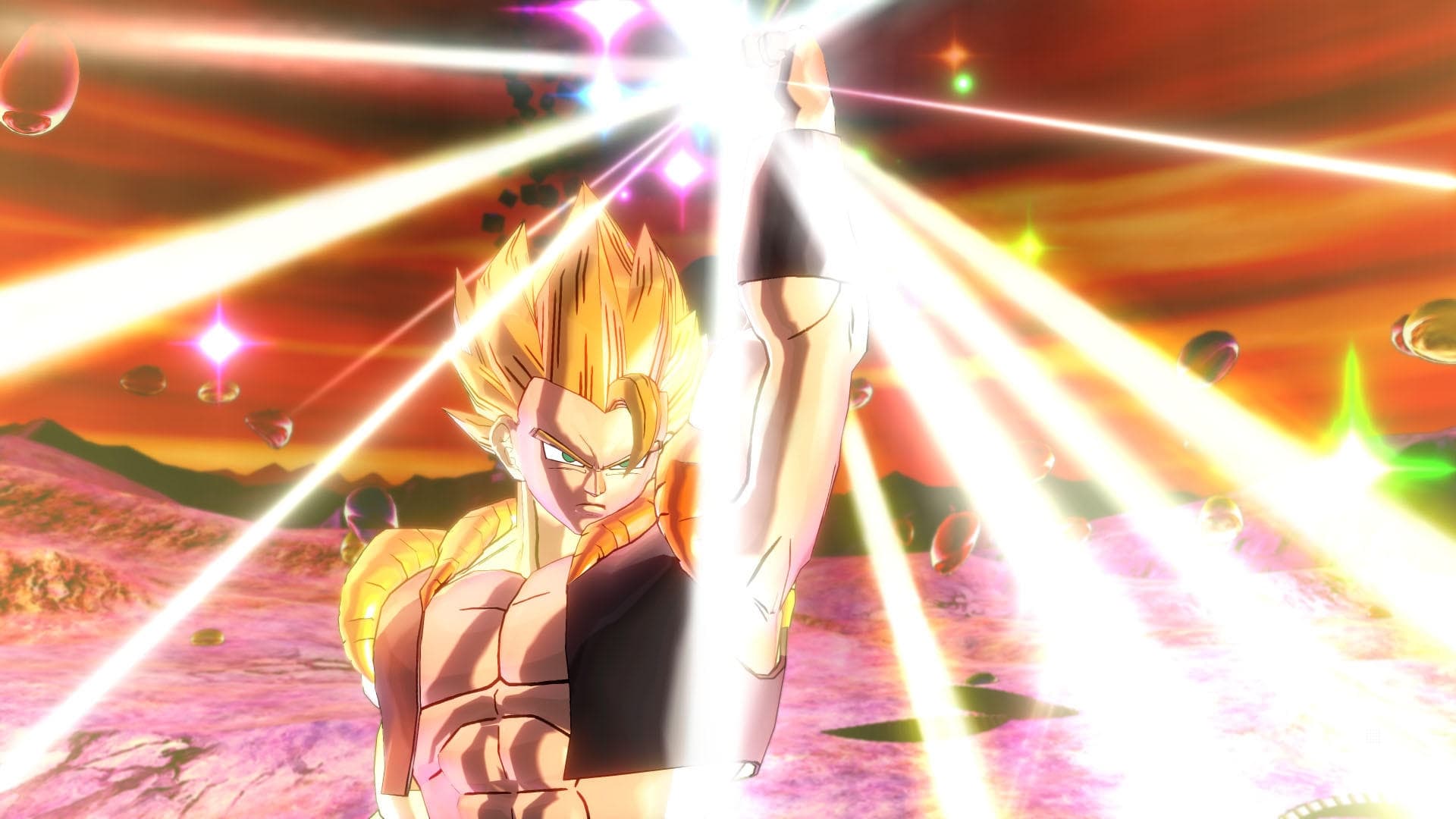
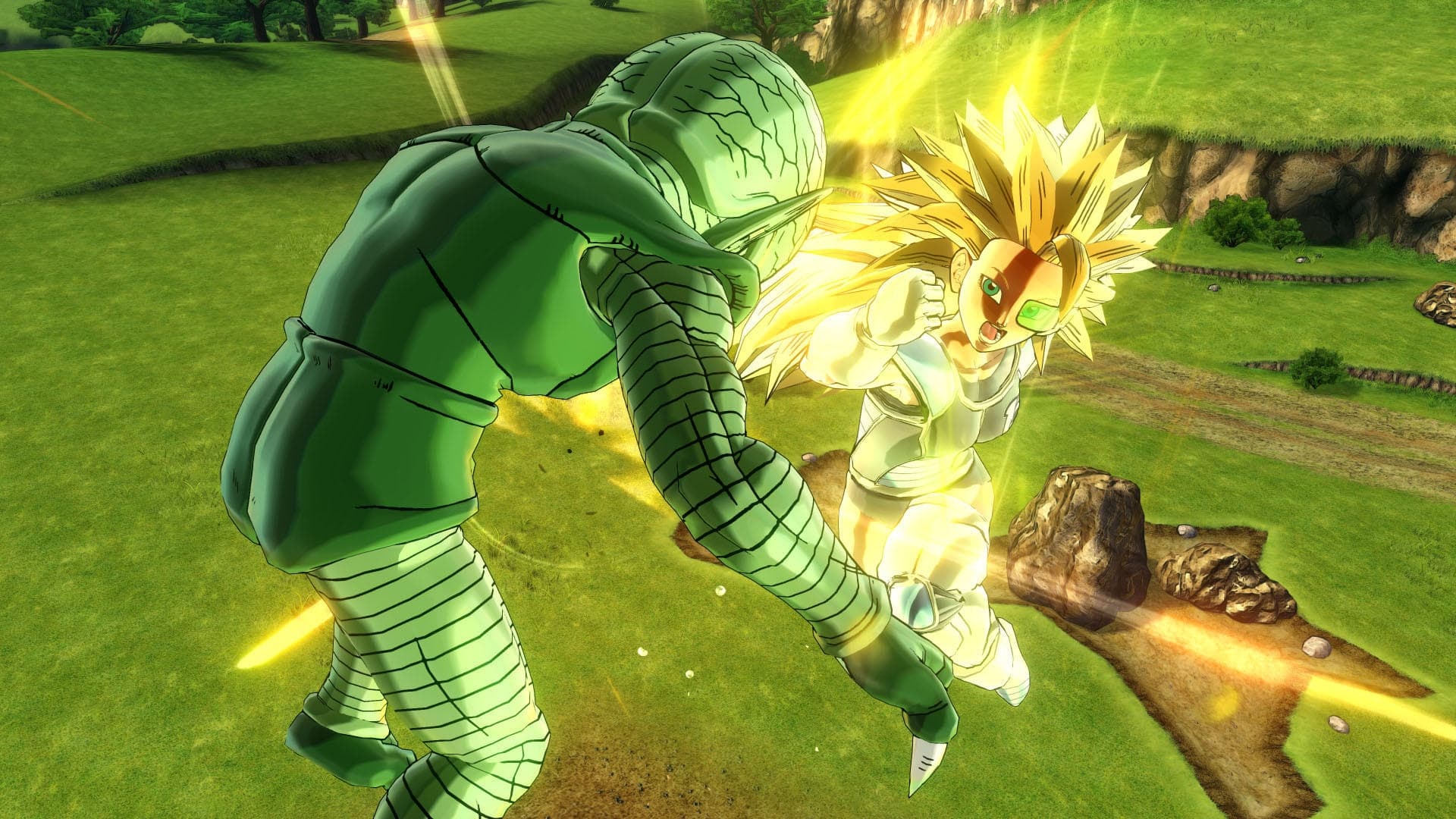
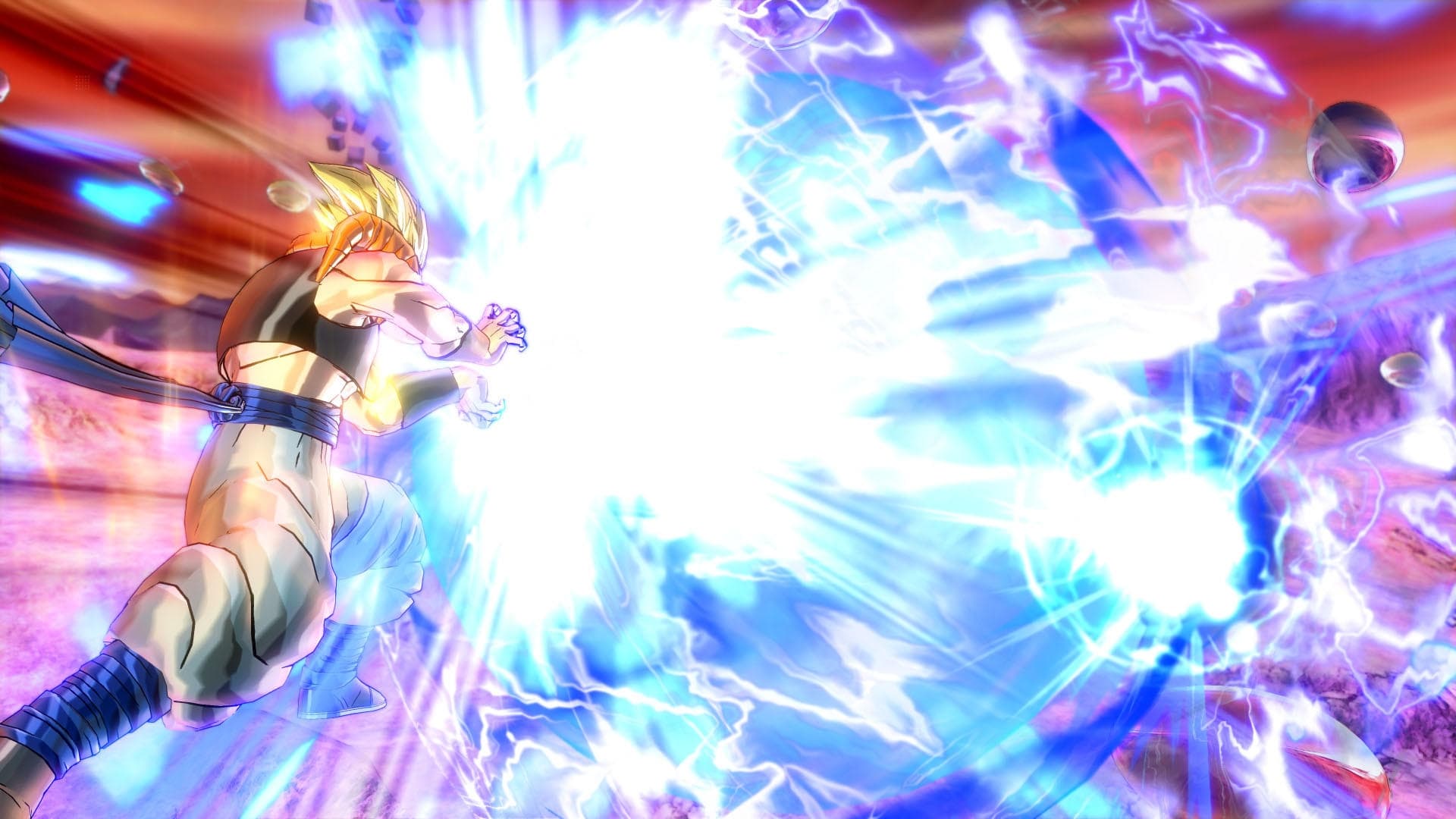
It’s time to go Super Saiyan!
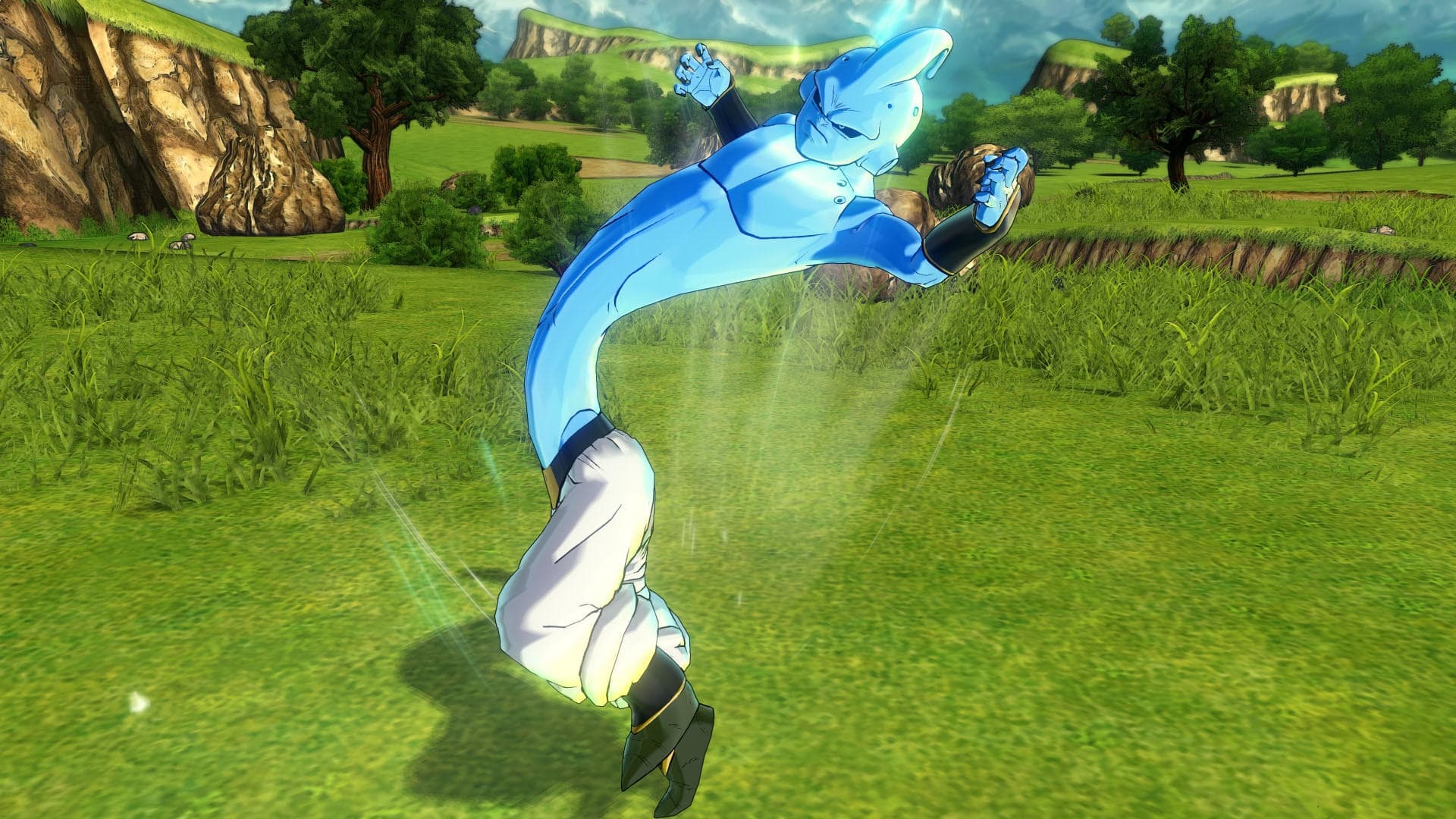
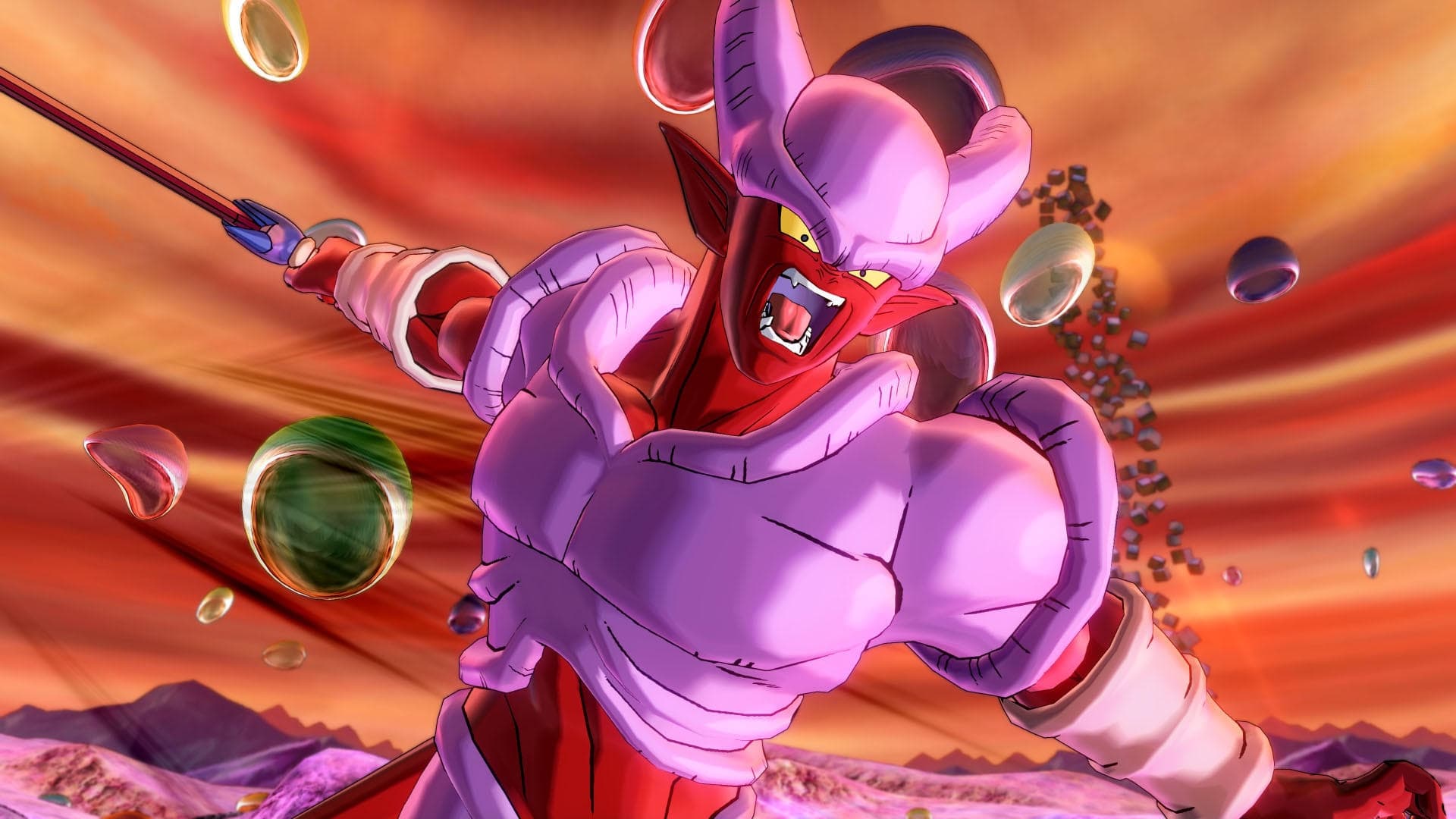
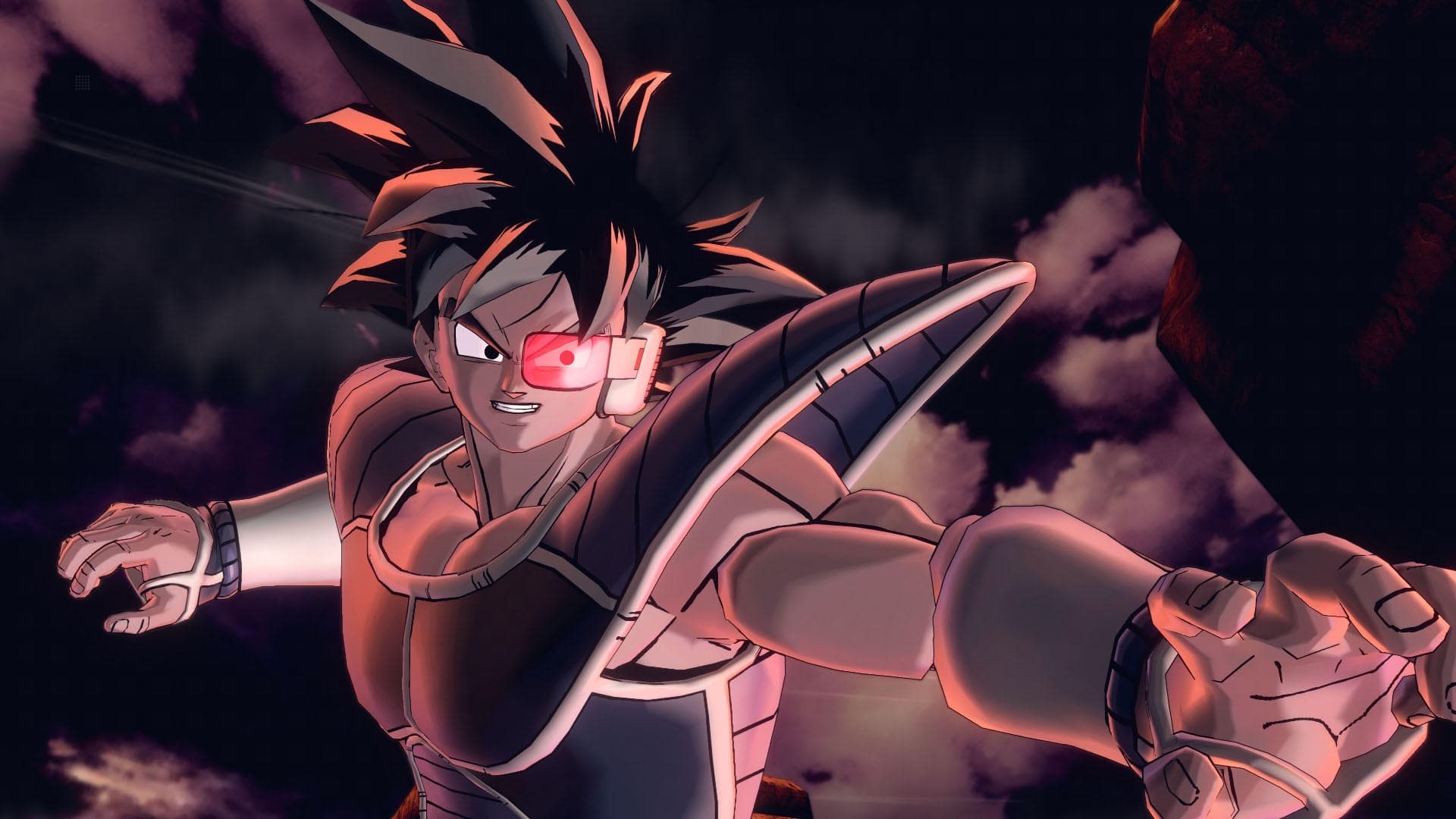
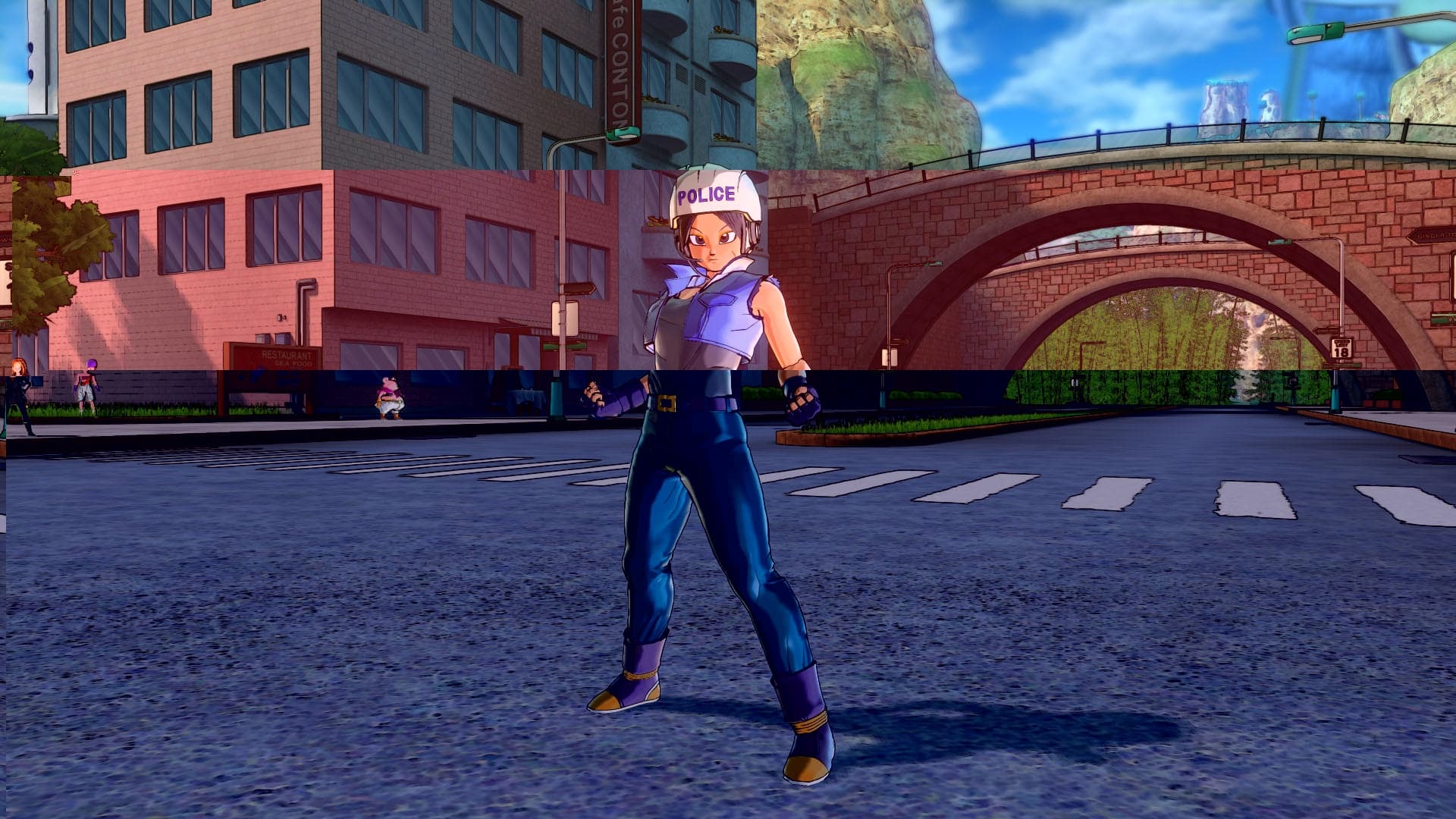
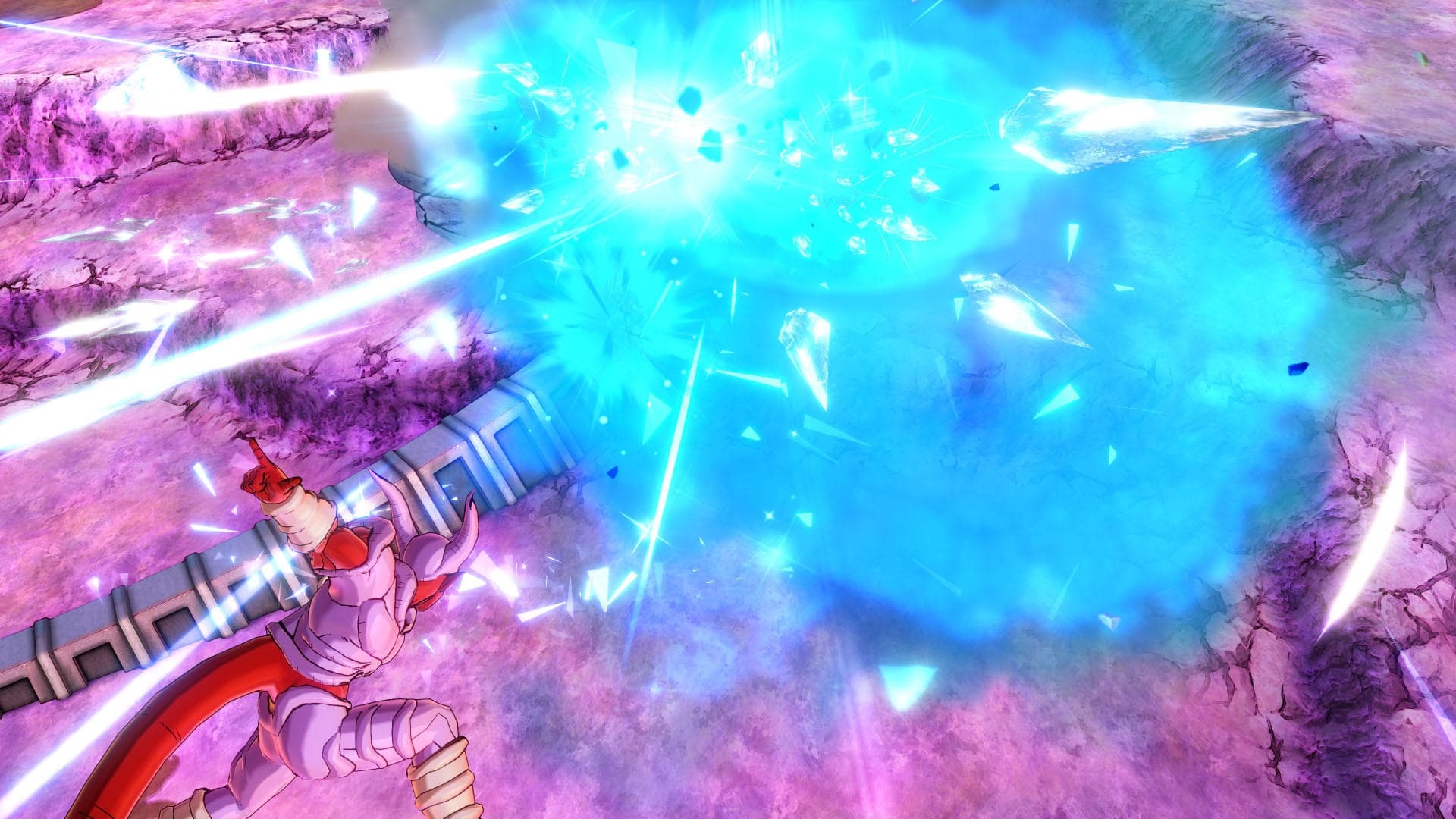
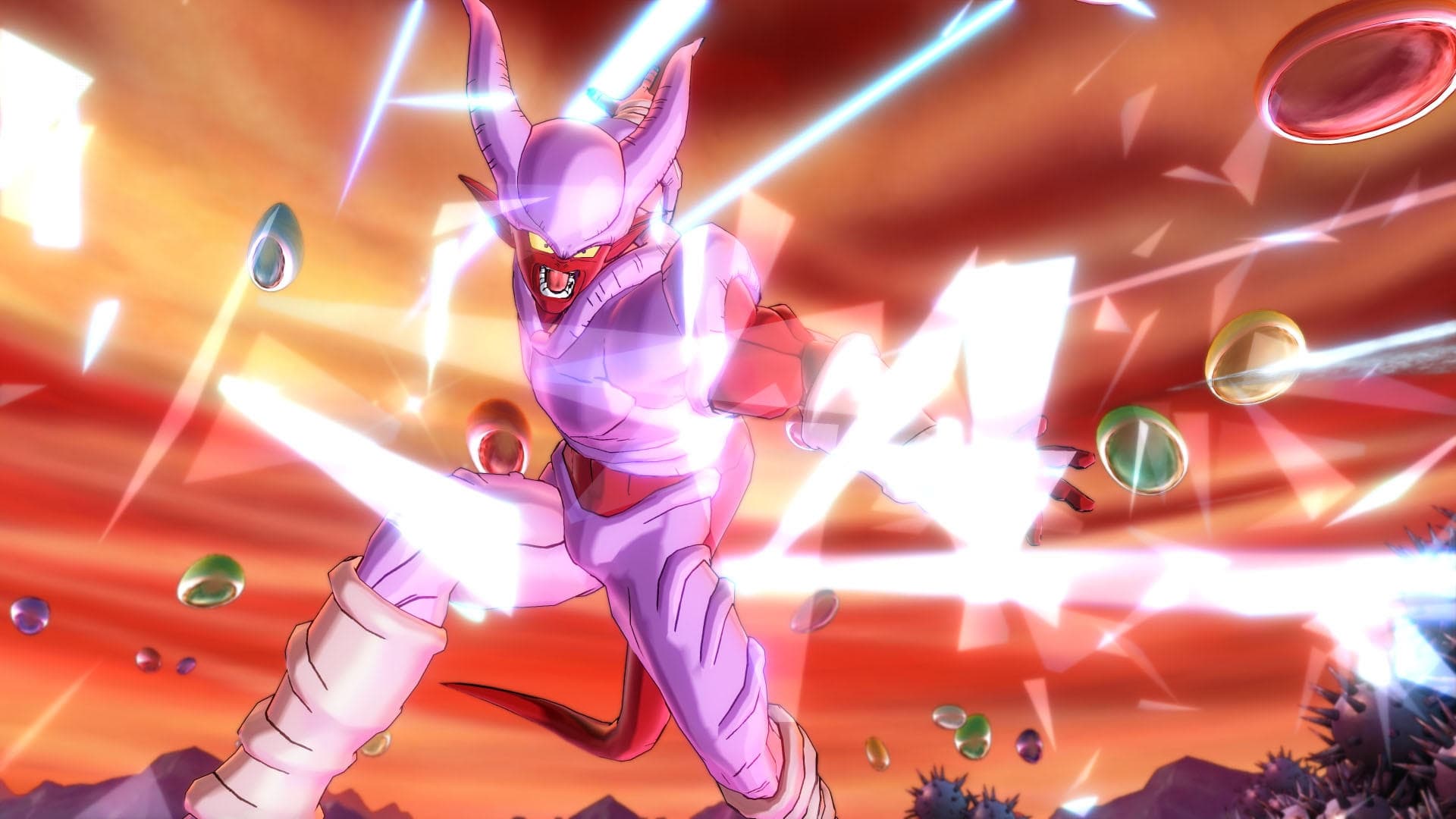
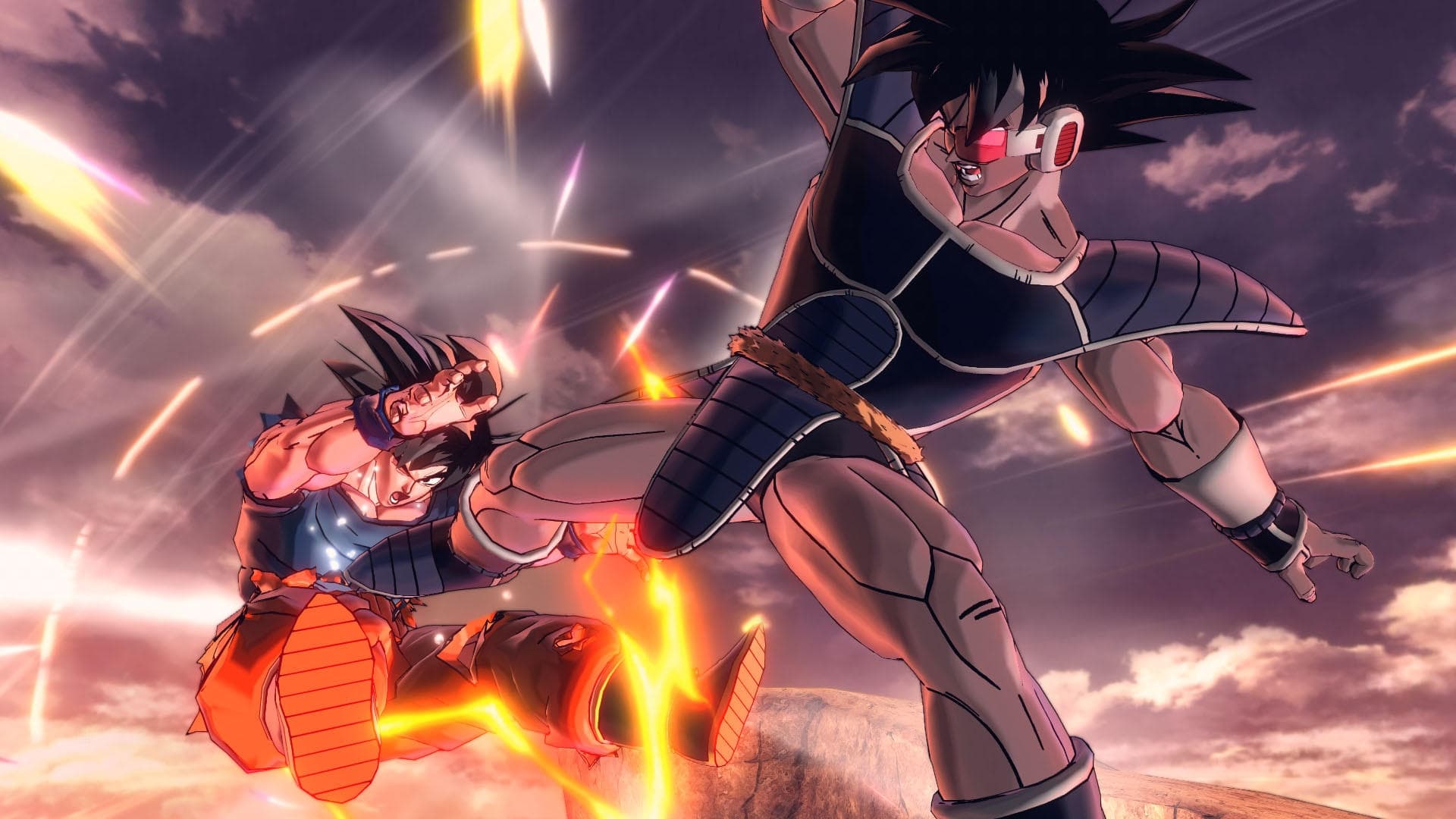
Developed to fully utilize the power of current generation gaming consoles and PCs, DRAGON BALL XENOVERSE 2 builds upon the highly popular DRAGON BALL XENOVERSE with enhanced graphics that will further immerse players into the largest and most detailed Dragon Ball world ever developed. DRAGON BALL XENOVERSE 2 will deliver a new hub city and the most character customization choices to date among a multitude of new features and special upgrades. DRAGON BALL XENOVERSE 2 is scheduled to launch in 2016.
System Requirements
Minimum
- Requires a 64-bit processor and operating system
- OS
- Windows 7 and higher (64 bit only)
- Processor
- AMD Phenom II X2 550, 3.1GHz | Intel Pentium G4400, 3.30GHz
- Memory
- 2 GB RAM
- Graphics
- GeForce GT 650 | Radeon HD 6570
- DirectX
- Version 11
- Network
- Broadband Internet connection
- Additional Notes
- For Windows 7, service pack 1 is required
Recommended
- Requires a 64-bit processor and operating system
- OS
- Windows 10 (64 bit only)
- Processor
- Intel Core i5-3470, 3.20GHz | AMD FX-6300, 3.5Ghz
- Memory
- 4 GB RAM
- Graphics
- GeForce GT 660 | Radeon HD 7770
- DirectX
- Version 11
- Network
- Broadband Internet connection