

How to activate
- Install Steam and sign in to your account (a free account is enough).
- In the top menu choose Games → Activate a Product on Steam…
- Enter your key exactly as shown in your order (with dashes) and confirm. The game appears in your library.
About
WELCOME TO THE NETWORK – THE WORLD’S FIRST SOCIAL MEDIA METROIDVANIA
Explore. Fight. Post.
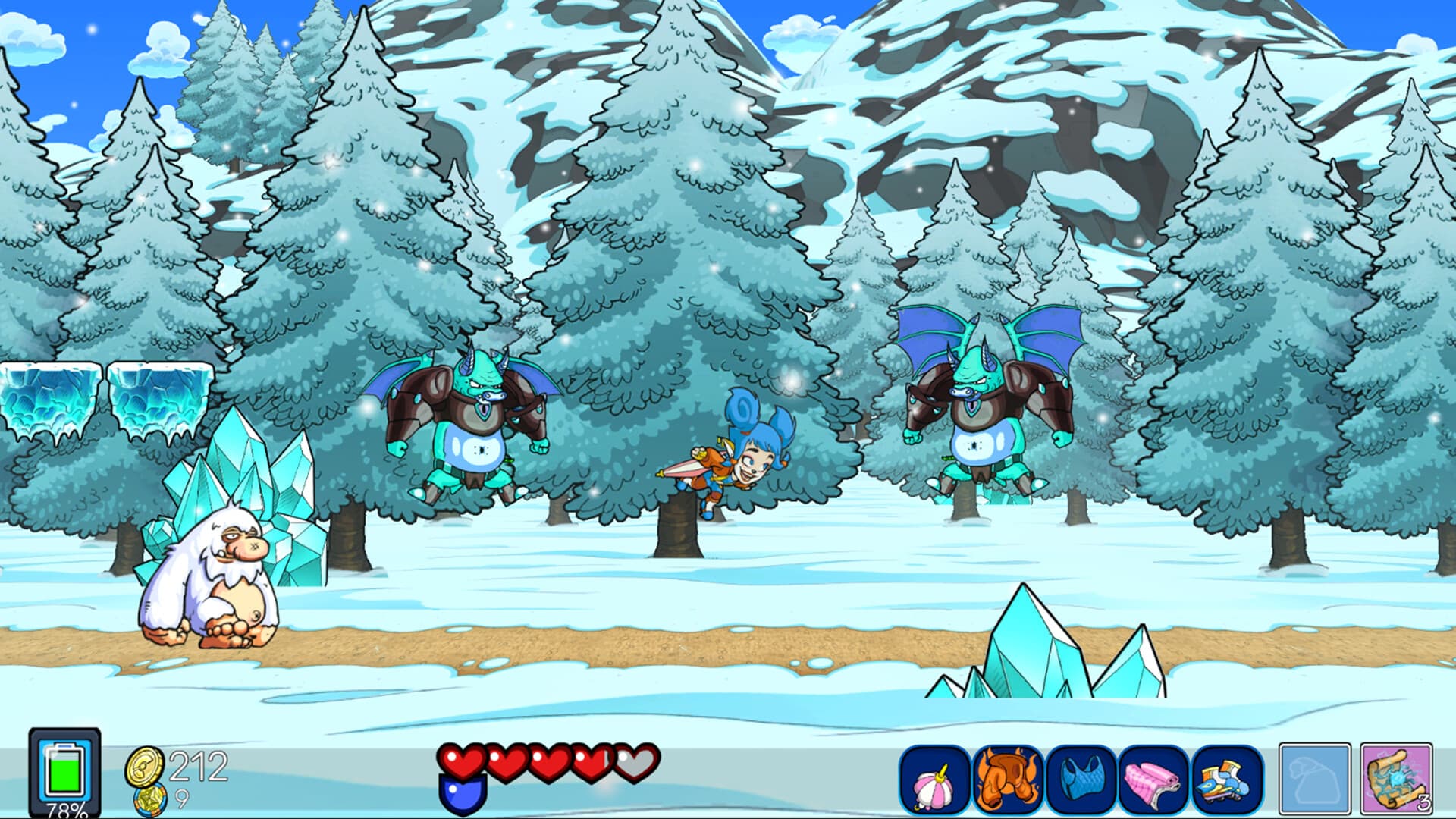
Fantasy Network turns the metroidvania genre upside down, combining tight 2D platforming with a satiricalstory about fame, influencers, and saving the world.
Lyn’s morning is officially ruined: her mother has been kidnapped! The ransom? Victory in the President’s Race. ...
System Requirements
Minimum
- Windows
- Requires a 64-bit processor and operating system
- OS
- Windows 7/8.1/10
- Processor
- Intel Dual-Core 2.6 GHz / AMD Dual-Core Athlon 3.0 GHz
- Memory
- 2 GB RAM
- Graphics
- SM 3.0 con 512MB VRAM; NVIDIA GeForce 8500 GT / AMD Radeon HD 4650 or higher
- DirectX
- Version 9.0
- Storage
- 4 GB available space
- Starting January 1st, 2024, the Steam Client will only support Windows 10 and later versions.
Recommended
- Windows
- Requires a 64-bit processor and operating system
- OS
- Windows 8 or newer
- Processor
- Quad-Core Processor
- Memory
- 4 GB RAM
- Graphics
- SM 3.0 with 1GB VRAM; NVIDIA GeForce GTX 280 / AMD Radeon HD 4830 or greater
- DirectX
- Version 10
- Storage
- 4 GB available space
- Starting January 1st, 2024, the Steam Client will only support Windows 10 and later versions.
Legal information
© 2026 Raven Travel Studios. Published by IMGN.PRO. All rights reserved. All trademarks are property of their respective owners.