


How to activate
- Install Steam and sign in to your account (a free account is enough).
- In the top menu choose Games → Activate a Product on Steam…
- Enter your key exactly as shown in your order (with dashes) and confirm. The game appears in your library.
About
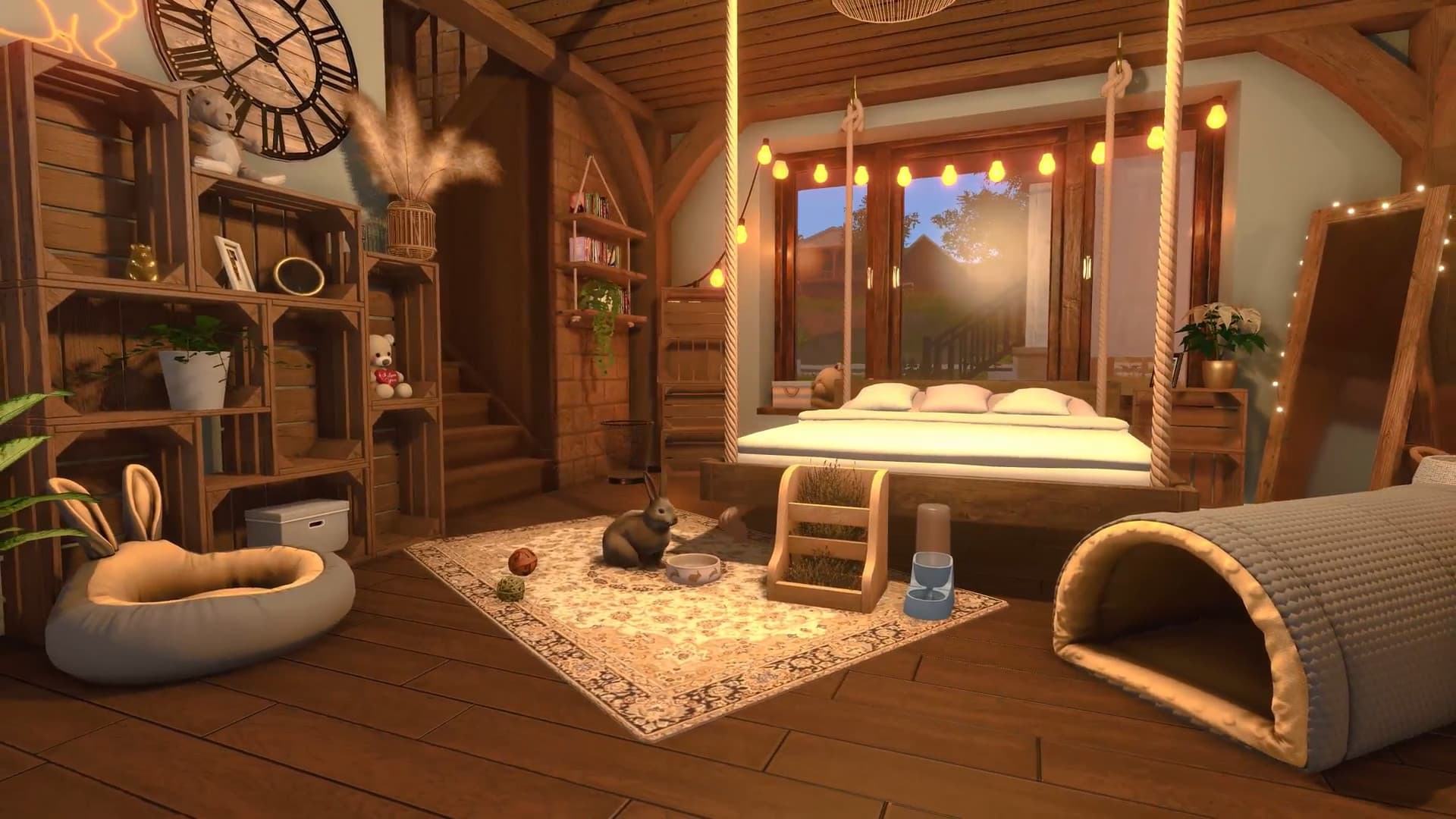
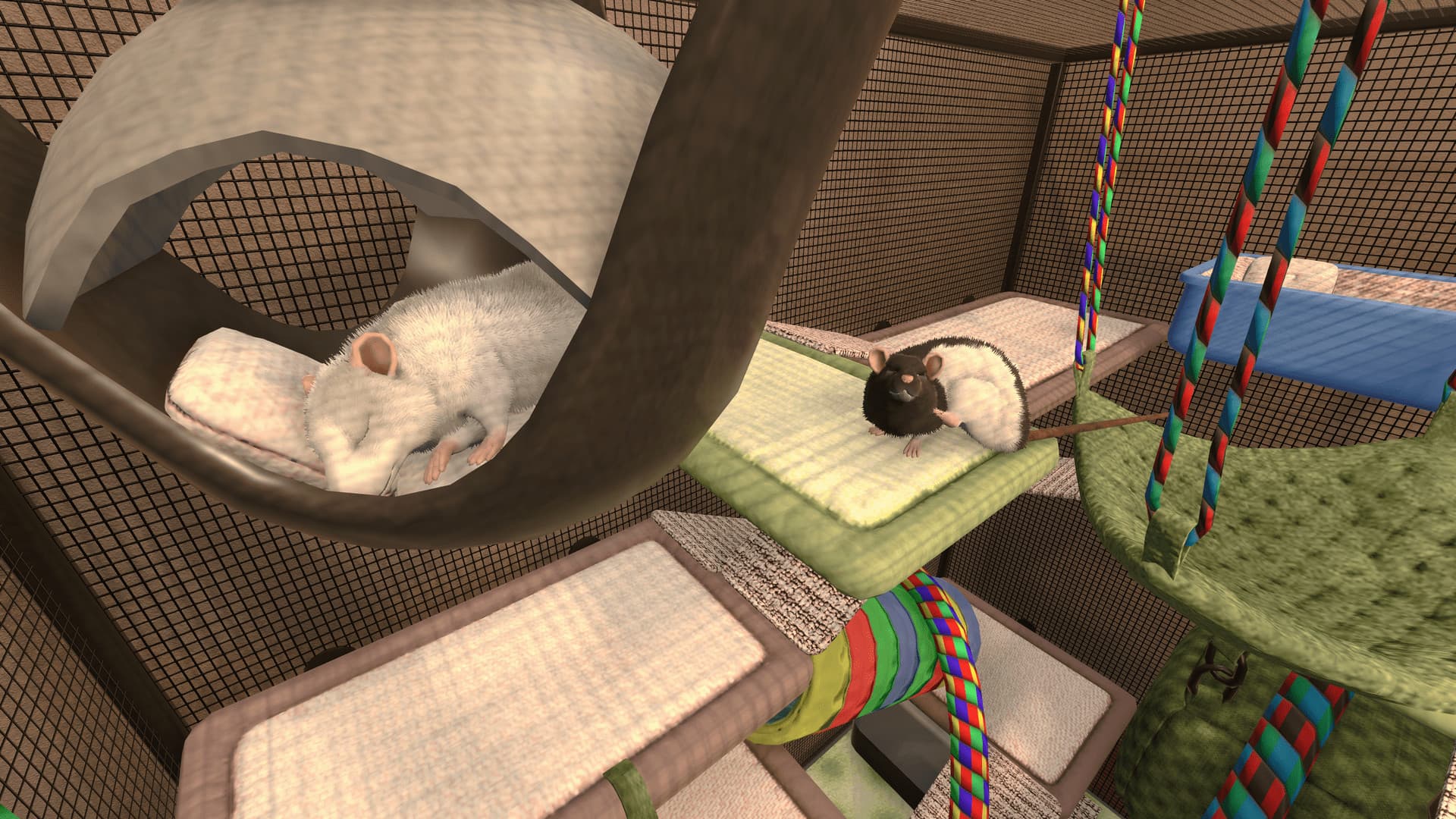
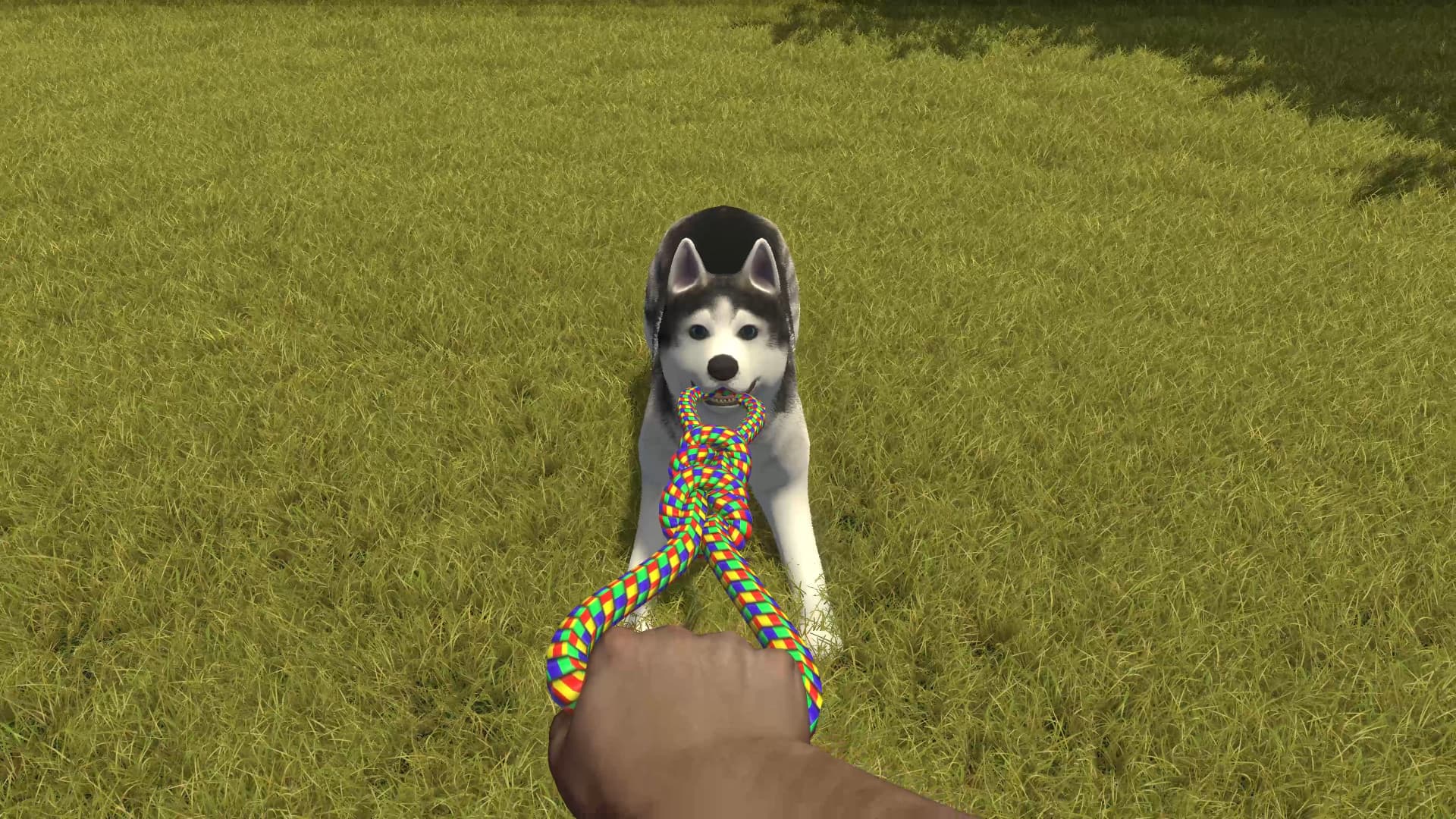
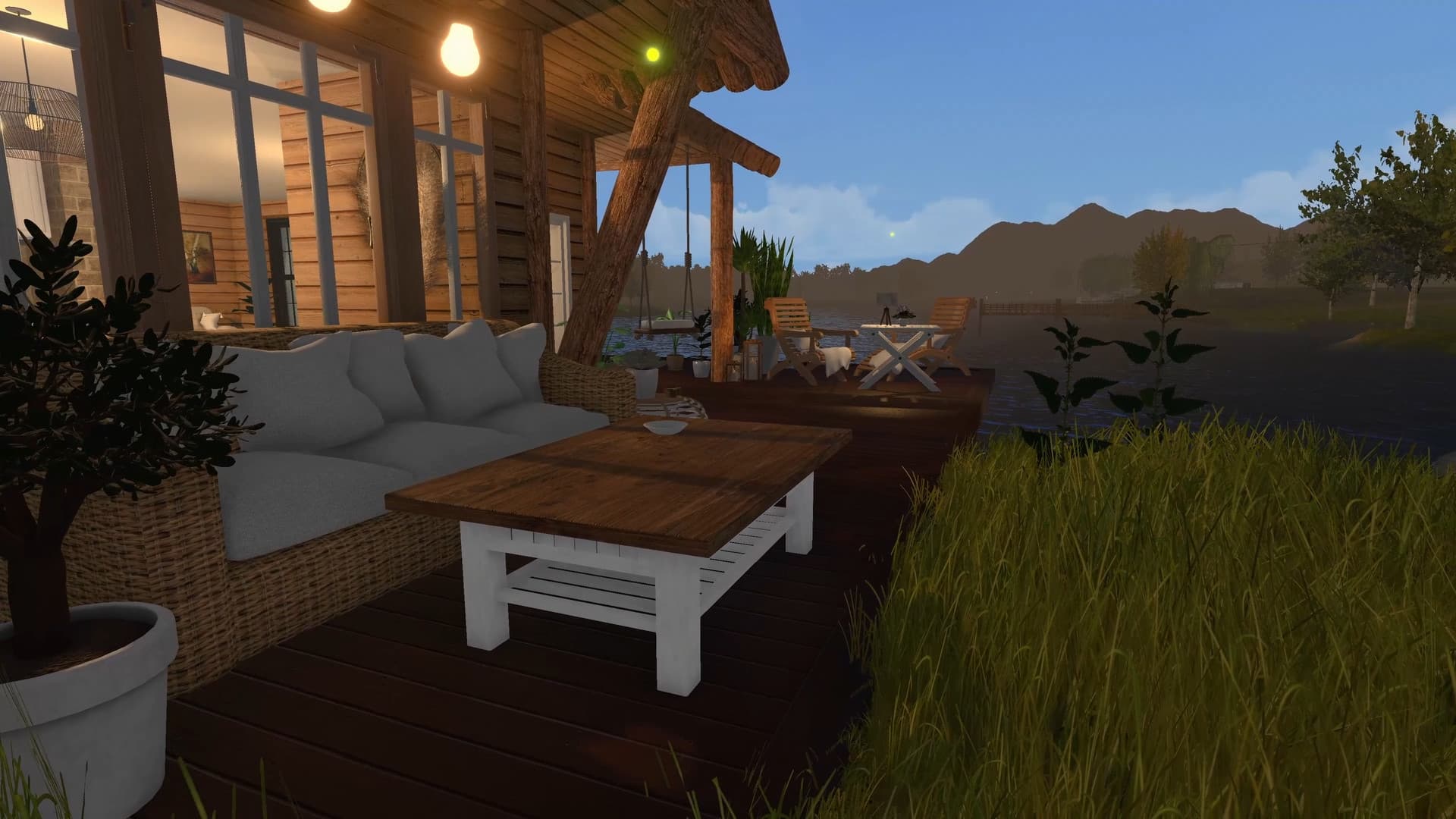
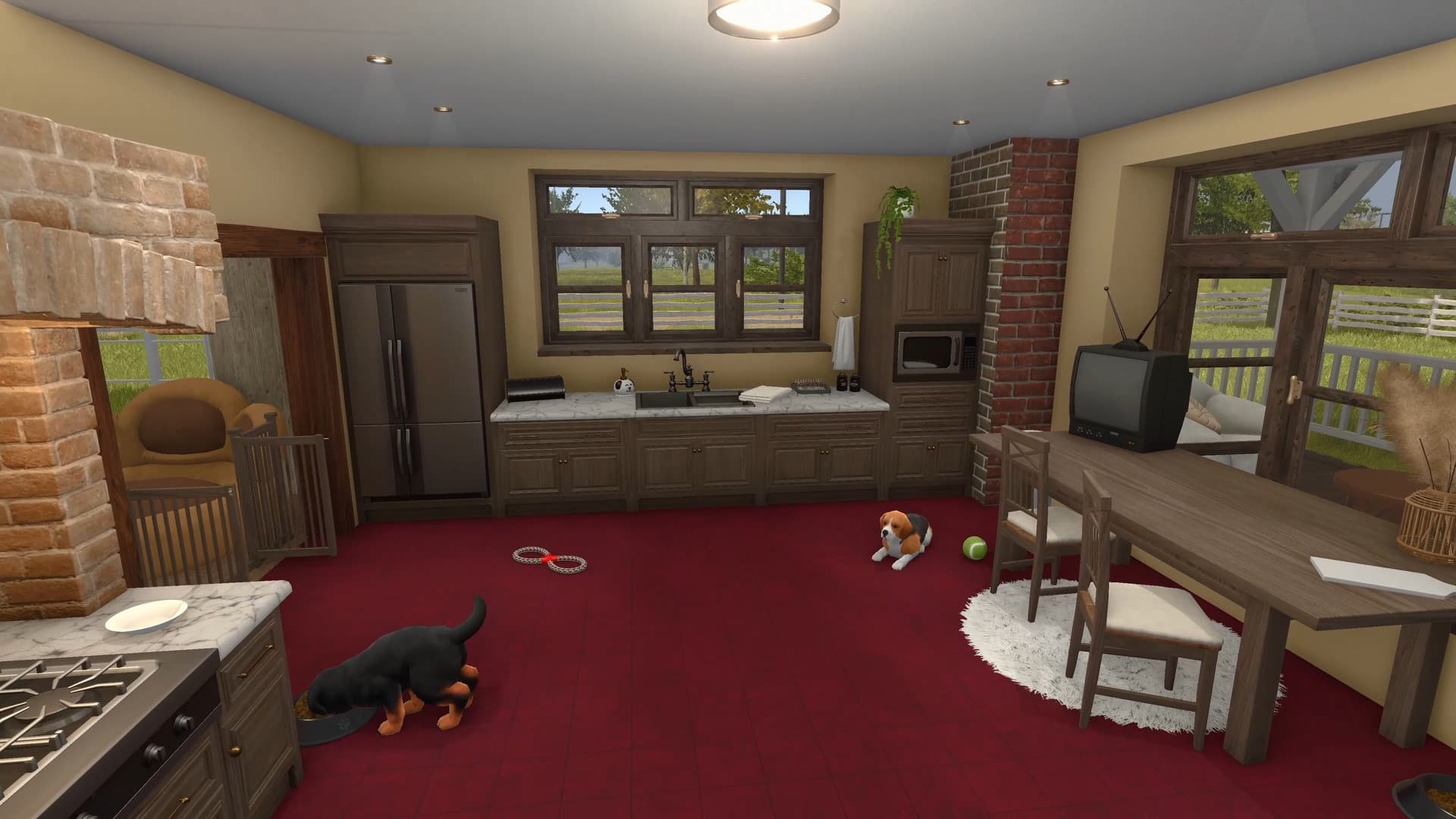
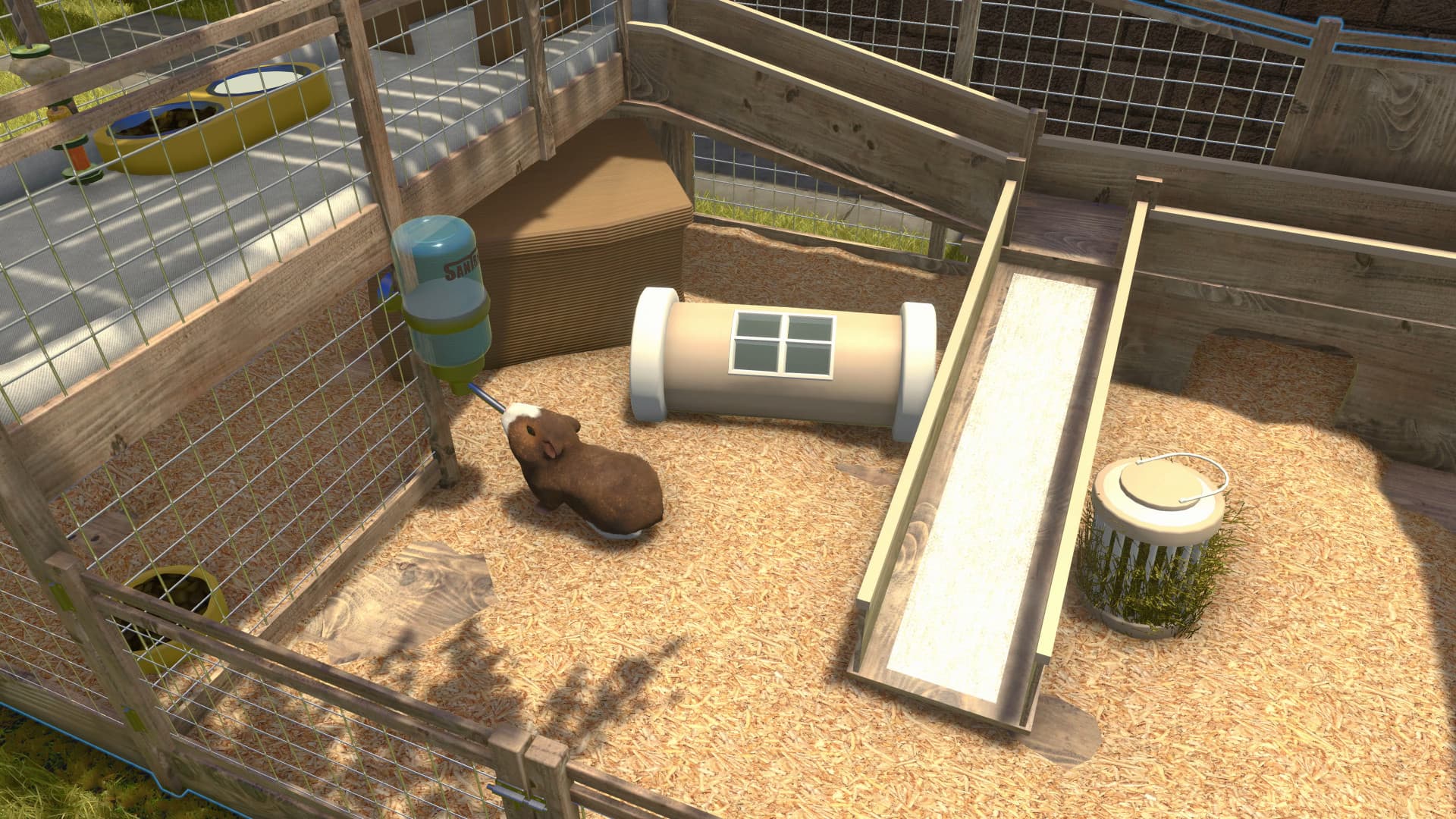
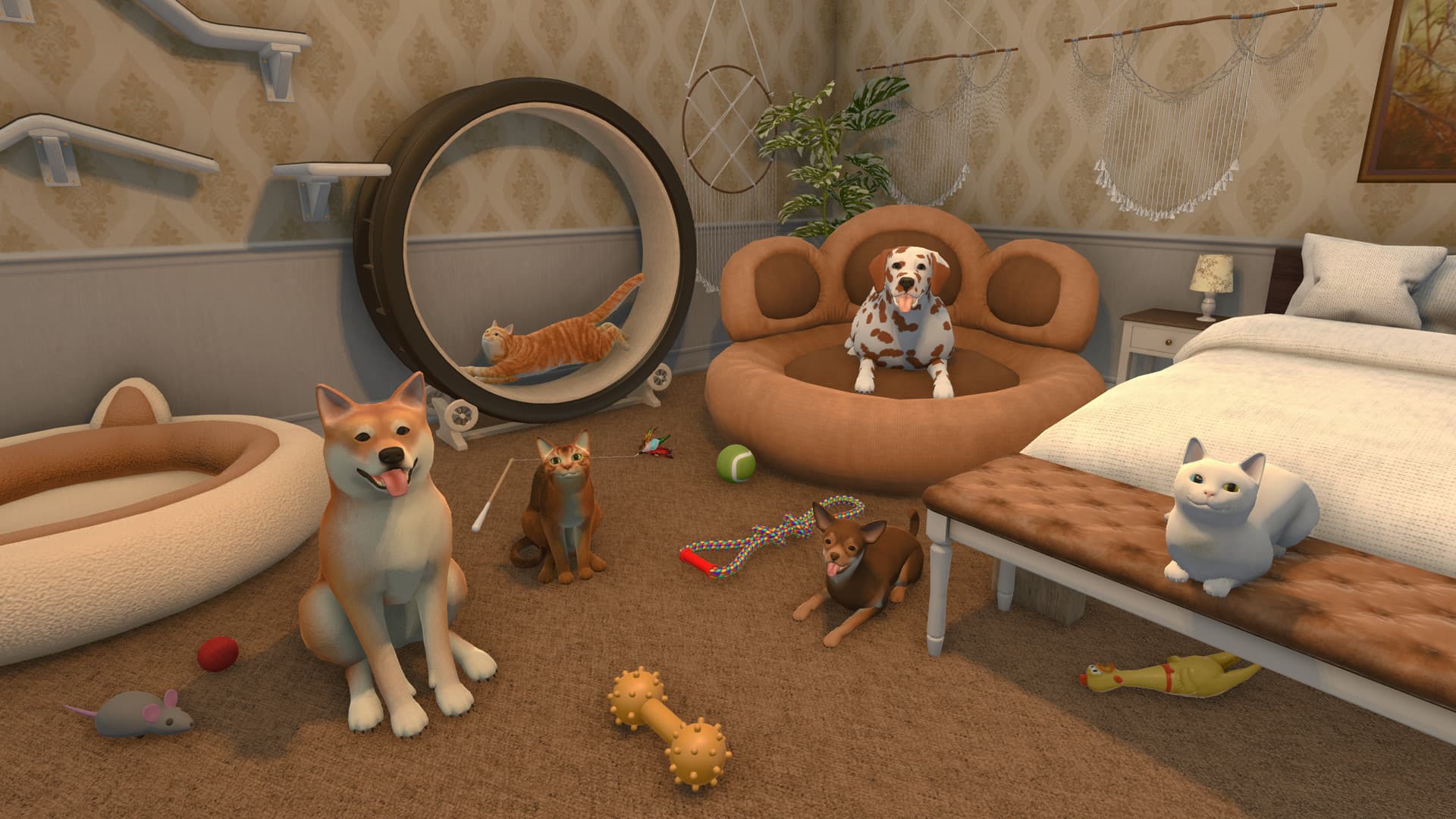
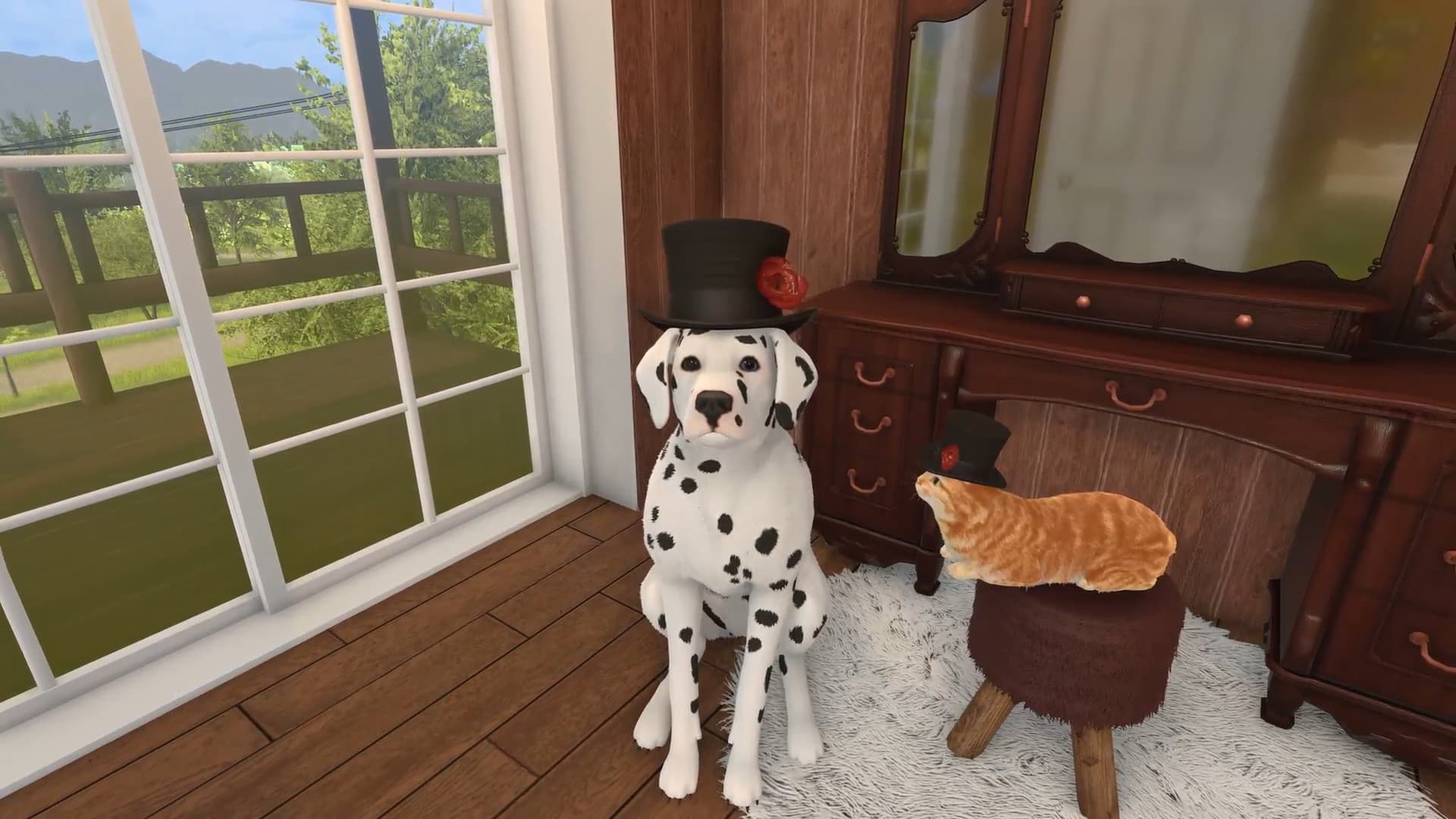
It's finally time for finding your perfect renovation partner! Max, Phil, Bella? It's up to you to decide what's the name of your adopted companion. Take in an adorable pet and let him help you on your flipping journey in the friendly area of Cozy Village!
ADOPT A PET!
Will you find a place for someone special in your recently renovated property? Thanks to Pets DLC you'll have a chance to take care of a lovely companion and have a wonderful time together! ...
System Requirements
Minimum
- Windows
- ■ Requires a 64-bit processor and operating system
- ■ OS
- Windows 7 (64-bit) or newer
- ■ Processor
- i5-6500 | Ryzen 5 1600
- ■ Memory
- 6 GB RAM
- ■ Graphics
- GeForce GTX 780 | Radeon HD 7970
- ■ DirectX
- Version 11
- ■ Storage
- 10 GB available space
- macOS
- ■ Requires a 64-bit processor and operating system
- ■ OS
- Mac OS X 10.16+
- ■ Processor
- 3.5GHz Intel Core i5
- ■ Memory
- 4 GB RAM
- ■ Graphics
- AMD Radeon R9 M390
- ■ Storage
- 10 GB available space
Recommended
- Windows
- ■ Requires a 64-bit processor and operating system
- ■ OS
- Windows 10 (64bit)
- ■ Processor
- Intel Core i5-8400 / AMD Ryzen 5 2600
- ■ Memory
- 12 GB RAM
- ■ Graphics
- GeForce GTX 1060 / AMD Radeon RX 580
- ■ DirectX
- Version 11
- ■ Storage
- 10 GB available space
- macOS
- ■ Requires a 64-bit processor and operating system
- ■ OS
- Mac OS X 11.5+
- ■ Processor
- 3.5GHz Intel Core i5
- ■ Memory
- 12 GB RAM
- ■ Graphics
- AMD Radeon HD 8800 Series
- ■ Storage
- 10 GB available space