



How to activate
- Install Steam and sign in to your account (a free account is enough).
- In the top menu choose Games → Activate a Product on Steam…
- Enter your key exactly as shown in your order (with dashes) and confirm. The game appears in your library.
About
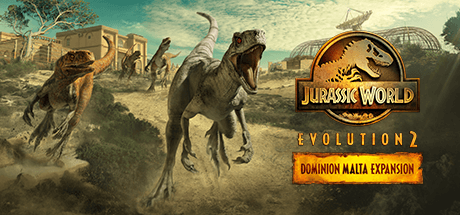
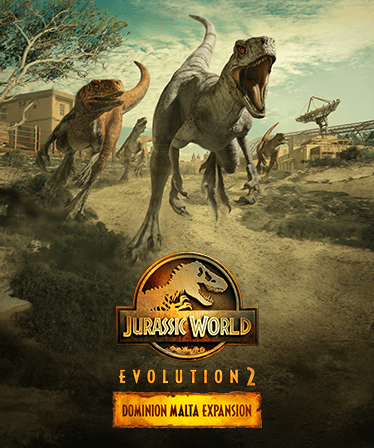
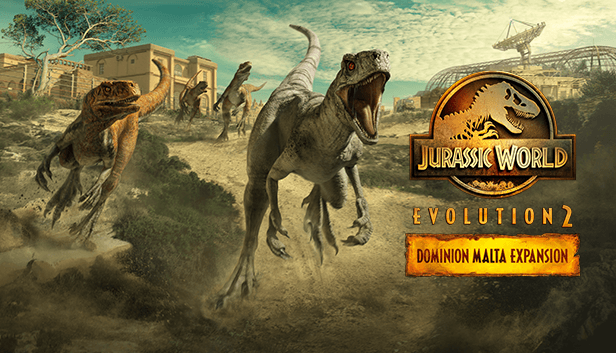
Set before the dramatic events of Universal Pictures and Amblin Entertainment’s Jurassic World Dominion, you’ll head to the warmth of the Mediterranean and attempt to manage multiple dinosaur facilities across three locations. Discover spectacular new prehistoric species, three new islands, detailed Malta-inspired buildings, and an all-new campaign in Jurassic World Evolution 2: Dominion Malta Expansion.
NEW CAMPAIGN EXPERIENCE ...
System Requirements
Minimum
- Requires a 64-bit processor and operating system
- OS
- Windows 10 64bit (min version 1809)
- Processor
- Intel i5-4590/AMD FX 8370
- Memory
- 8 GB RAM
- Graphics
- (4GB VRAM) NVIDIA GeForce GTX 1050Ti (Legacy GPU: GeForce GTX 960) / AMD Radeon RX 470
- DirectX
- Version 12
- Storage
- 14 GB available space
Recommended
- Requires a 64-bit processor and operating system
- OS
- Windows 10 64bit (min version 1809)
- Processor
- Intel i7-5775C/AMD Ryzen 5 1500X
- Memory
- 12 GB RAM
- Graphics
- (6GB VRAM) NVIDIA GeForce GTX 1070 / AMD RX 570 (8GB)
- DirectX
- Version 12
- Storage
- 14 GB available space
Legal information
Jurassic World Evolution 2 © 2021 Universal City Studios LLC and Amblin Entertainment, Inc. All Rights Reserved. © 2021 Frontier Developments, PLC. All rights reserved.