






How to activate
- Install Steam and sign in to your account (a free account is enough).
- In the top menu choose Games → Activate a Product on Steam…
- Enter your key exactly as shown in your order (with dashes) and confirm. The game appears in your library.
About
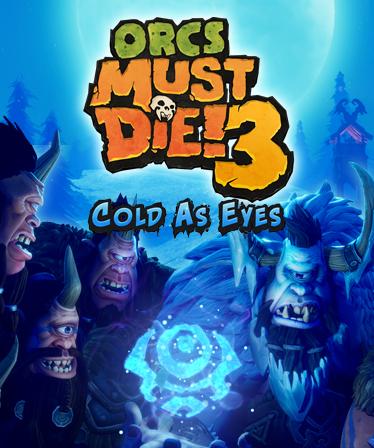
Orcs Must Die! 3 ushers orc-slaying mayhem to a previously unimaginable scale. Solo or with a friend by your side, arm yourself with a massive arsenal of traps and weapons. Slice, burn, toss and zap hordes of repugnant orcs in this long-awaited successor to the award-winning series.
New to the series, War Scenarios pit players against the largest orc armies ever assembled. Mountable War Machines give players the essential firepower to heave, stab, carbonize, and disarticulate the abominable intruders. ...
System Requirements
Minimum
- Requires a 64-bit processor and operating system
- OS
- Windows 7
- Processor
- Intel Core i5-2300 | AMD Ryzen 3 1200
- Memory
- 6 GB RAM
- Graphics
- Nvidia GeForce GTX 660, 2 GB | AMD Radeon HD 7870, 2 GB
- Storage
- 12 GB available space
Recommended
- Requires a 64-bit processor and operating system
- OS
- Windows 10
- Processor
- Intel Core i5-9600K | AMD Ryzen 5 3600X
- Memory
- 8 GB RAM
- Graphics
- Nvidia GeForce GTX 1060, 3 GB | AMD Radeon RX Vega 64
- Storage
- 12 GB available space
Legal information
© 2021 Robot Entertainment, Inc. All rights reserved. Orcs Must Die is a trademark of Robot Entertainment, Inc.