


How to activate
- Install Steam and sign in to your account (a free account is enough).
- In the top menu choose Games → Activate a Product on Steam…
- Enter your key exactly as shown in your order (with dashes) and confirm. The game appears in your library.
About
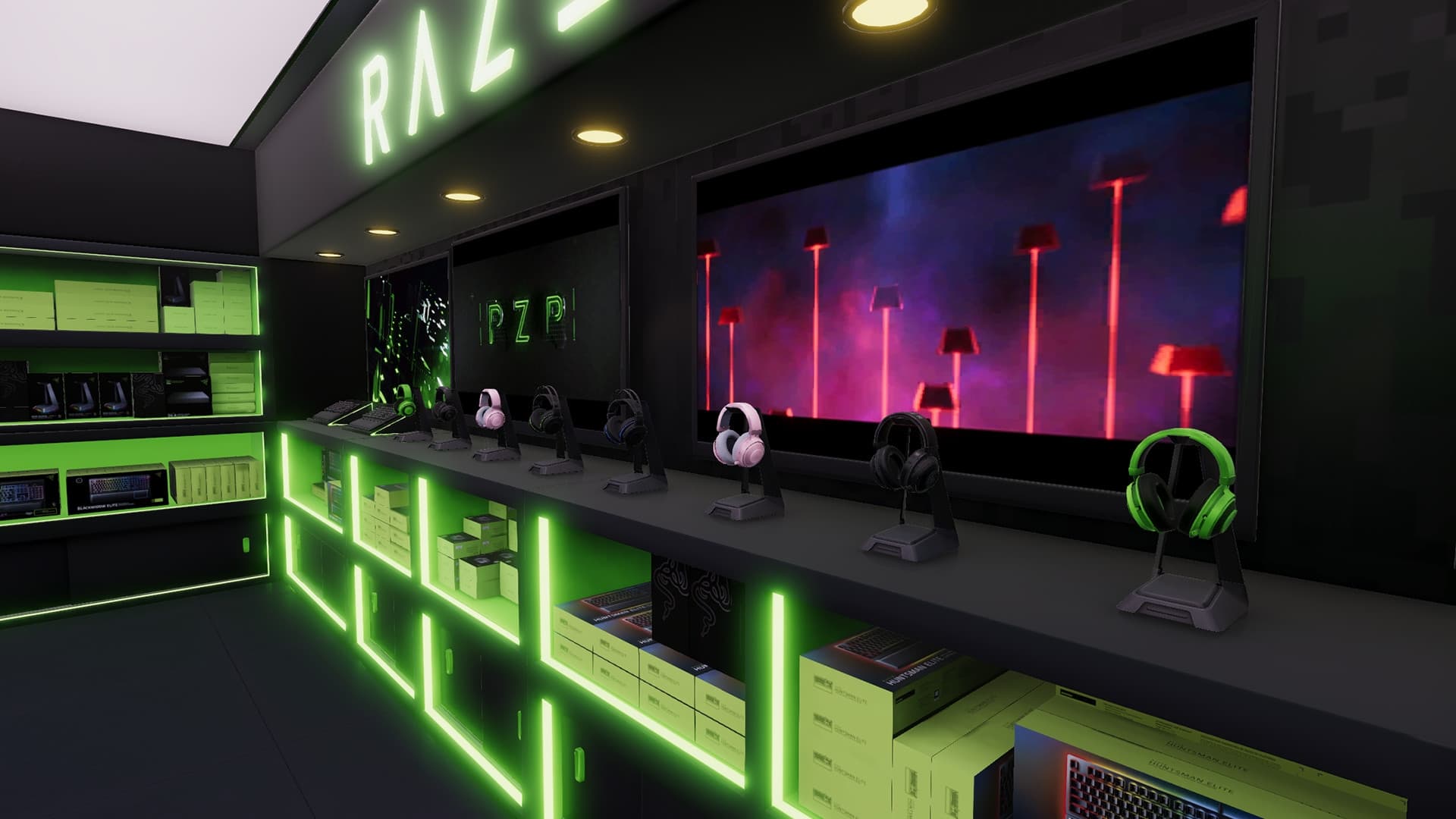
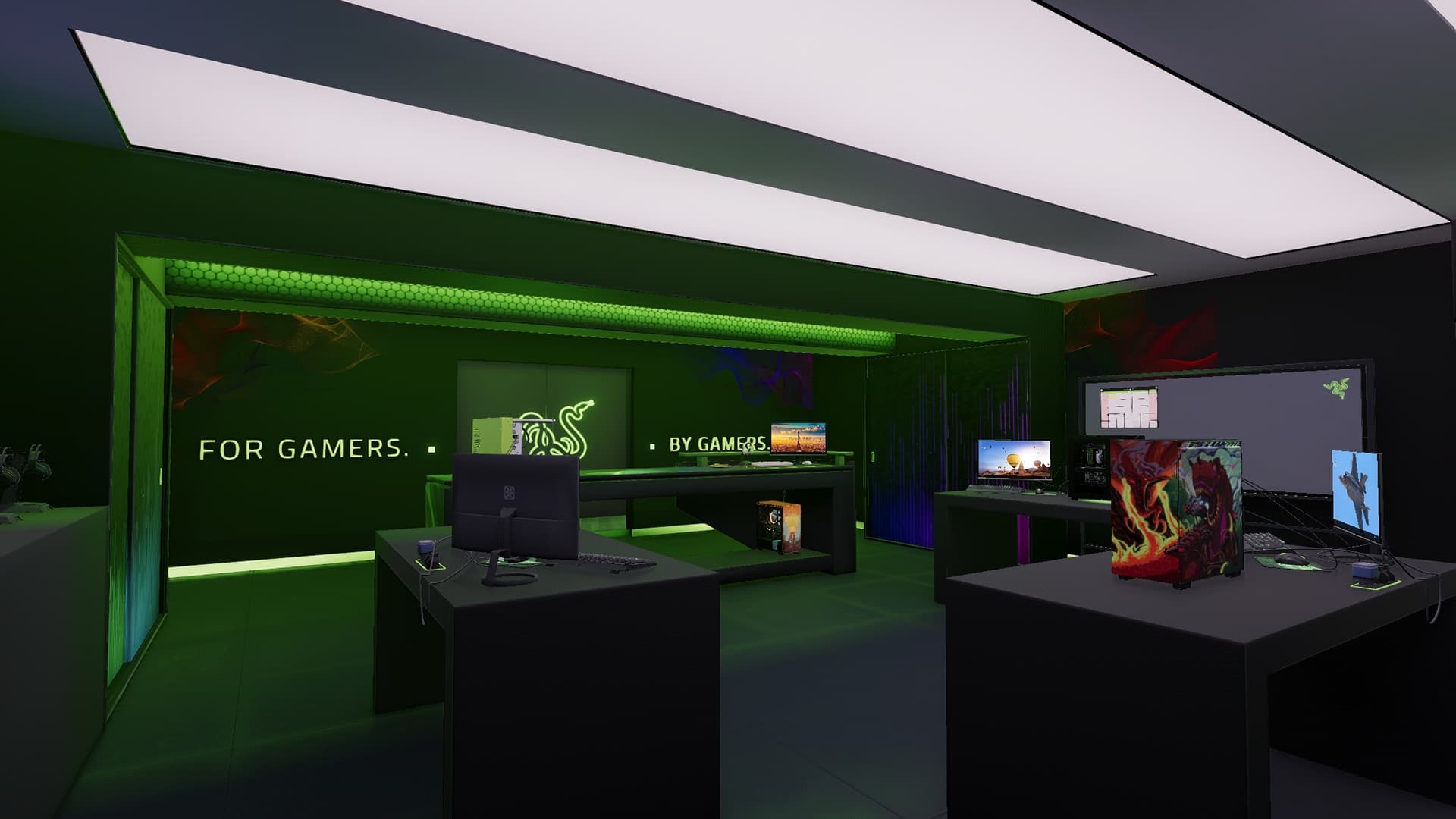
Designed in collaboration with Razer, this new workshop for PC Building Simulator is a great alternate workspace for any Razer fan.
Once purchased, players can use this workshop in both Career and Free Build modes of the game and switch between available workshops whenever they feel like a change of scenery.
System Requirements
Minimum
- OS
- Windows 7 or higher
- Processor
- Intel Core i5-2500K or AMD Athlon X4 740 (or equivalent)
- Memory
- 4 GB RAM
- Graphics
- GeForce GTX 660 (2048 MB) or Radeon R9 285 (2048 MB) - Integrated GPUs may work but are not supported.
- DirectX
- Version 9.0c
- Storage
- 100 MB available space
- Sound Card
- DirectX compatible
Recommended
You may also like
- Going Medieval - Early Access

- PC Building Simulator
- PC Building Simulator - EVGA Workshop
- PC Building Simulator - AORUS Workshop
- PC Building Simulator - Esports Expansion
- PC Building Simulator: Overclocked Edition Content
- PC Building Simulator - NZXT Workshop
- PC Building Simulator - Republic of Gamers Workshop