









How to activate
- Install Steam and sign in to your account (a free account is enough).
- In the top menu choose Games → Activate a Product on Steam…
- Enter your key exactly as shown in your order (with dashes) and confirm. The game appears in your library.
About
Design and build rockets that will take humanity to the stars!
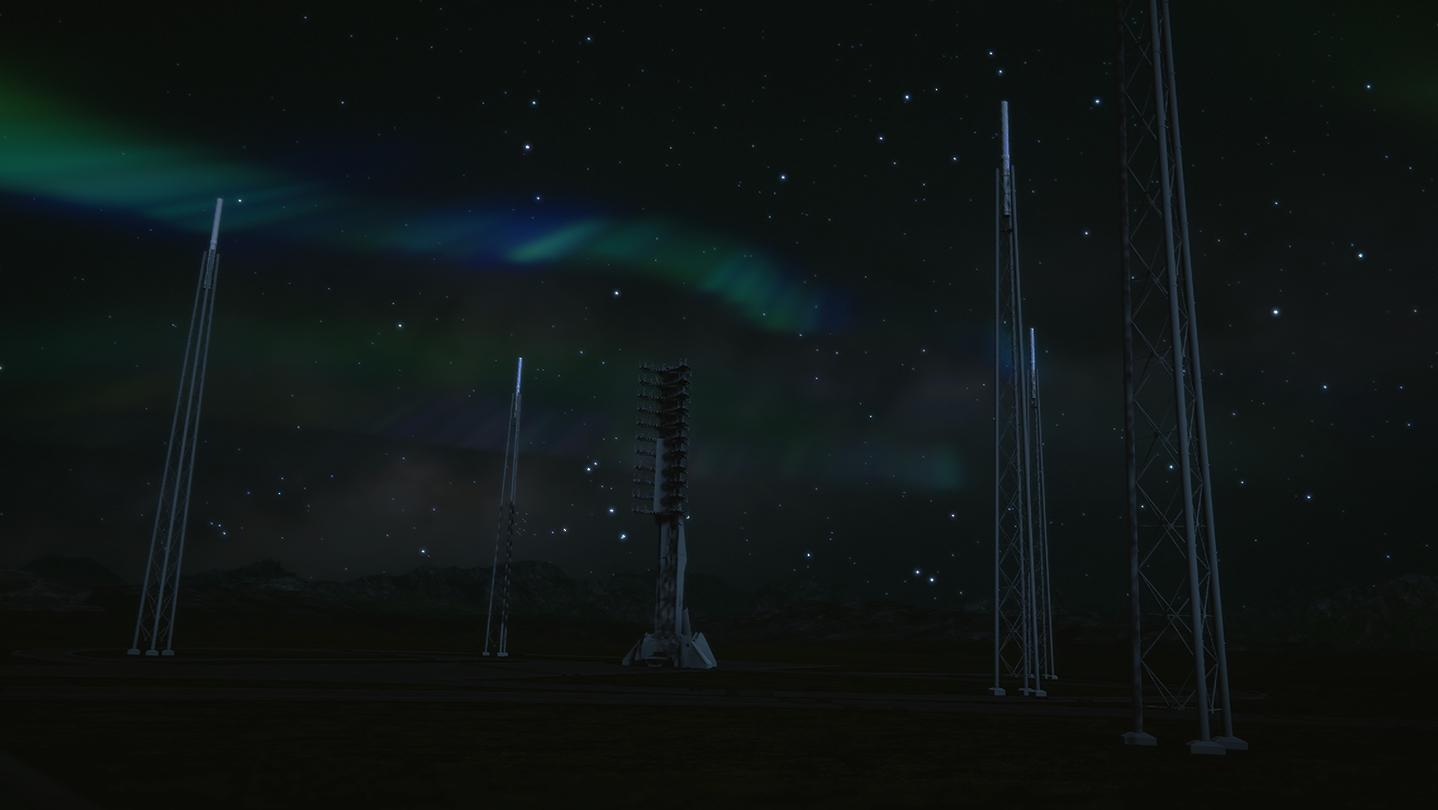
Space Company Simulator is the ultimate management game set in the space industry.
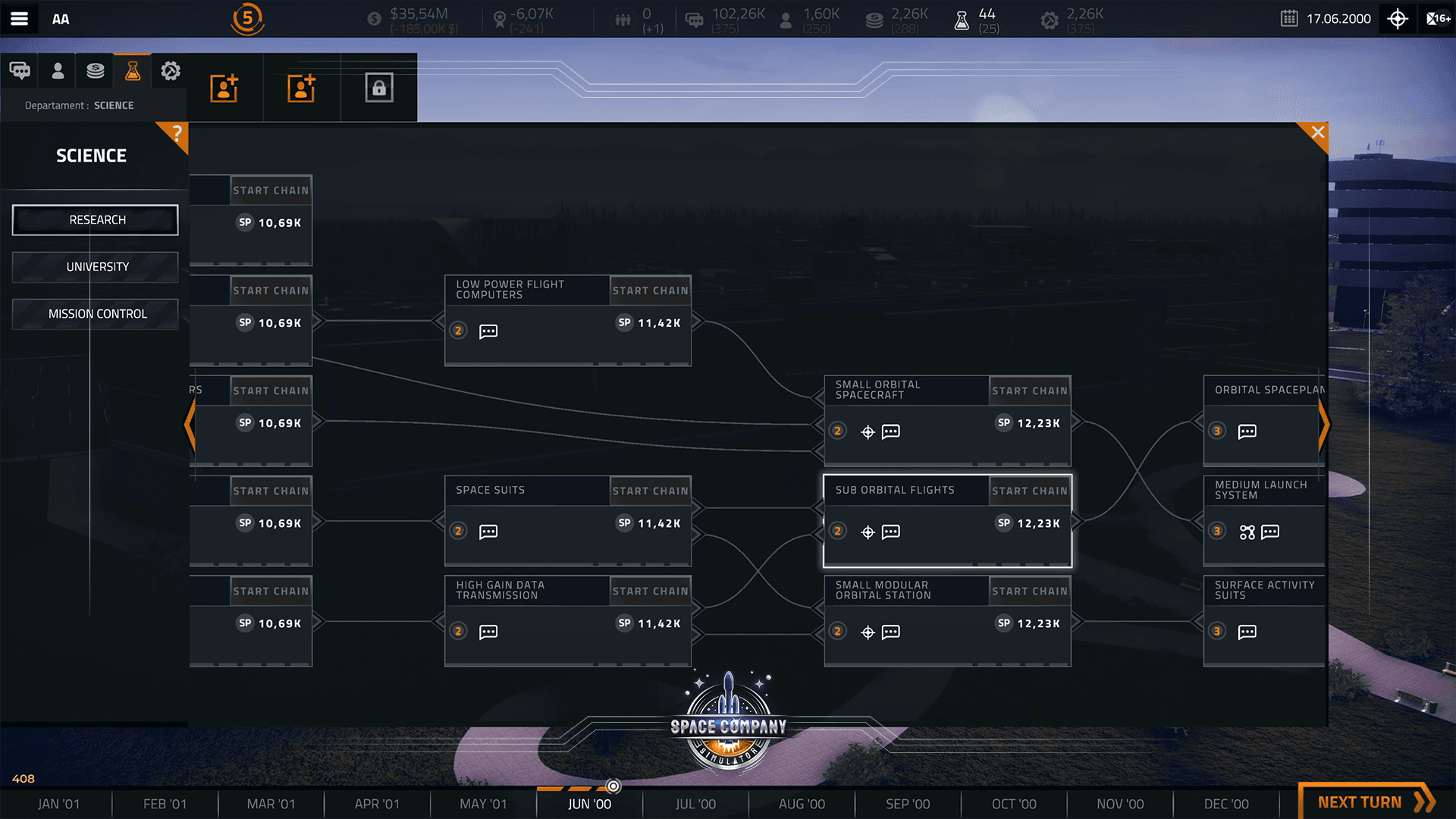
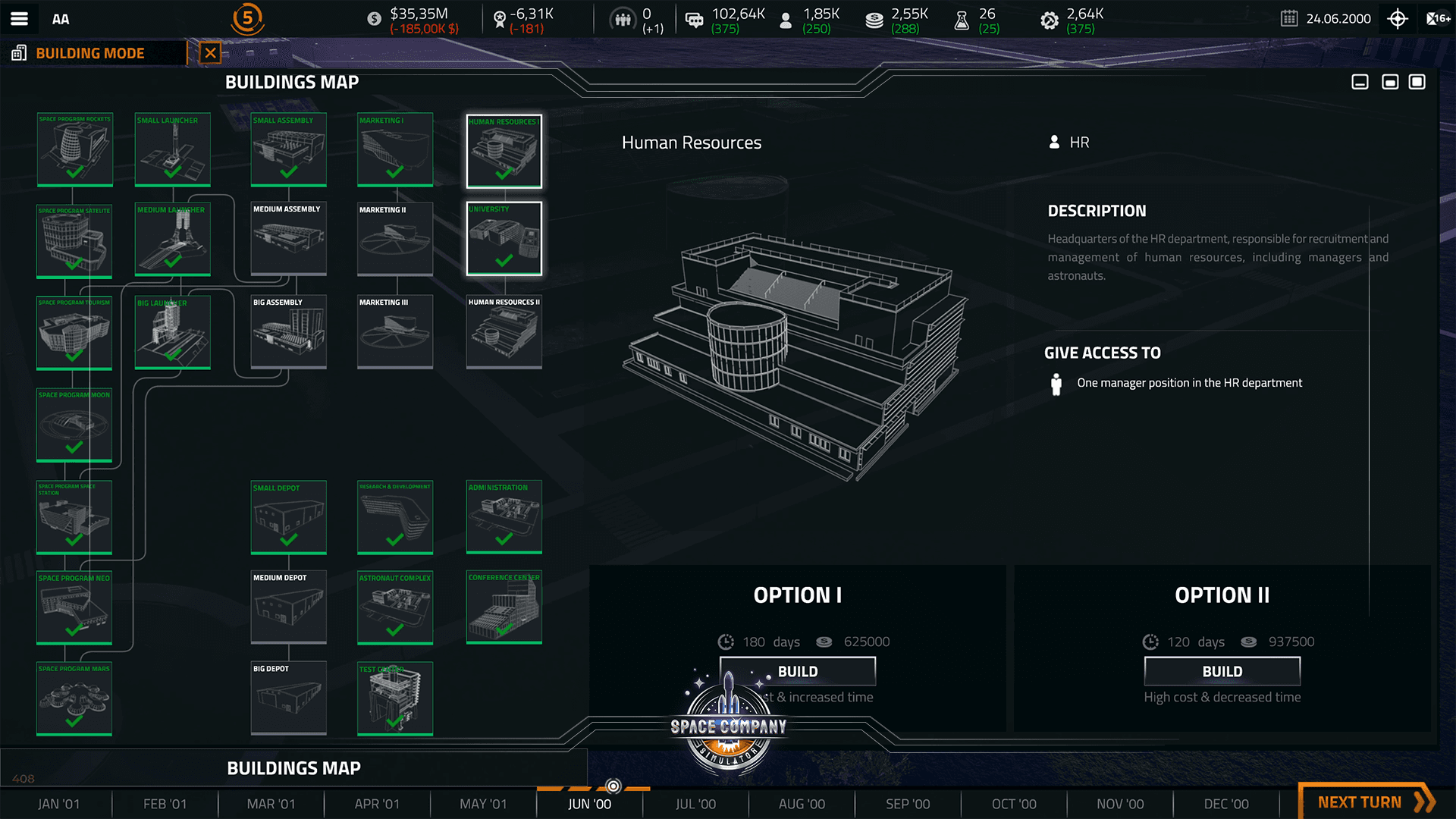
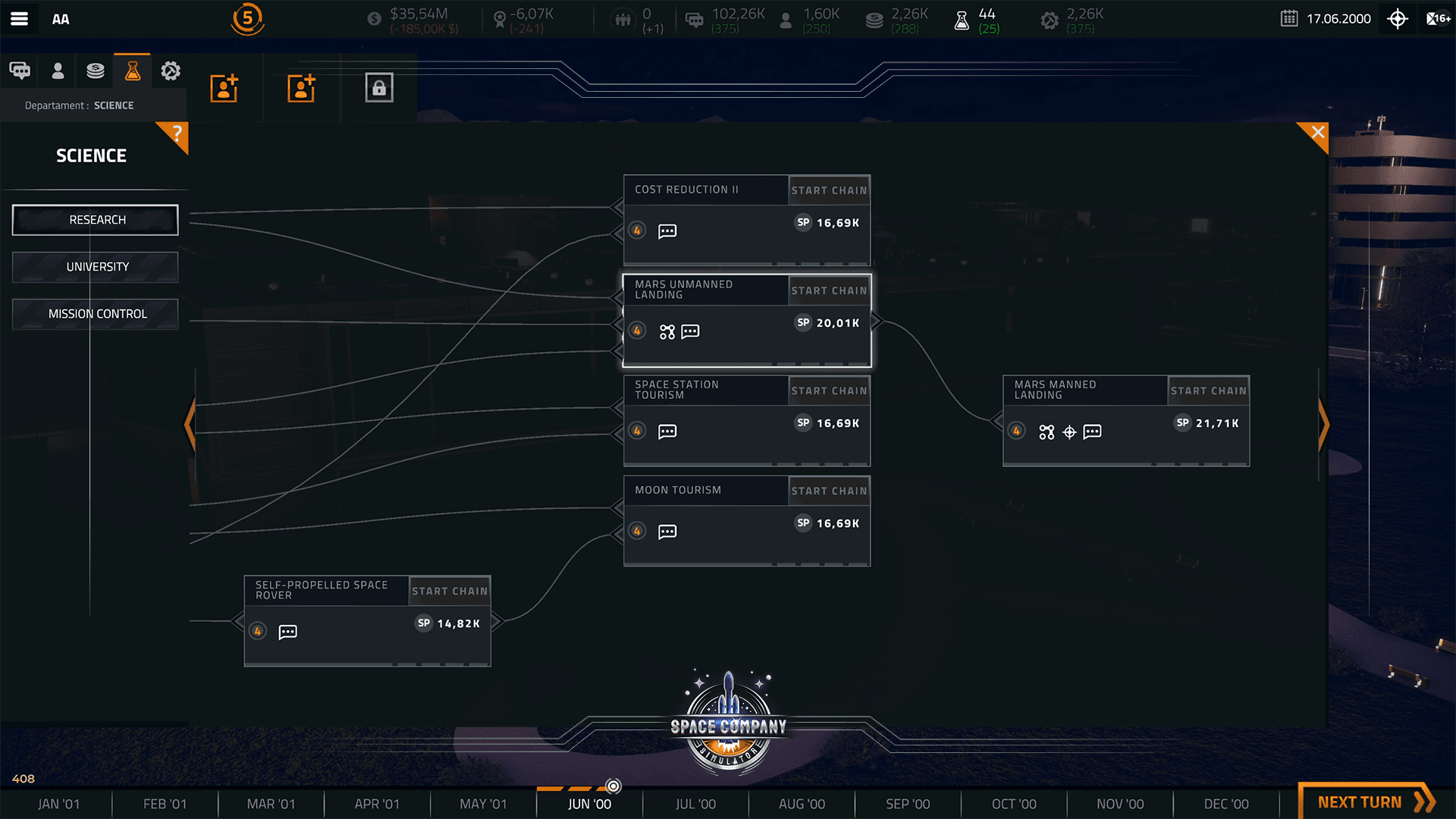
Take on the challenges of the space transport industry. Manage your company effectively to win the technological and financial race to the top. Launch rockets, satellites, spaceships and orbital stations while becoming a new major player in the space industry!
Space Company Simulator genuinely reflects the challenges of the space industry in a way that no other video game has done before.
System Requirements
Minimum
- OS
- 64-bit Windows 7
- Processor
- Intel CPU Core i5-9600K
- Memory
- 8GB
- Graphics
- Nvidia GPU GeForce GTX 1060
- DirectX Version
- N/A
- Storage
- 3 GB
- Sound Card
- Realtek
Recommended
- OS
- 64-bit Windows 8 (8.1)
- Processor
- Intel CPU Core i7
- Memory
- 16GB
- Graphics
- NVIDIA GPU GeForce GTX 1070
- DirectX Version
- N/A
- Storage
- 3 GB
- Sound Card
- Realtek ALC887
Legal information
© 2019 All trademarks, copyrights and logos are property of their respective owners