SOFTFLIX
Train Simulator: Fife Circle Line: Edinburgh – Dunfermline Route Add-On – 커버

Train Simulator: Fife Circle Line: Edinburgh – Dunfermline Route Add-On

  • Steam
  • Simulator

주요 정보

  • 플랫폼Steam
  • 제품디지털 키
  • 출시일2020년 2월 7일
  • 장르Simulator
  • 개발자Dovetail Games
  • 퍼블리셔Dovetail
  • 언어1

활성화 방법

  1. Steam을(를) 설치하고 계정에 로그인하세요(무료 계정이면 충분합니다).
  2. 상단 메뉴에서 „게임” → „Steam에서 제품 활성화…”를 선택하세요.
  3. 주문에 표시된 그대로(하이픈 포함) 키를 입력하고 확인하세요. 게임이 라이브러리에 추가됩니다.

Steam 공식 활성화 안내

게임 정보

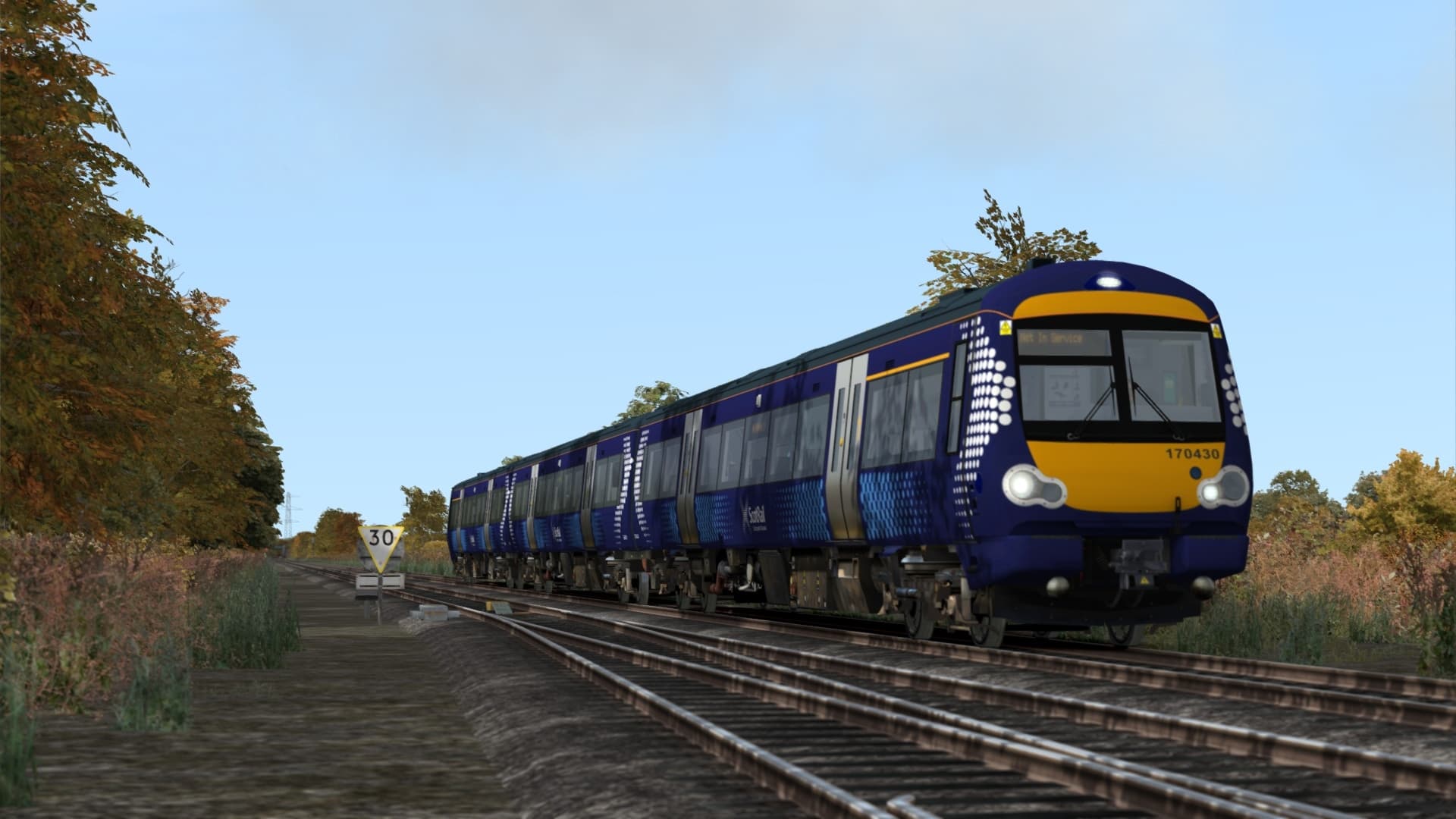
Explore stunning Firth of Forth and south Fife territory with the always-busy Fife Circle Line for Train Simulator!

The Fife Circle Line is formed of 2 principle routes, the Edinburgh - Aberdeen Line and the Loop Line, with connections at Inverkeithing and Kirkcaldy allowing for trains to run point-to-point services both starting and terminating at Edinburgh. Services on the route used to be 2 separate local services, but they were joined together after a link at Dunfermline was reopened in 1989.

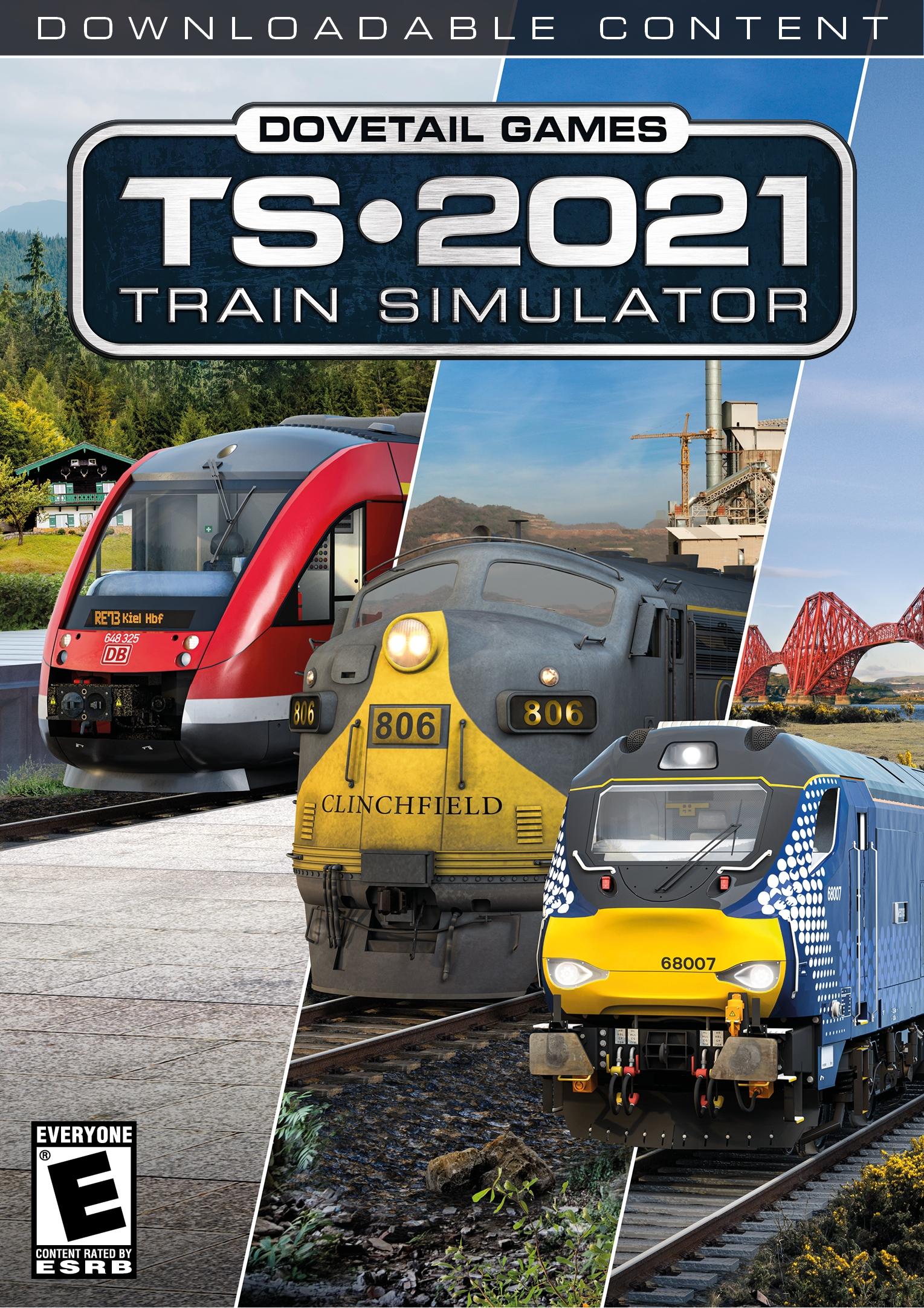
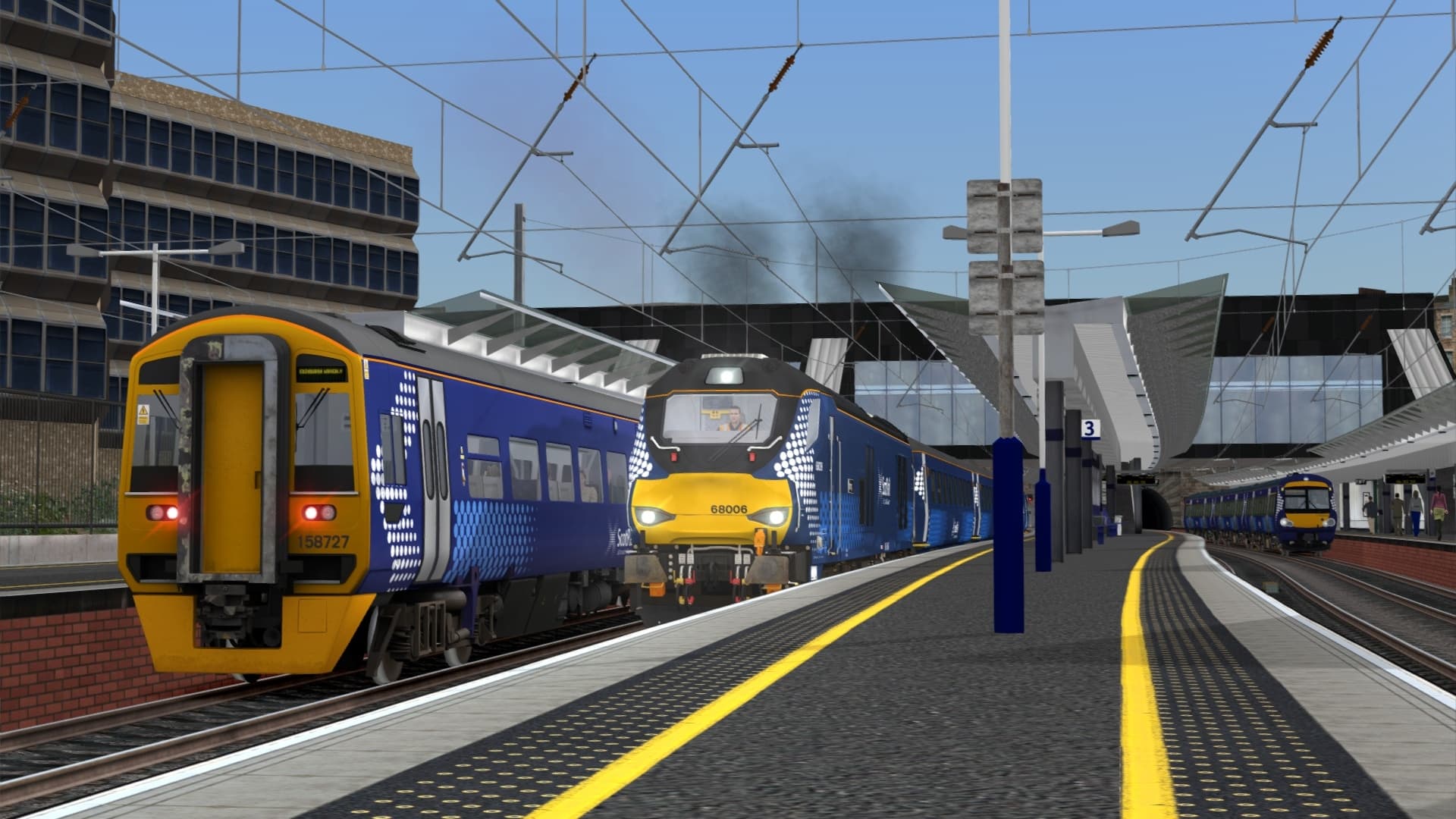
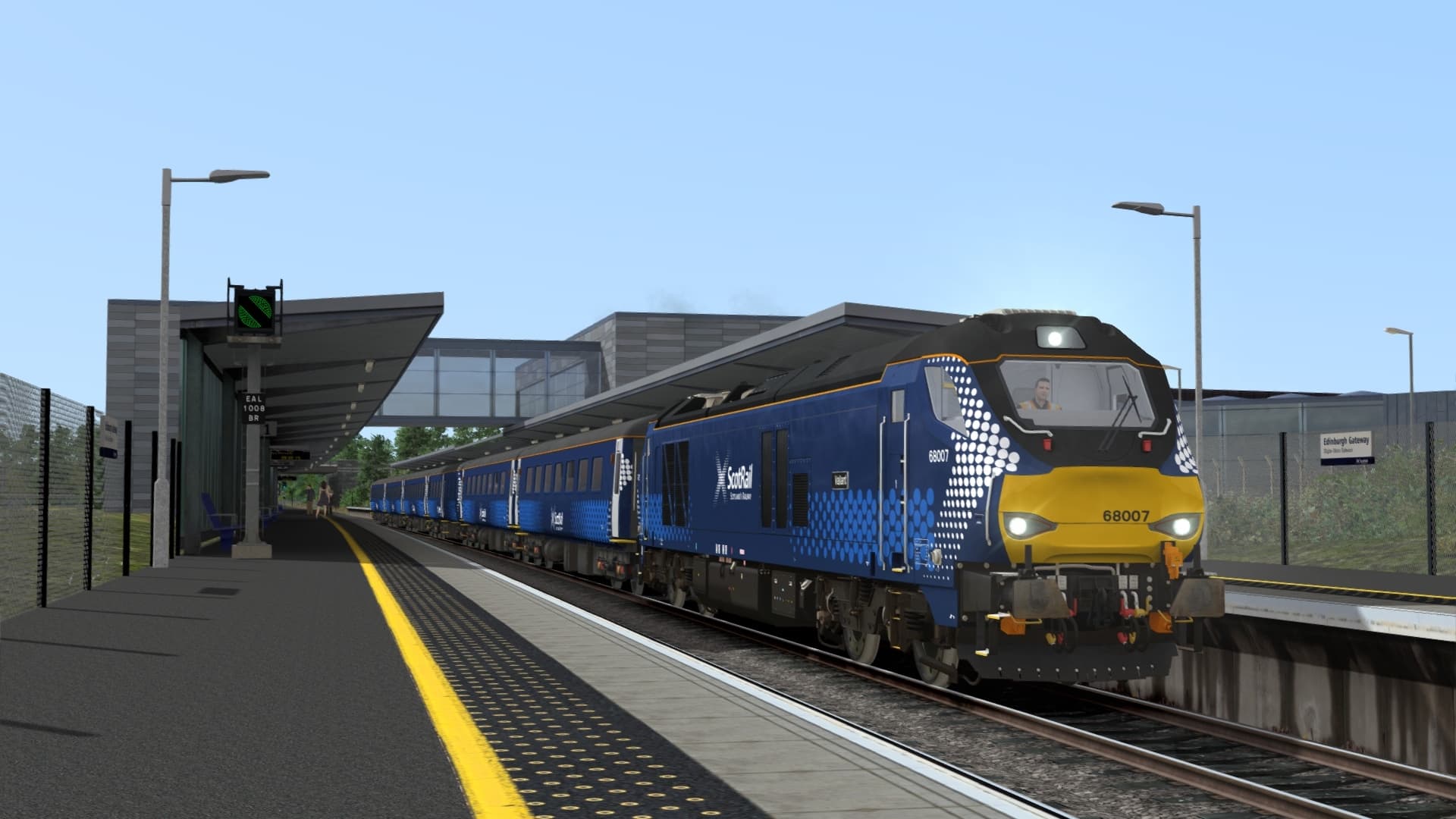
With the completion of the circle, enhancements to the line soon followed. New stations were built to give communities back their rail services and to increase connectivity to Edinburgh Airport, and in more recent years, ScotRail boosted capacity in the peak hours with the introduction of loco-hauled trains, powered by the modern BR Class 68s.

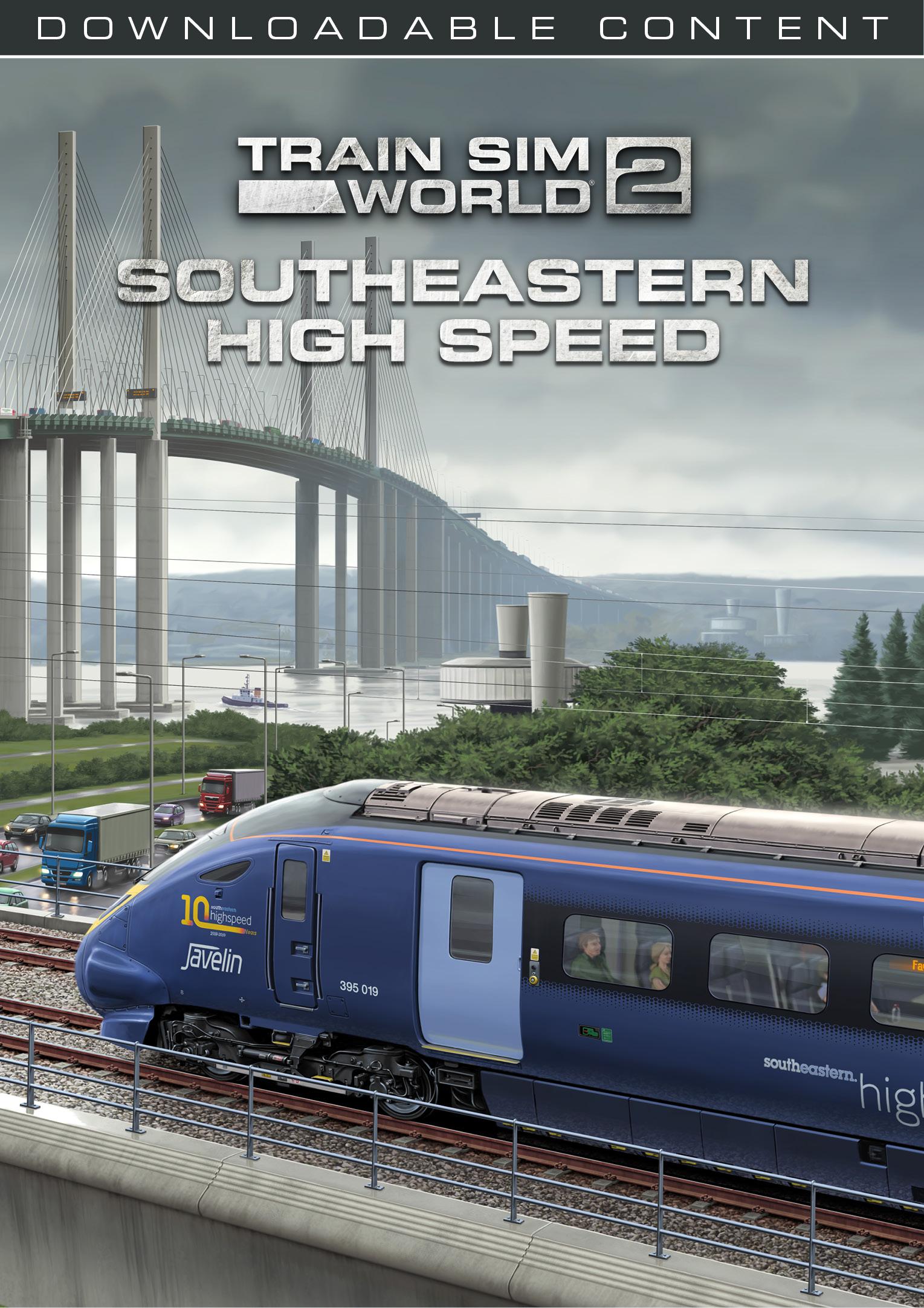
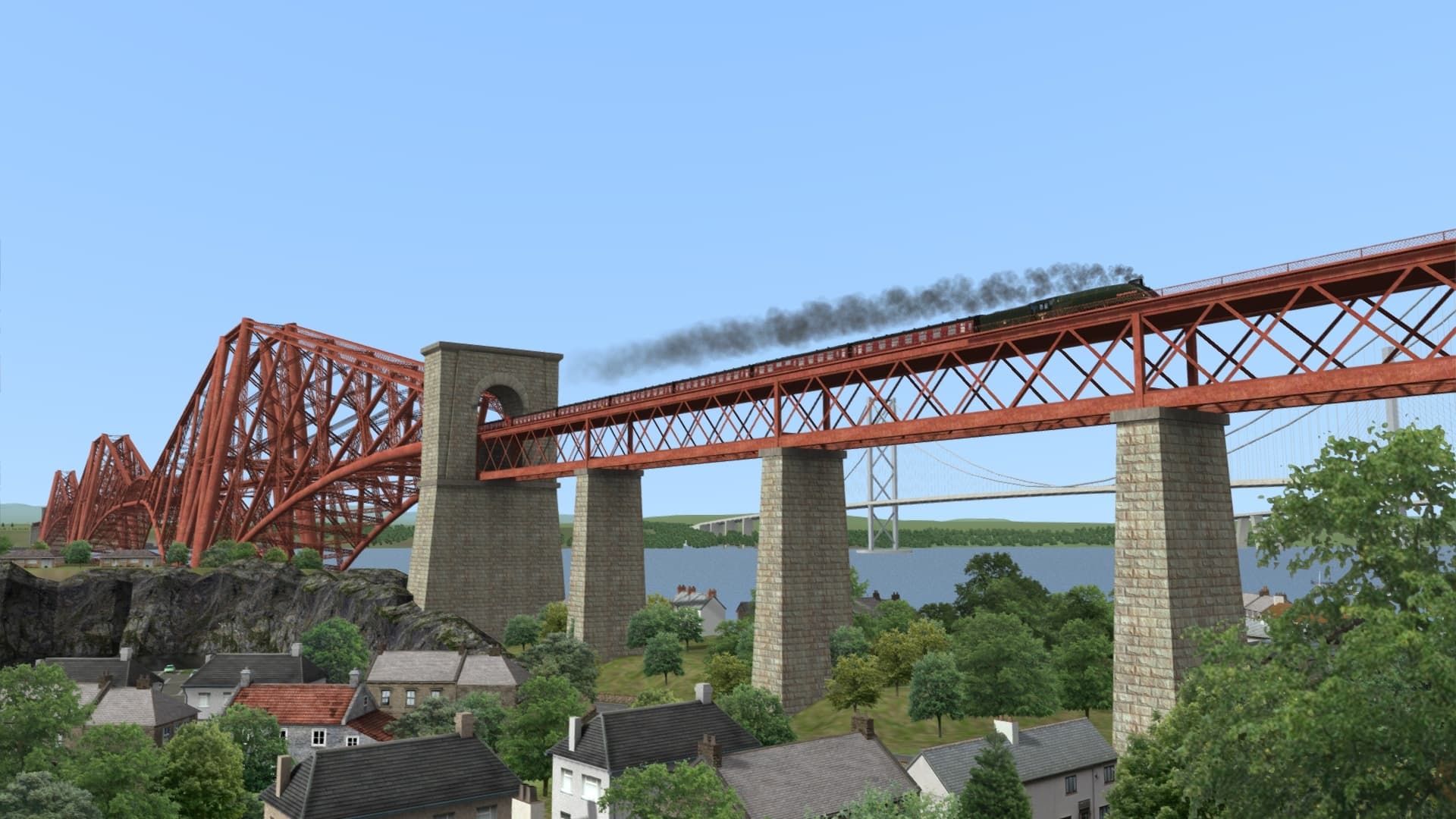
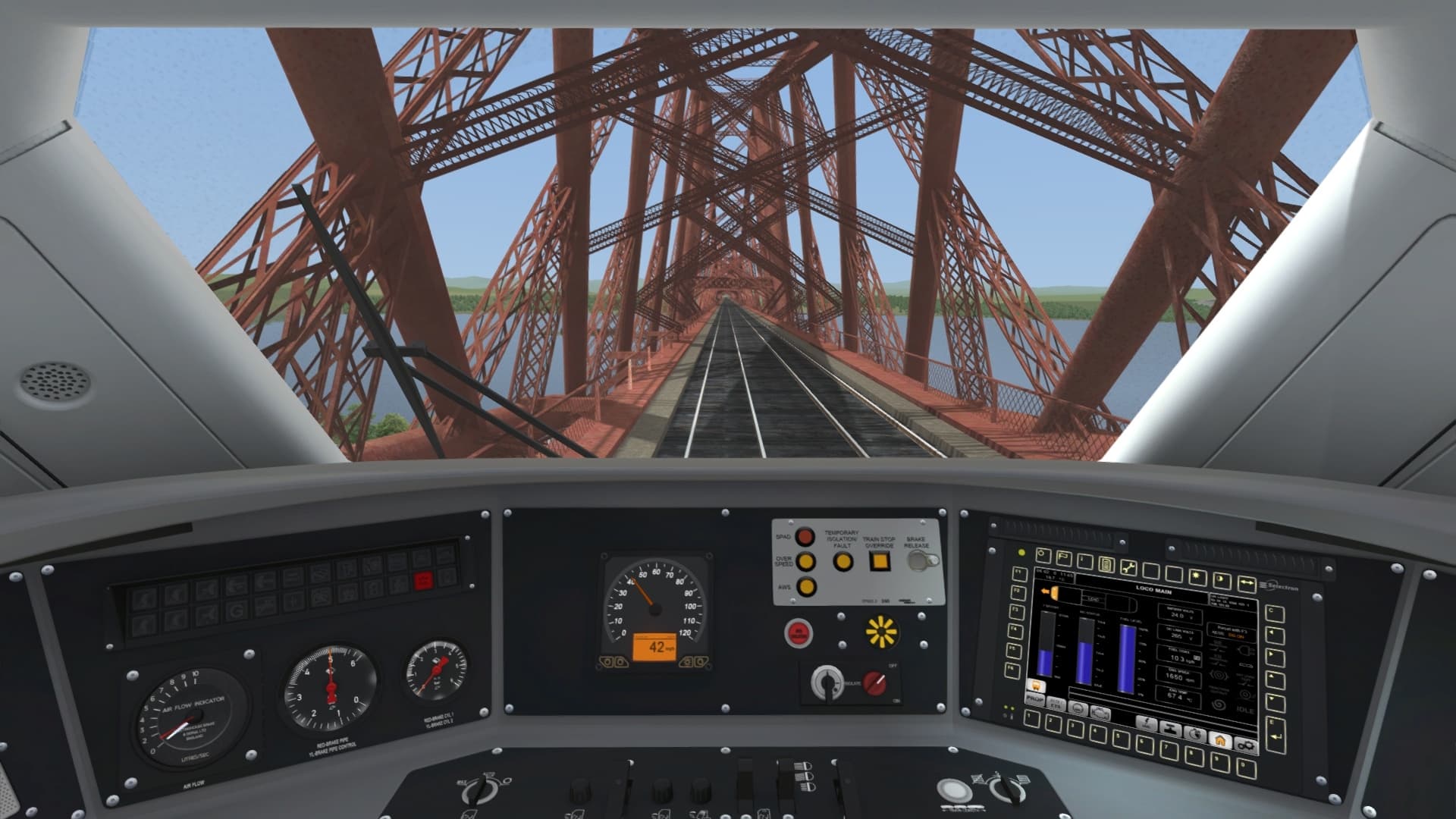
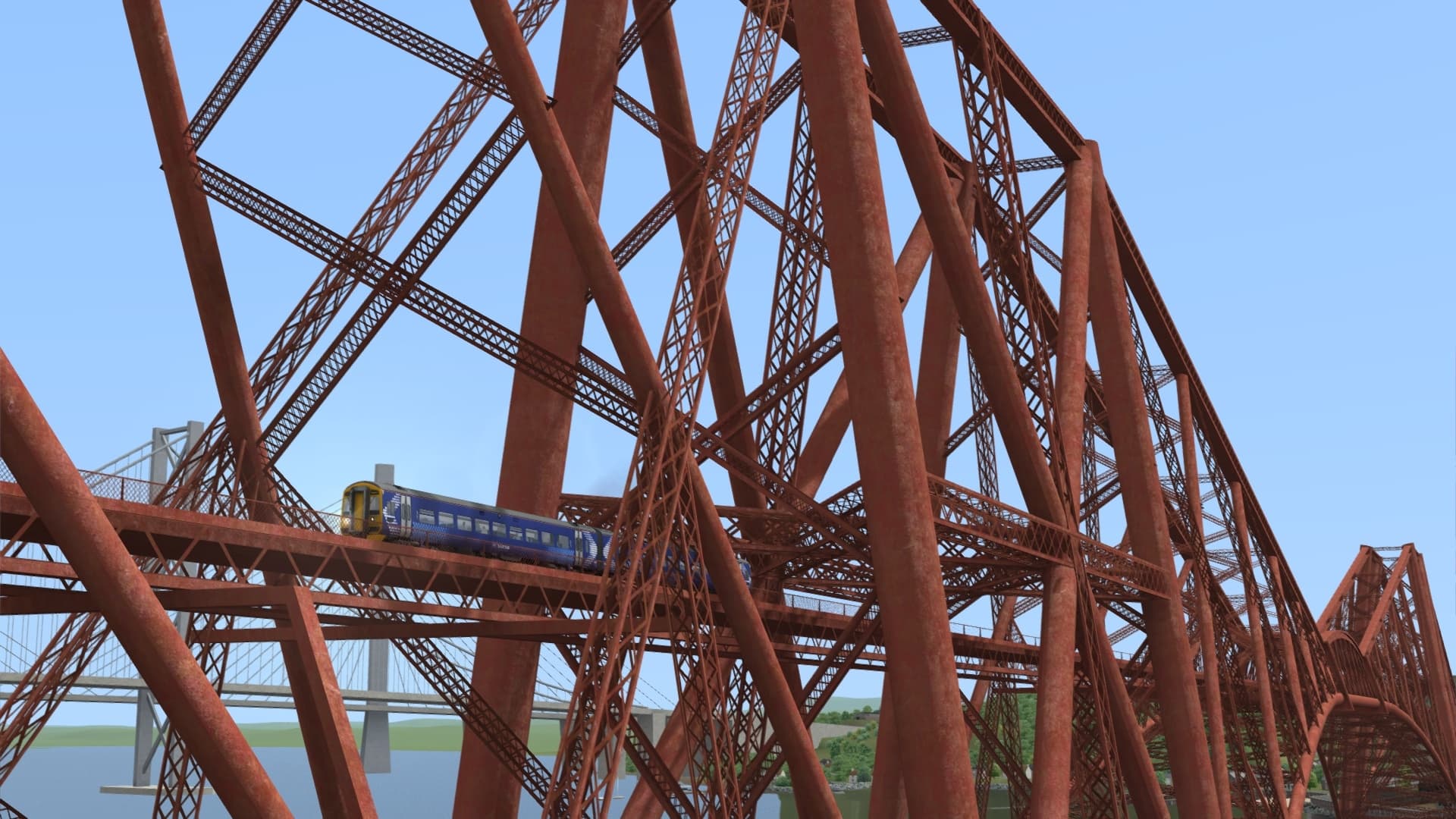
The highlight of any Fife Circle train is the opportunity to cross the striking and instantly recognisable Forth Rail Bridge, which spans 1.5 miles and carries the railway high over the Firth of Forth. Such iconic experiences twinned with ever-bustling Scottish rail operations - the perfect blend that you can explore in Train Simulator!

Included Scenarios

A selection of engaging Career and Railfan Mode scenarios are included:

[68] 1. Circle Service (Part 1)

[68] 2. Circle Service (Part 2)

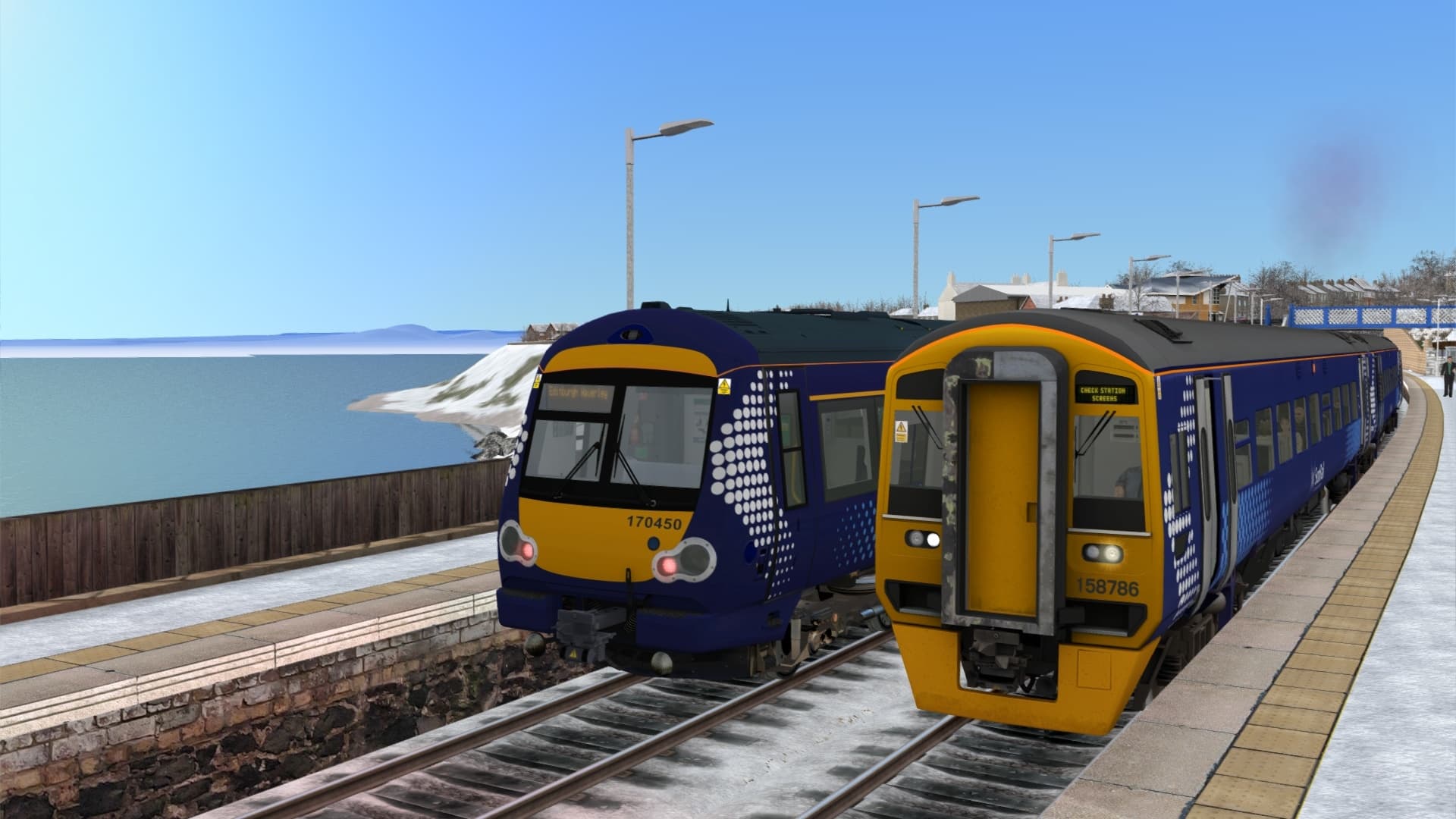
[170] 3. Express to Kirkcaldy

[170] 4. Southbound Fast

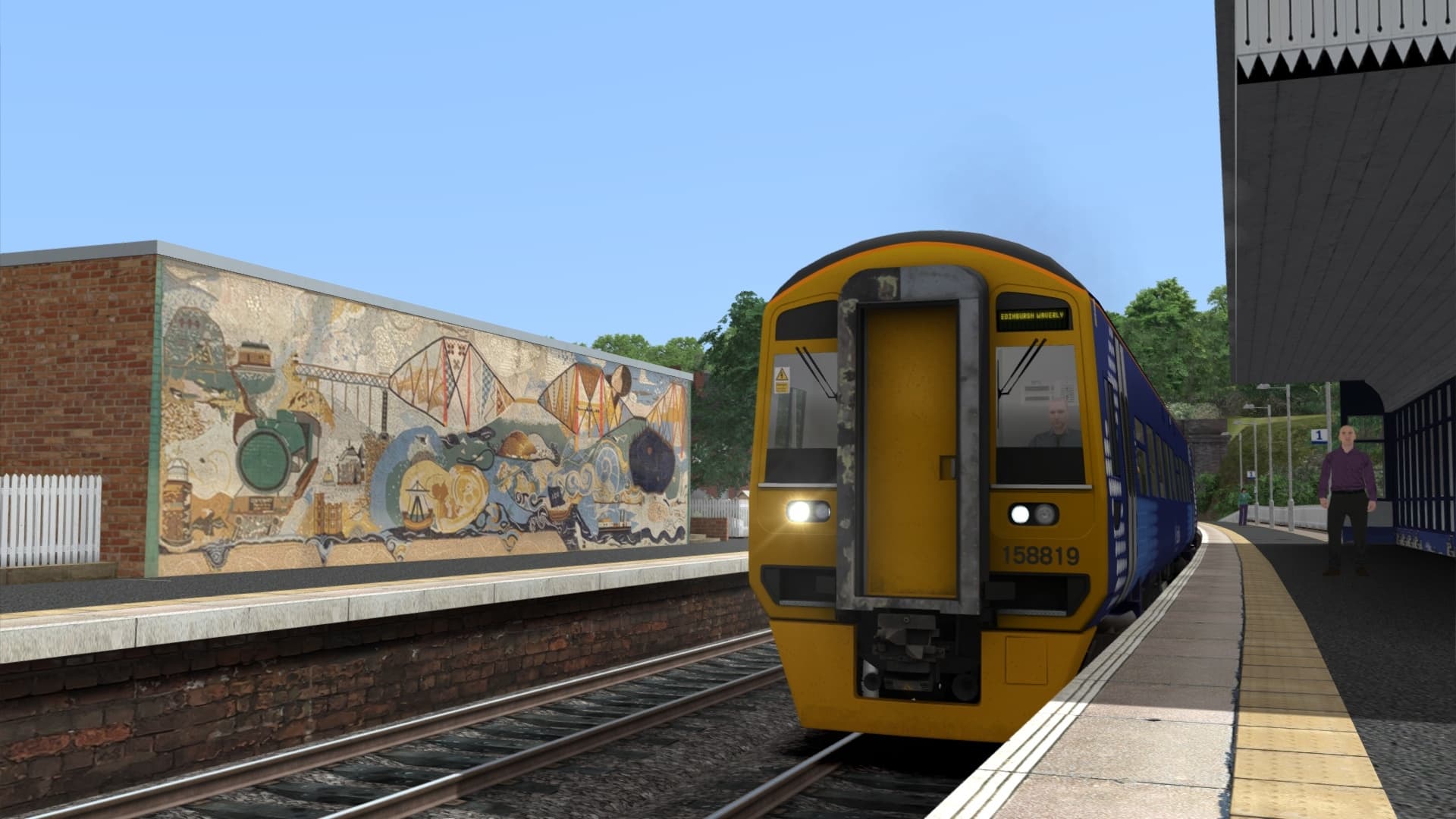
[158] 5. Short Autumn Run (Part 1)

[158] 6. Short Autumn Run (Part 2)

[158] 7. Short Autumn Run (Part 3)

[A4] 8. Scottish Speed

[Railfan Mode] Edinburgh Haymarket

[Railfan Mode] Dalmeny

More scenarios are available on the Steam Workshop online and in-game. Train Simulator’s Steam Workshop scenarios are free and easy to download, adding many more hours of exciting gameplay. With scenarios being added daily, why don’t you check it out now!

시스템 요구 사항

최저한의
운영체제
32-bit Windows 7 Service Pack 1, Windows 8 / 8.1 or Windows 10
프로세서
Intel Core-i3 4330 @ 3.5 GHz Dual Core or AMD A8 6600K @ 3.9 GHz Quad Core
메모리
4 GB RAM
그래픽
NVIDIA GeForce GTX 750 Ti or AMD Radeon R9 270 with 1 GB VRAM or more
DirectX
Version 9c
네트워크
Broadband Internet connection
저장공간
40 GB available space
사운드카드
DirectX Compatible
추가 사항
Requires mouse and keyboard or Xbox Controller
추천
운영체제
32- or 64-bit Windows 7 Service Pack 1, 8.1 or 10 Required (Other OS versions and types are not supported)
프로세서
Intel Core-i5 4690 3.50 GHz Quad Core or AMD Ryzen 7 1700 3.80 GHz Quad Core or Better
메모리
4 GB RAM (maximum possible under 32-bit Windows)/16 GB or Better (For 64-bit Windows)
그래픽
NVIDIA GeForce GTX 970 or AMD Radeon RX 480 with 4 GB Dedicated VRAM or Better
DirectX
9.0c
네트워크
Broadband Connection (May incur additional costs for use)
저장공간
High Performance SSD Recommended with 40 GB or more available space (Additional Add-Ons will require more)
사운드카드
DirectX Compatible Audio Device
추가 사항
Requires mouse and keyboard or Xbox Controller
법적 정보

©2020 Dovetail Games (“DTG”), a trading name of RailSimulator.com Limited. "Dovetail Games", “RailSimulator.com” and the “Dovetail Games Train Simulator” logo are trademarks or registered trademarks of DTG. Produced under license from SCMG Enterprises Ltd. All other copyrights or trademarks are the property of their respective owners. All rights reserved.

개인 정보 정책